AI Models for Fashion Brands and Online Sellers
Choose your shop or your product. Each page shows real results made from plain phone photos, the steps to get them, and the generator to try on your own piece.
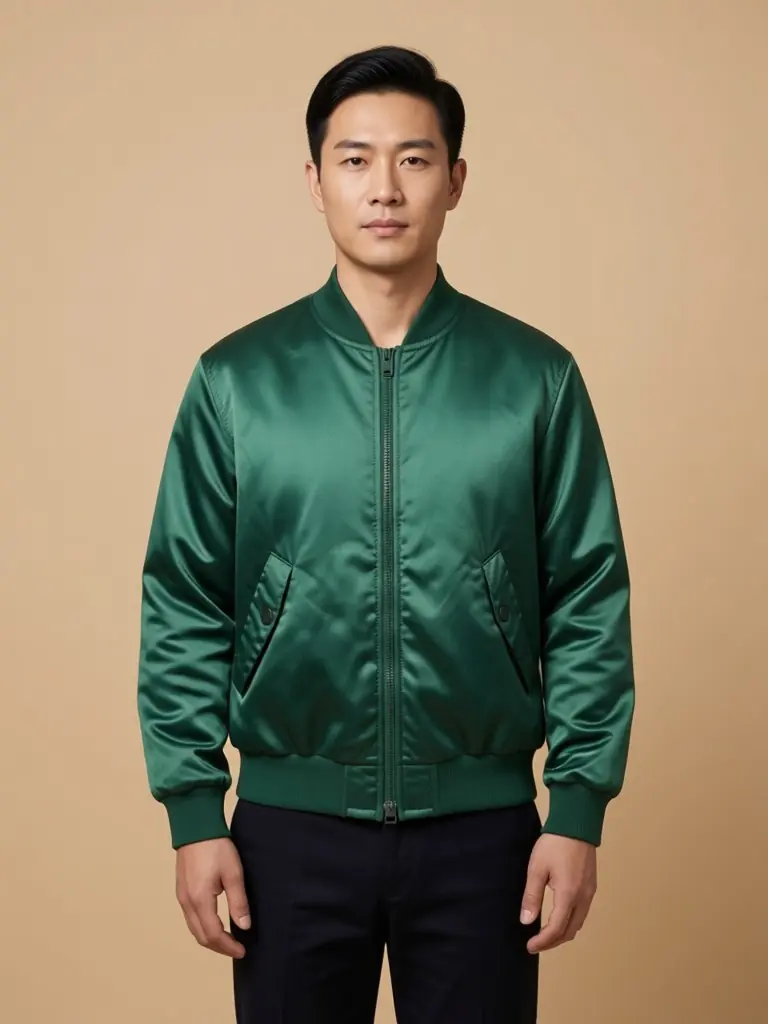 Clothing brandsLookbook, campaign and product page shots for a new collection.
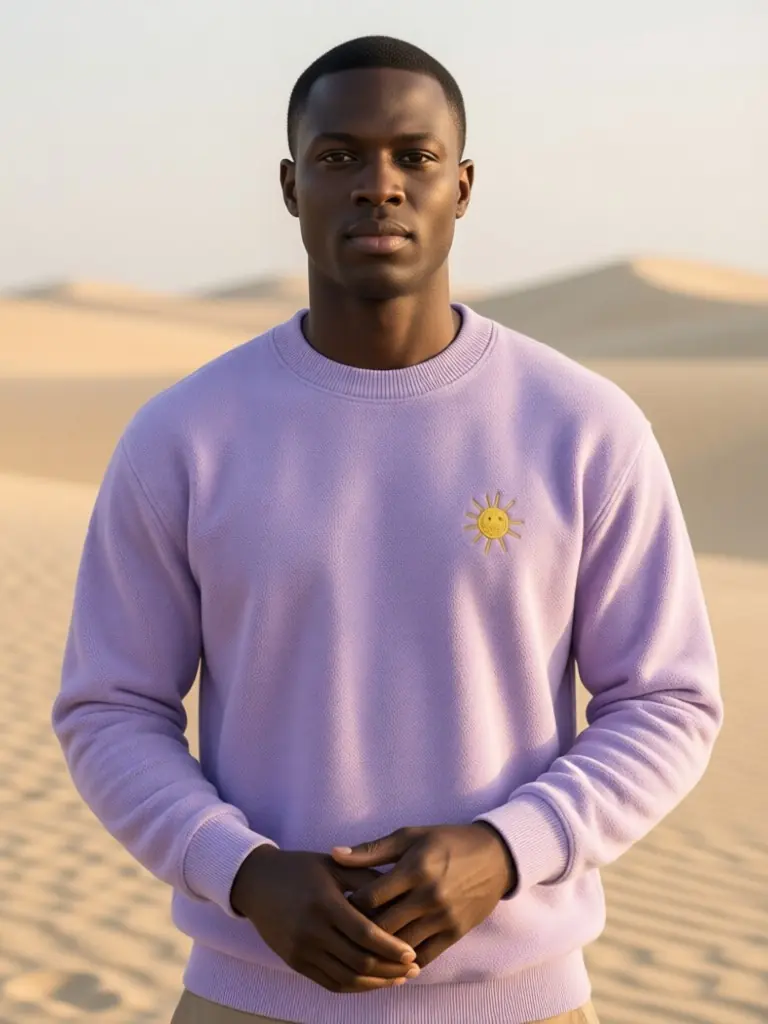 Shopify storesMatching product page, collection, banner and ad photos.
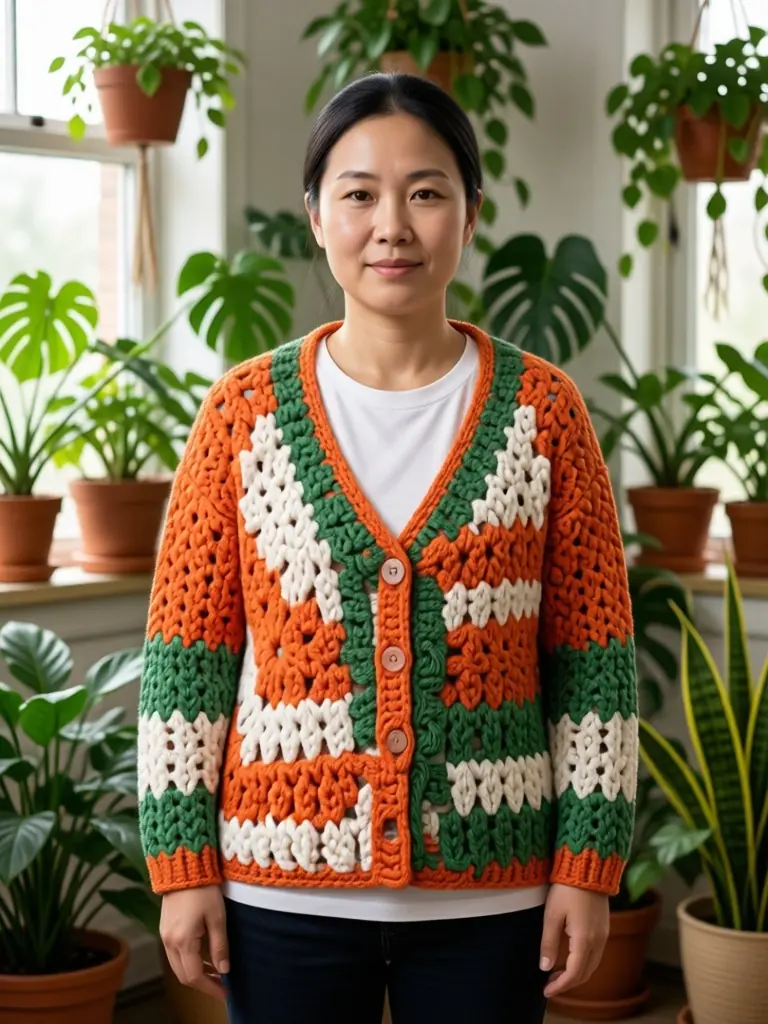 Etsy sellersHandmade knits, hats and earrings shown worn and packaged.
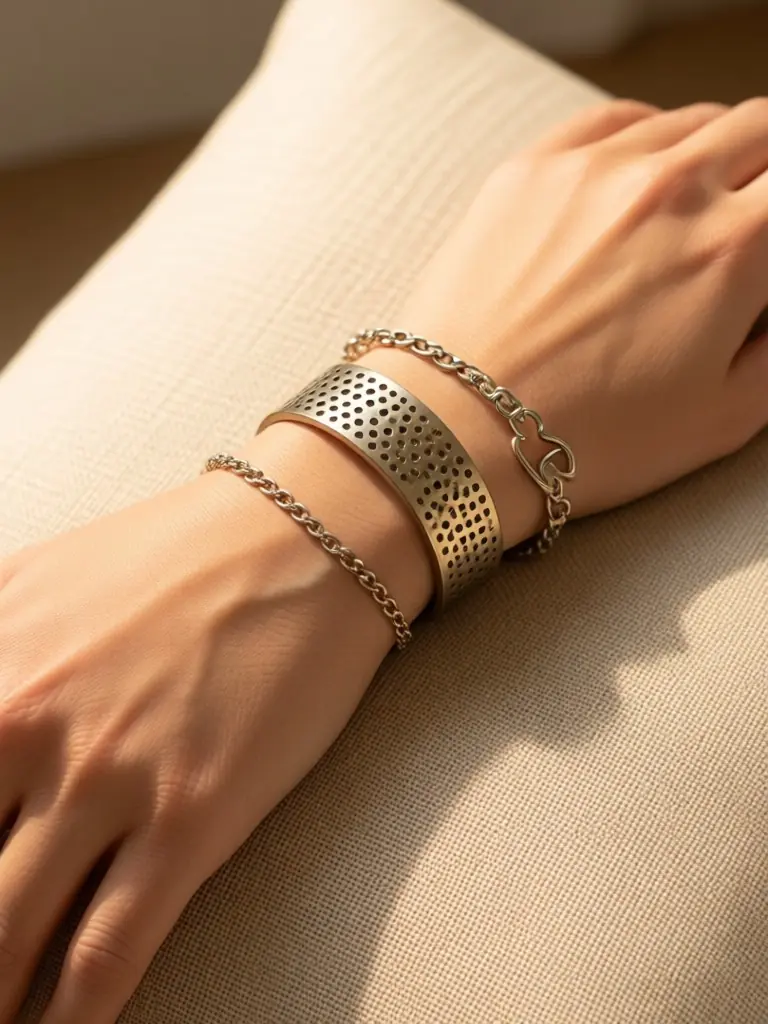 Jewelry brandsRings, necklaces, cuffs and earrings worn in close-up.
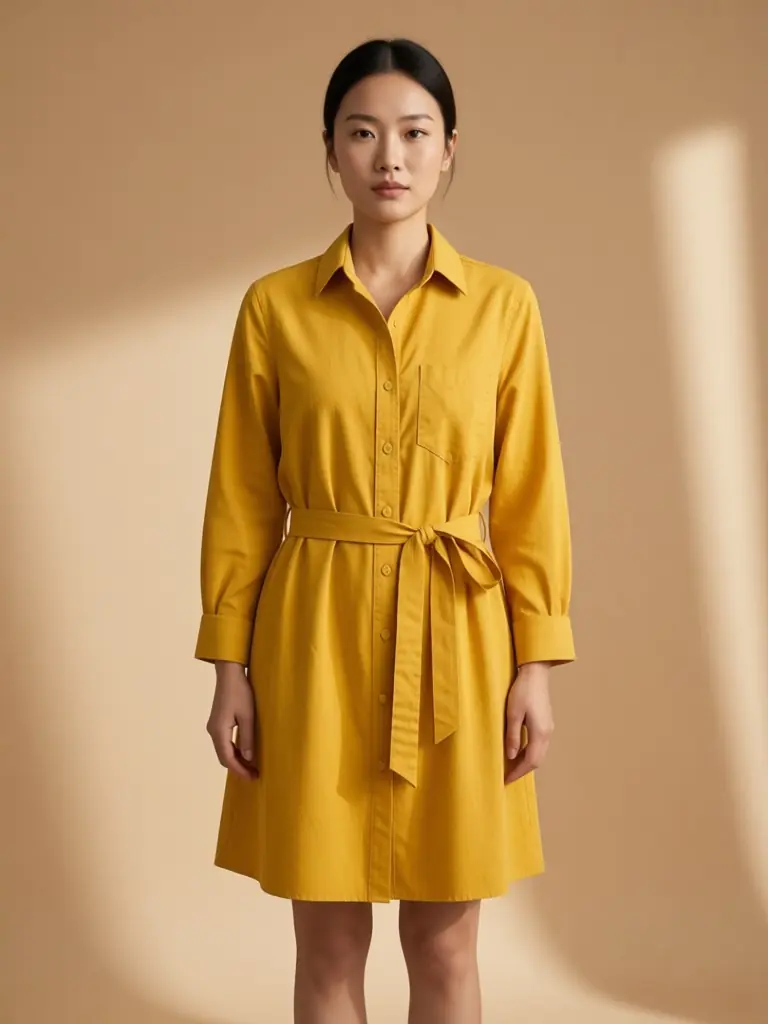 DressesFull-length studio, street, picnic and evening shots.
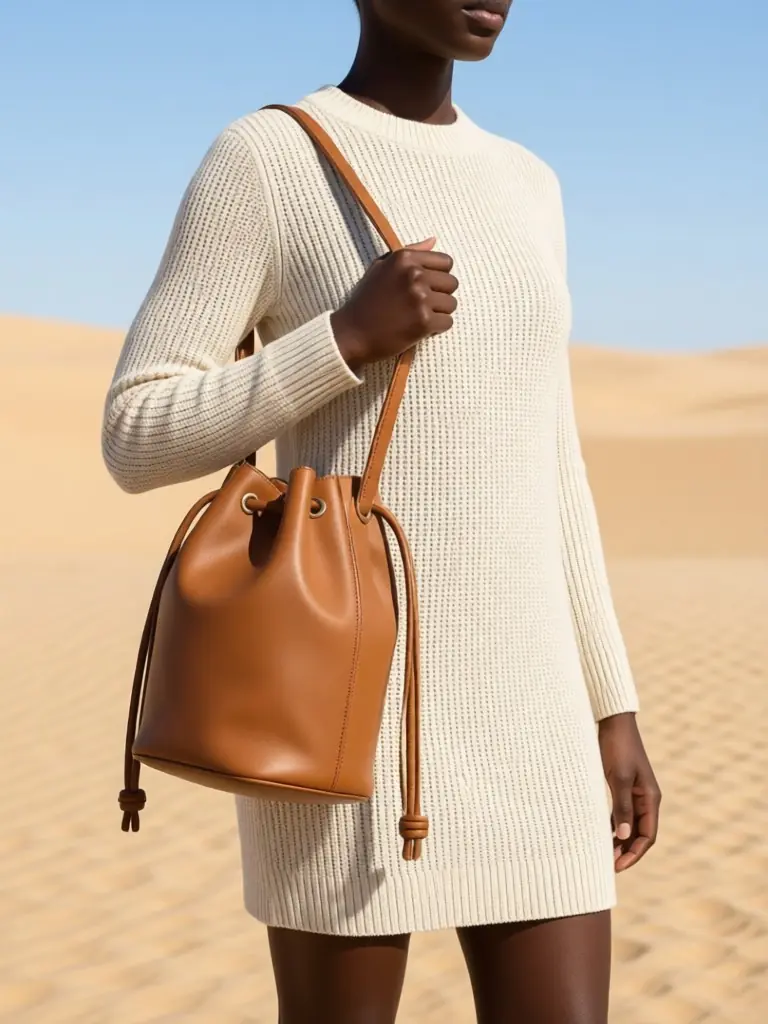 HandbagsBags carried on the shoulder, in hand and styled flat.
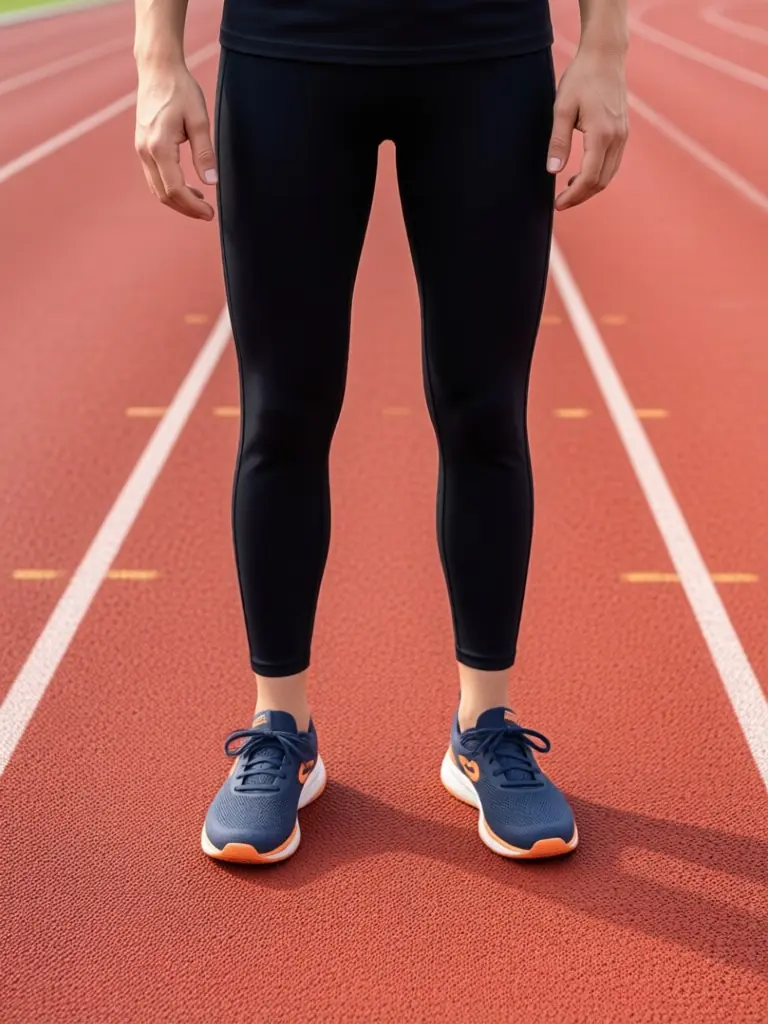 ShoesOn-feet close-ups and full-body outfit shots.
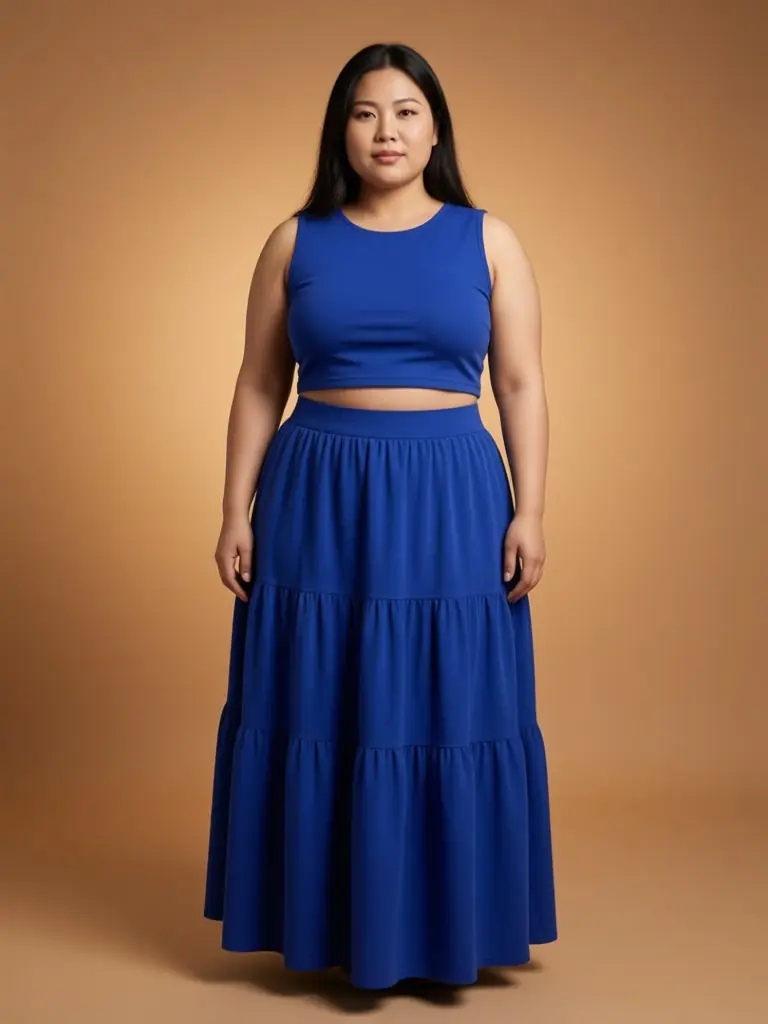 Plus sizeCurvy women and big and tall men in your clothes.
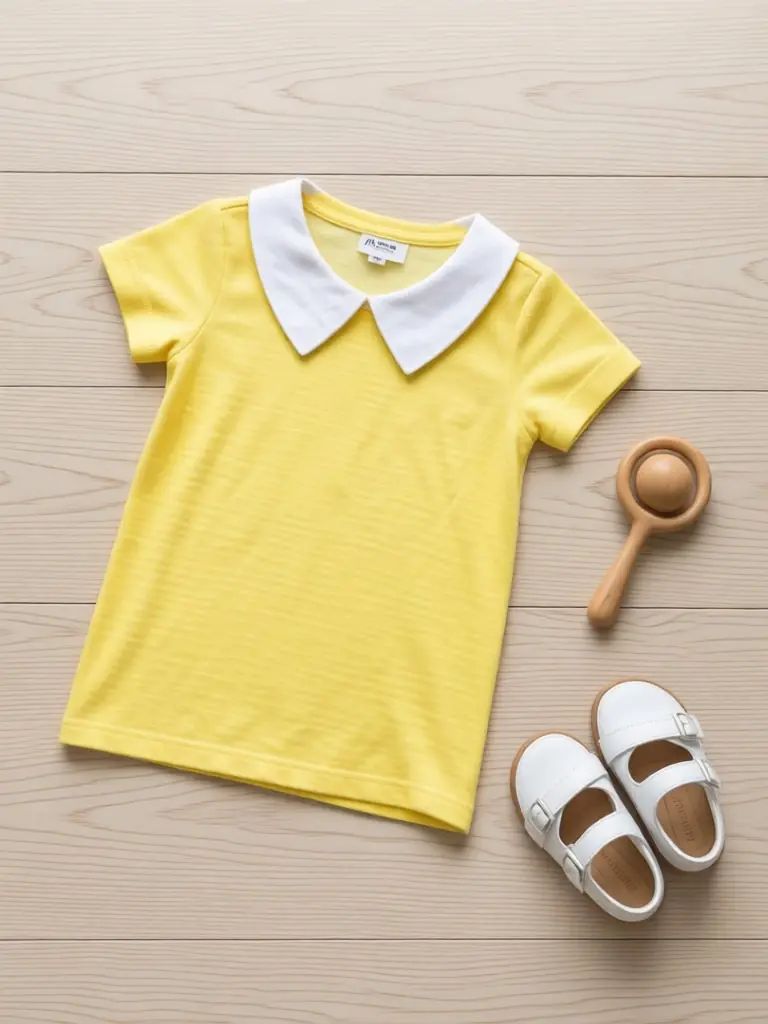 Baby clothesFlat lays, hanger and gift shots, no baby on set.
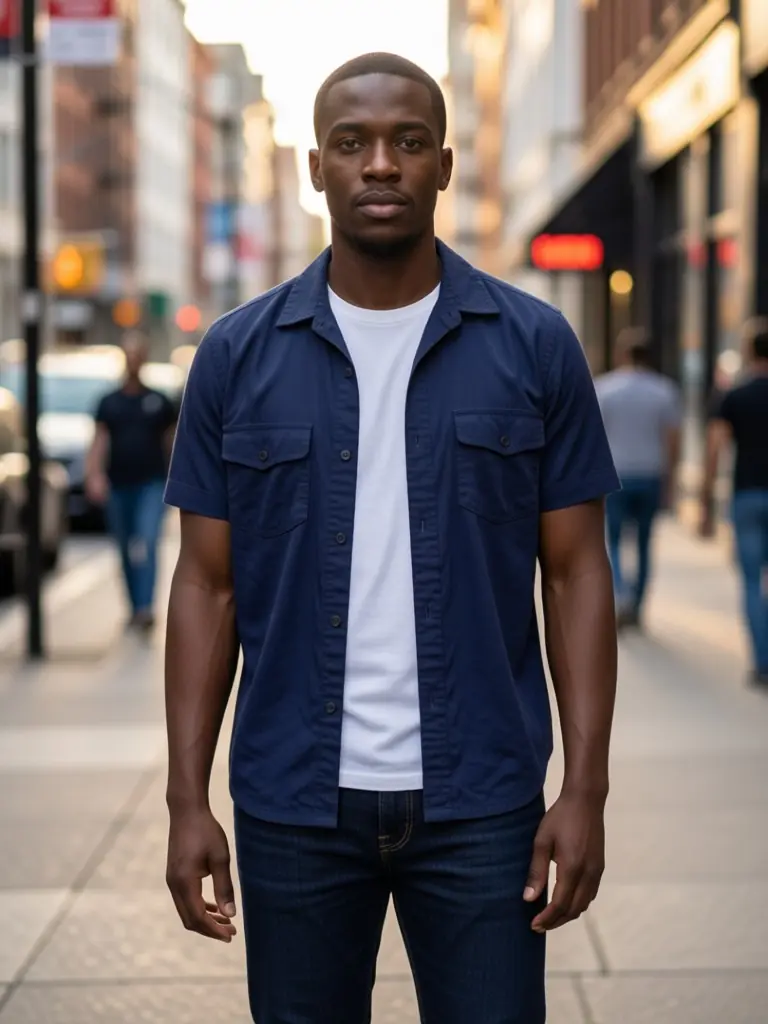 MenswearOvershirts, chinos and shirts on adult AI men.
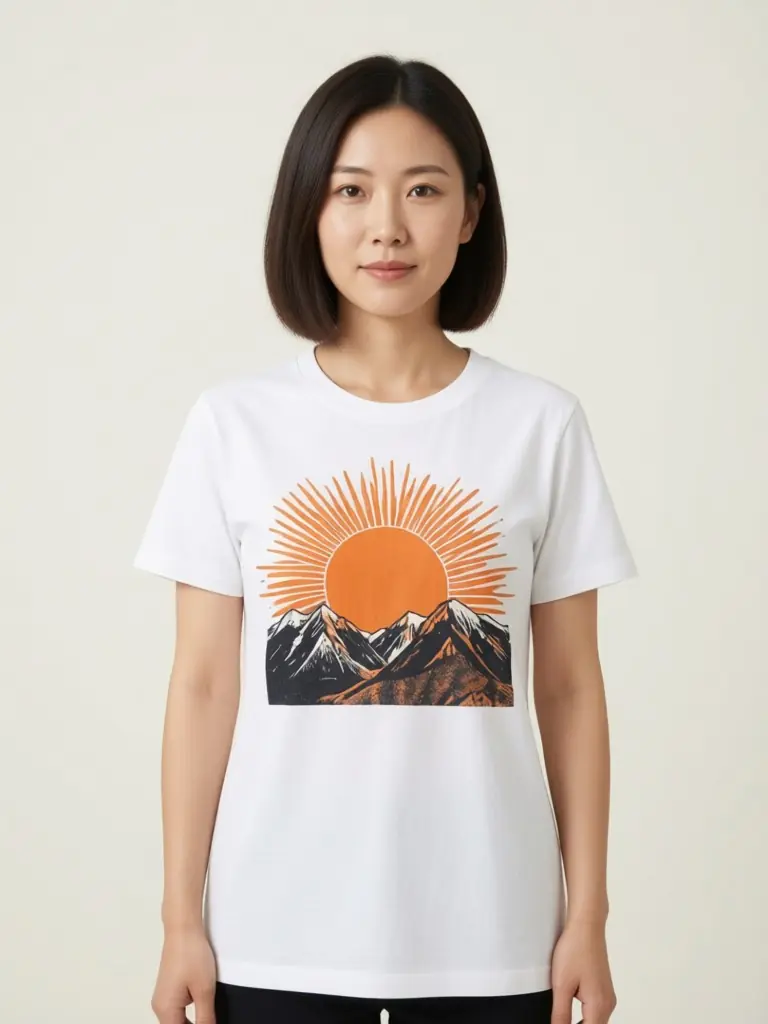 T-shirtsGraphic and plain tees on adult AI models.
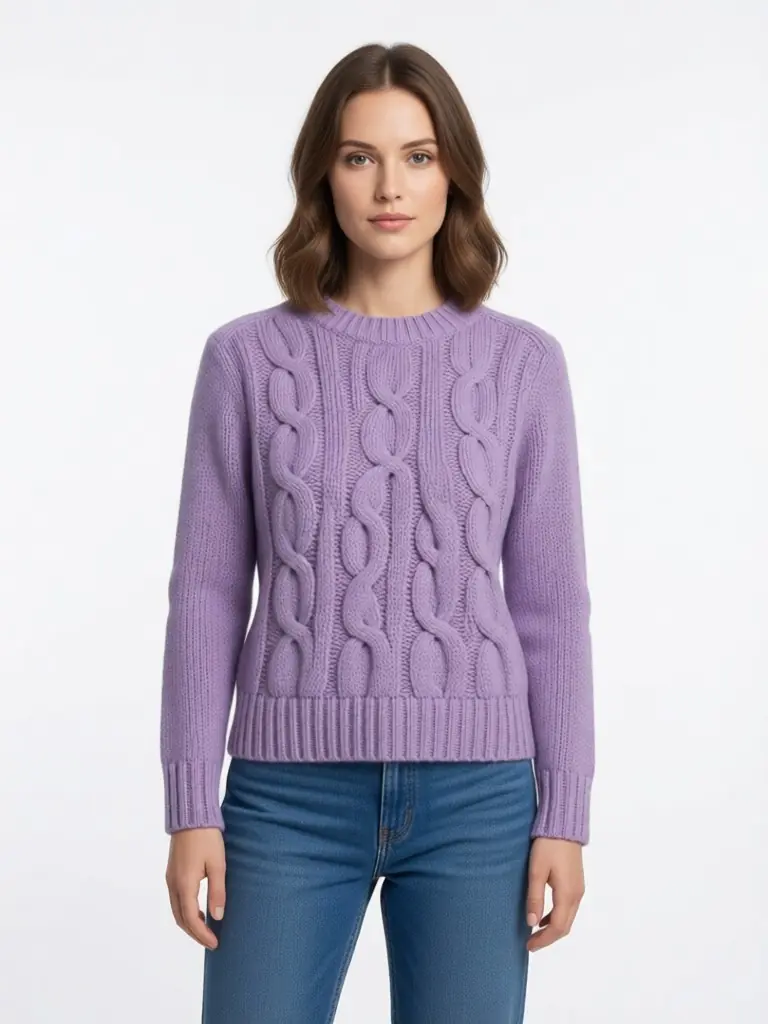 DropshippingYour own product photos instead of supplier shots.
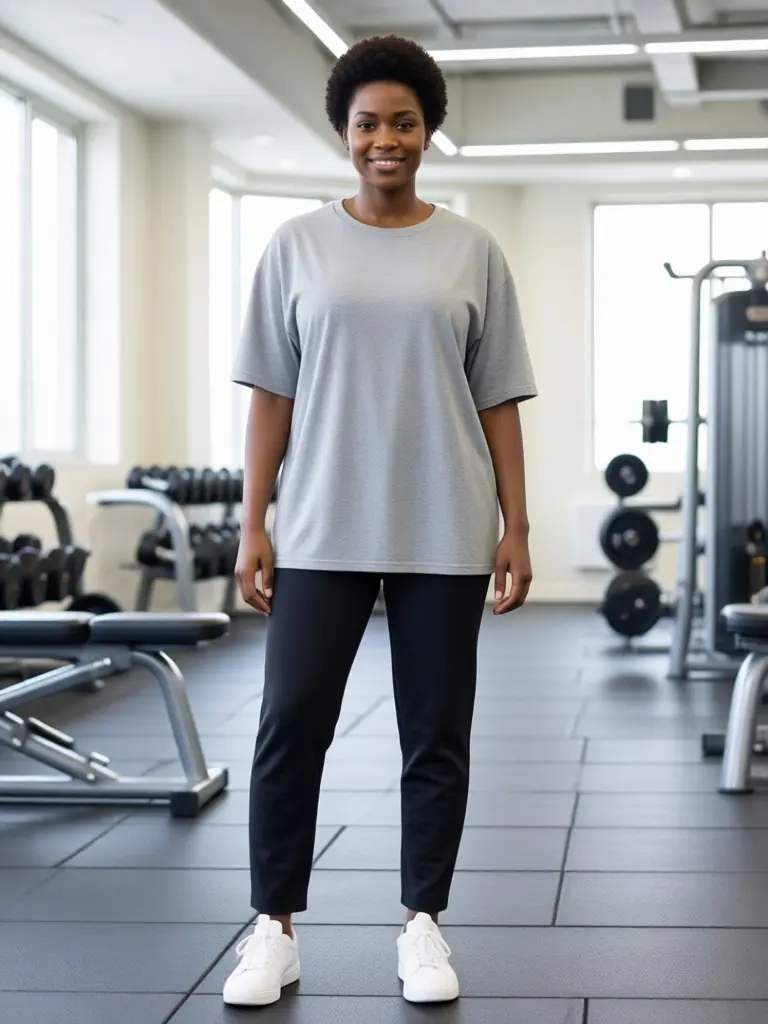 ActivewearLeggings, joggers and track jackets in gym and park scenes.
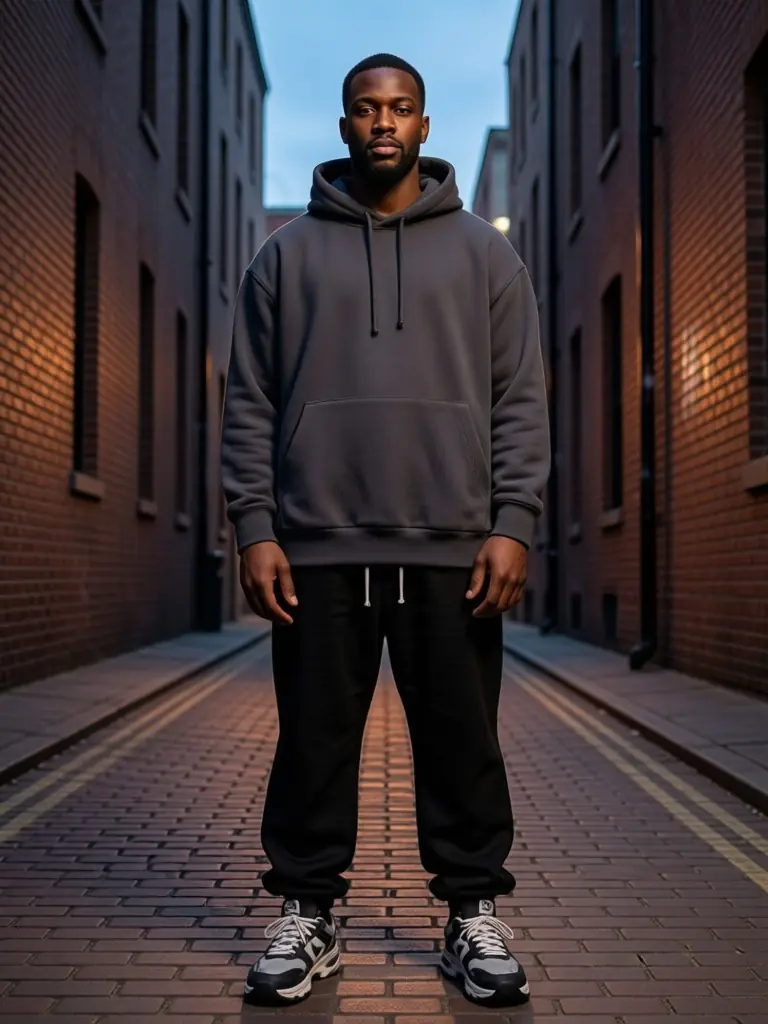 StreetwearBoxy hoodies and baggy cargos in urban lookbook shots.
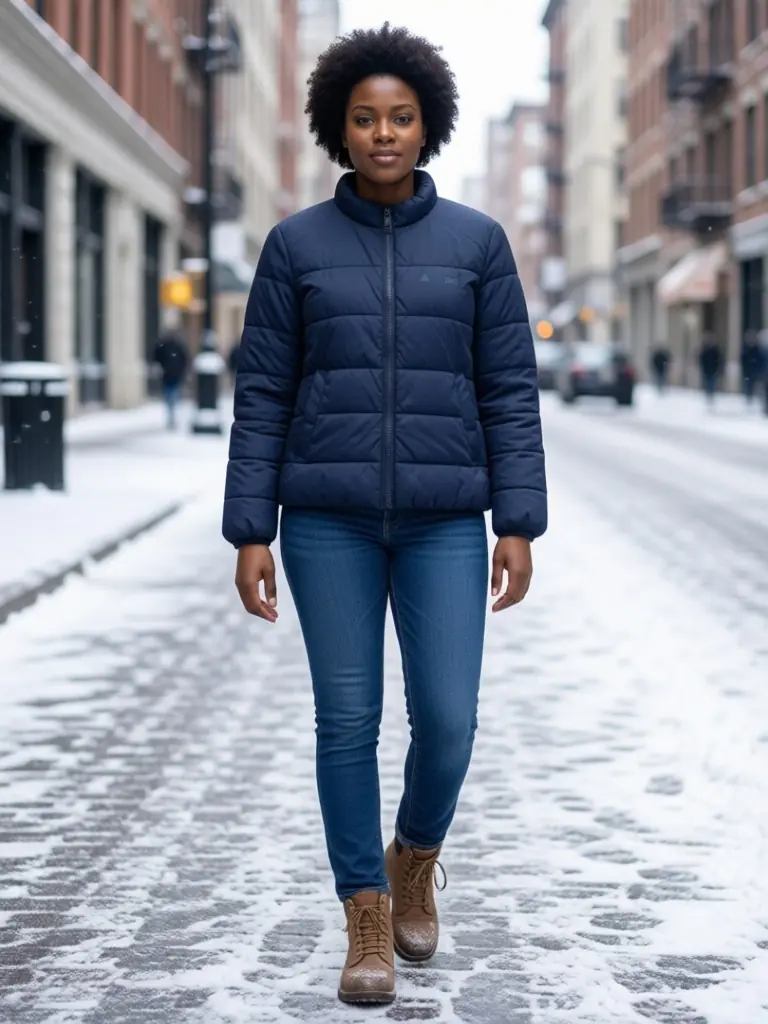 OuterwearCoats, puffers and trenches, full length.
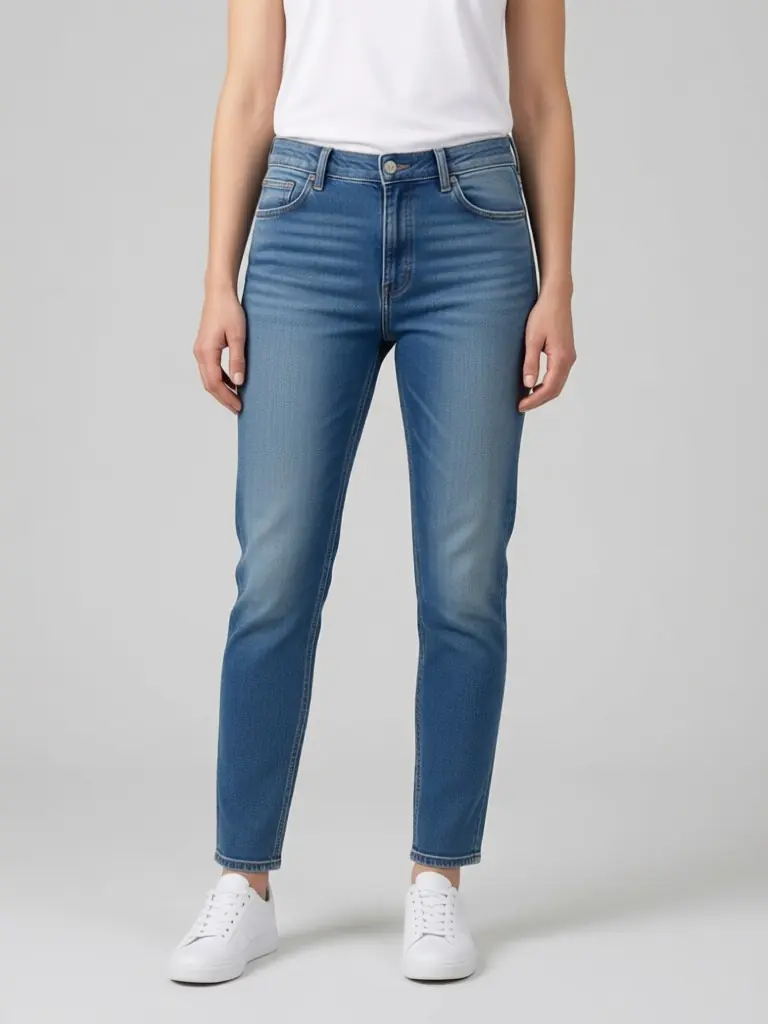 DenimJeans from the front, back and street.
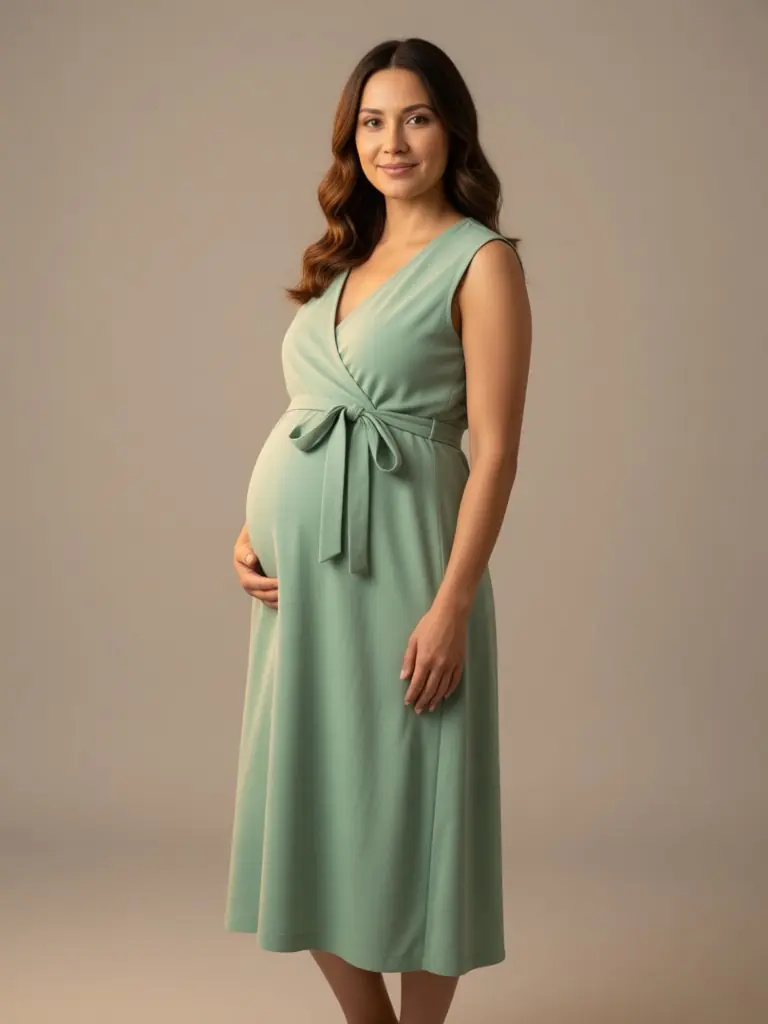 Maternity wearMaternity dresses, jeans and knits worn by adult pregnant models.
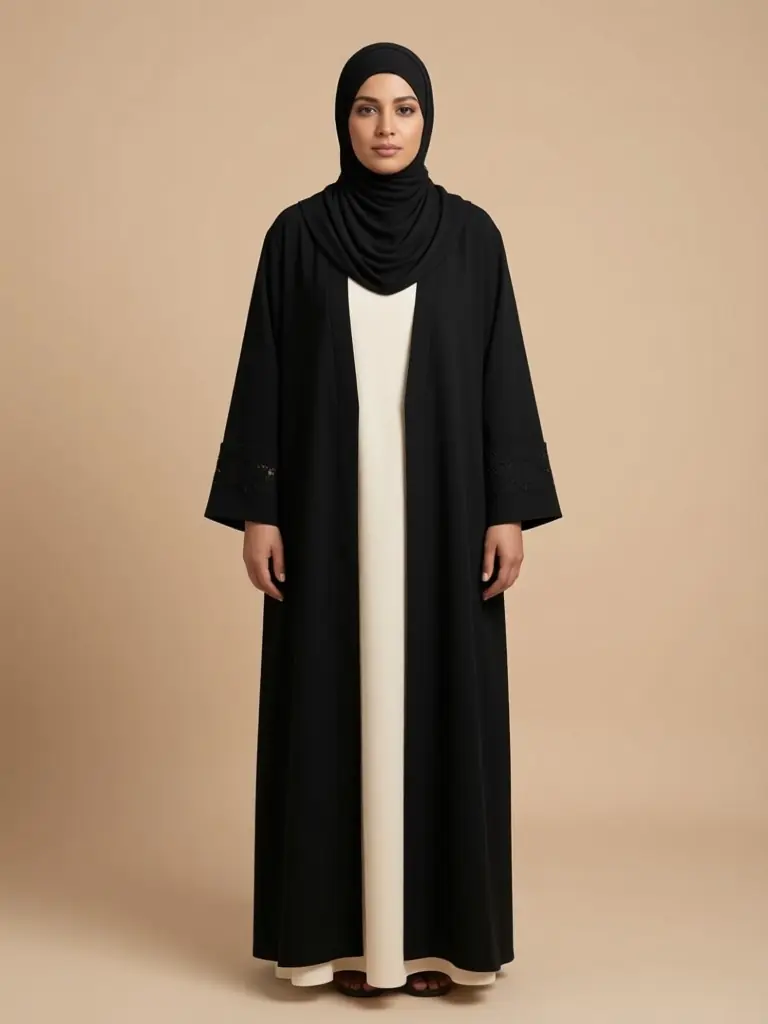 Modest wearAbayas, long dresses and tunic sets with sleeve and hem lengths kept.
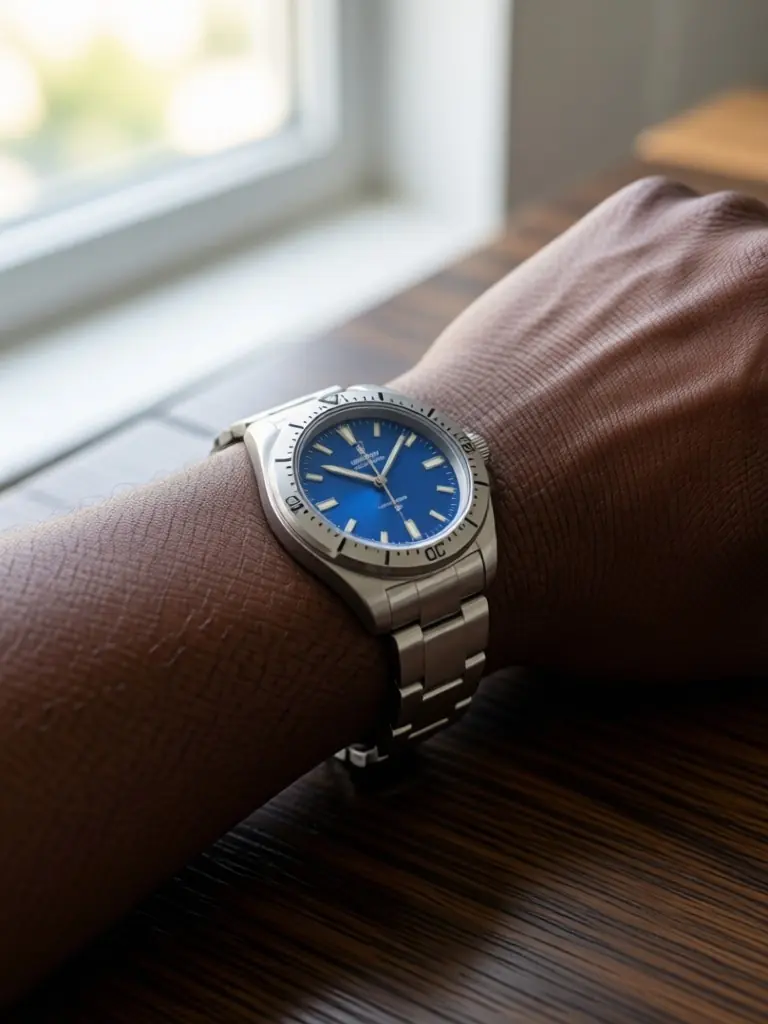 WatchesWrist close-ups from a desk photo.
How to pick the right page
Start with what you sell. A dress shop needs the whole outfit and the way the fabric falls, a jewelry seller needs a close crop of the neck, ears or hands, and a shoe seller needs the foot and the leg line. Each page above is set up for one of those cases, so the examples, the tips and the generator settings already fit your product.
If you sell on a marketplace such as Etsy, Shopify or Depop, pick the page named after your shop. It shows the shot types that listing format needs, for example a clean front view for the first thumbnail and a lifestyle view for the second.
What you need to start
One plain photo of the piece is enough: on a hanger, flat on a bed or folded on a table, in daylight, with the creases smoothed. Upload it, choose the model and the setting, and the result is usually ready in about a minute. The first photo is free with a free account, so you can check the look on your own product before you decide anything.
Are the models real people?
No. Every model is an AI-generated adult, so there are no model fees, no booking and no usage rights to clear. You choose the look, skin tone and setting for your brand.
Can I keep the same look across my shop?
Yes. Reuse the same model description and setting for every product and your whole catalog reads as one shoot.
Every model is an AI-generated adult. Your first photo is free with a free account. See pricing or browse all tools.