Describe specific model characteristics (appearance, body type, features)
Describe the scene or location
Describe the model's pose
Describe the lighting style
Describe facial expression
Overall photography style
Camera angle for the shot
Overall mood and atmosphere
Upload Product/Clothing Image
The options below are optional and already filled in.
Preview
Preview
Your image will appear here
Upload an image and click Generate to see your AI-enhanced preview
AI Models for Clothing Brands
Turn a hanger photo of each piece into lookbook, campaign and white product page shots on realistic adult AI models.
Overview
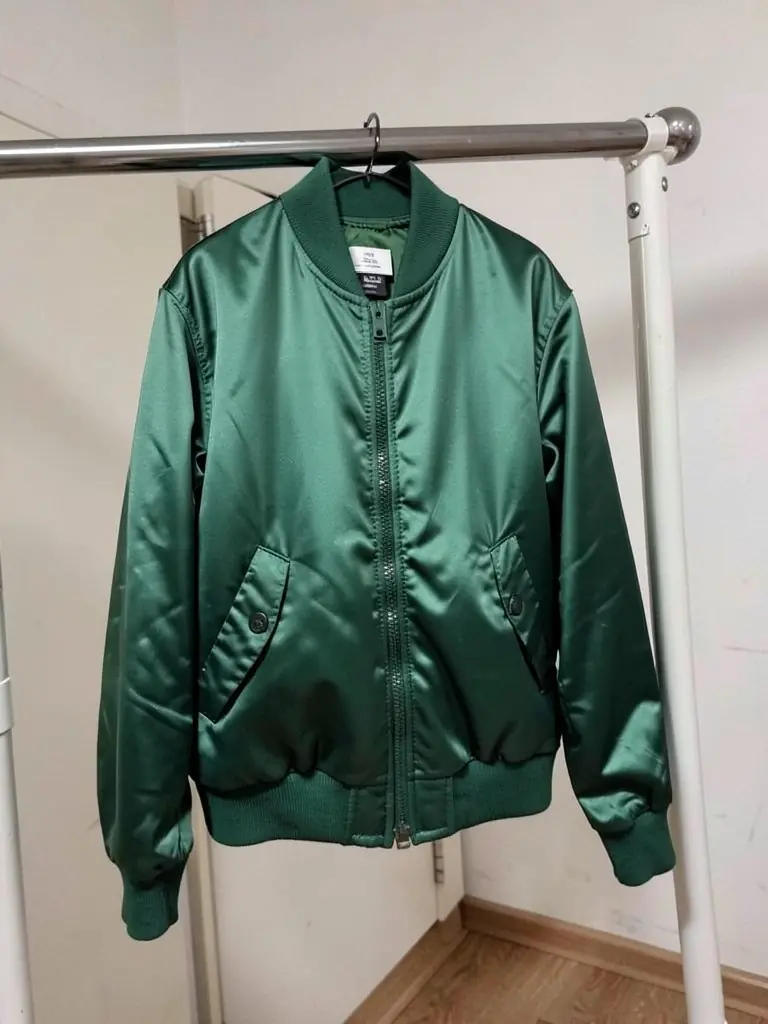
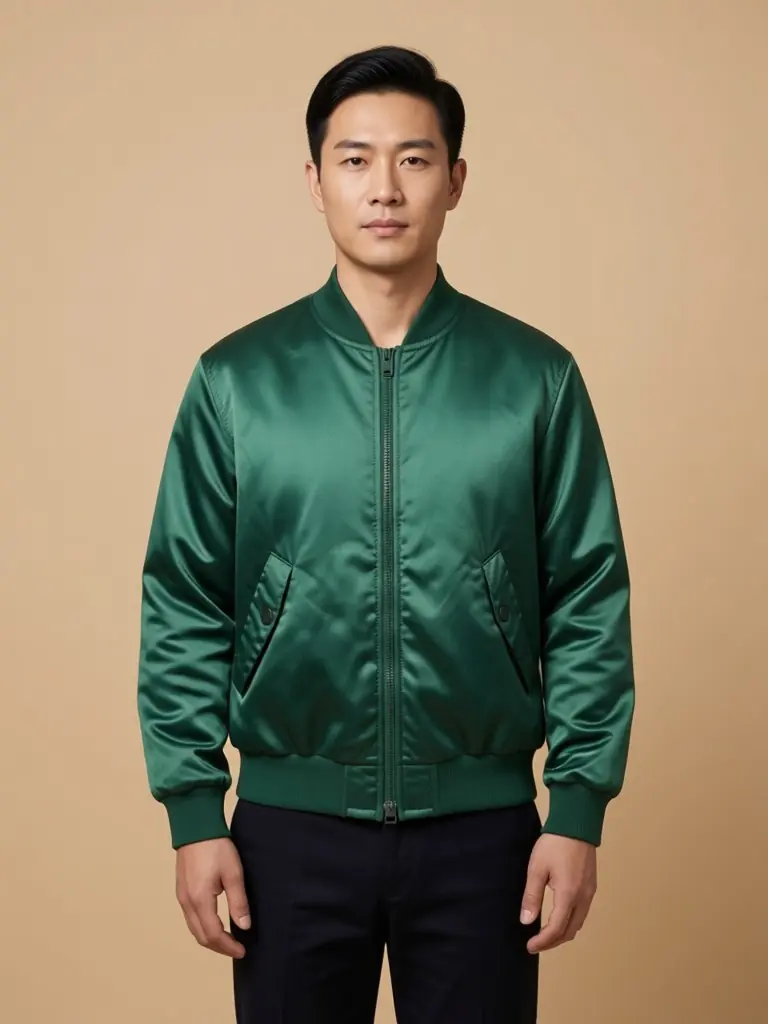
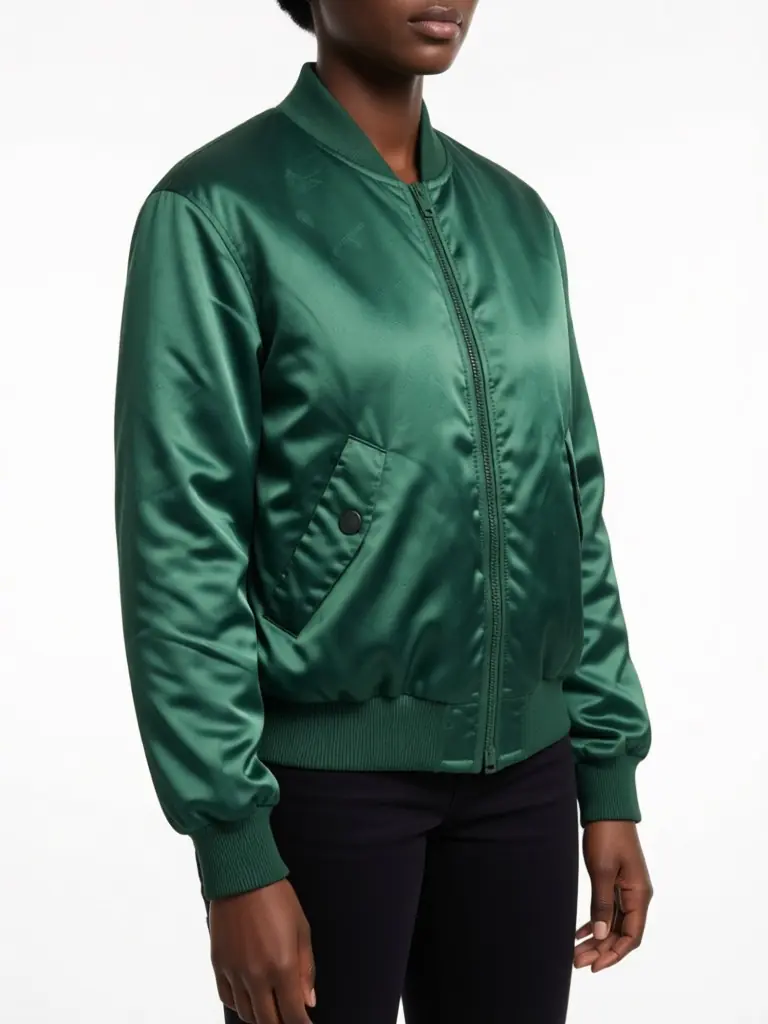
A small label releases a capsule of eight pieces and needs the same three things a big brand does: clean product page photos, a lookbook that shows the styling, and a few campaign images for the launch post. Each of those normally means a model, a stylist and a day in a studio. Here you photograph each piece on a hanger or a rail, pick an adult model and a setting, and the AI dresses the model in that exact garment. Shoot the bomber for the lookbook and the white product page in the same session, and show it on more than one model so customers see it on someone like them.
- •First photo free with a free account
- •Lookbook, campaign and white product page shots
- •Adult AI models of many ages, sizes and skin tones
- •Your garment kept: color, fabric, hardware and fit
- •No model or studio bookings
Example Results
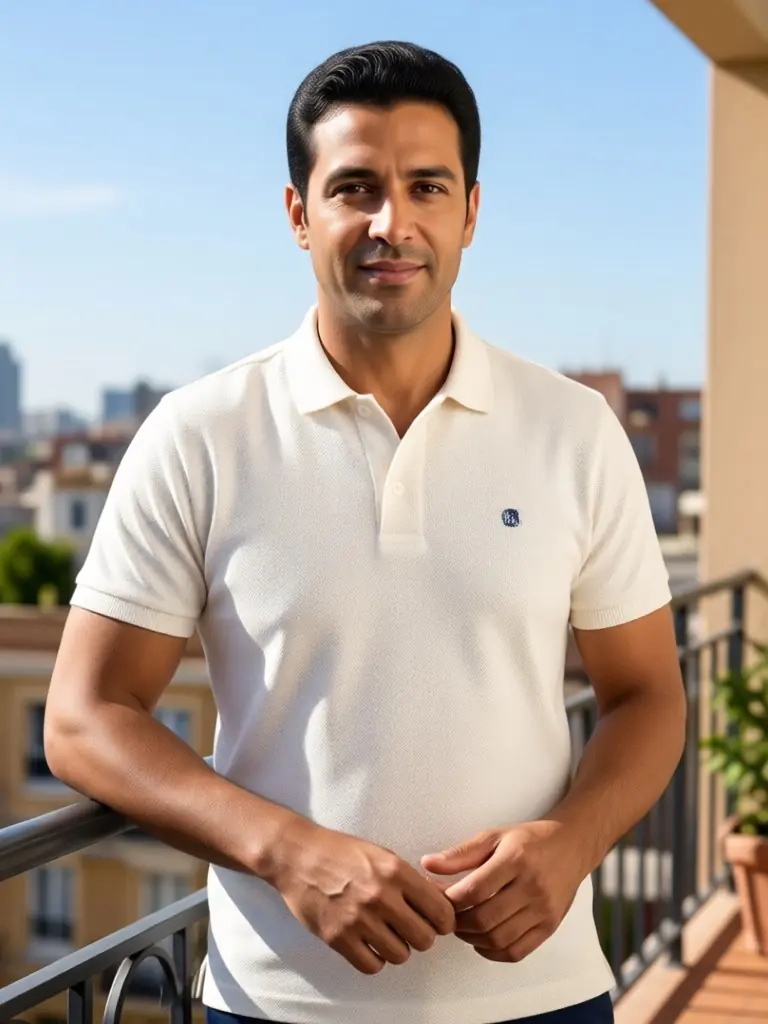
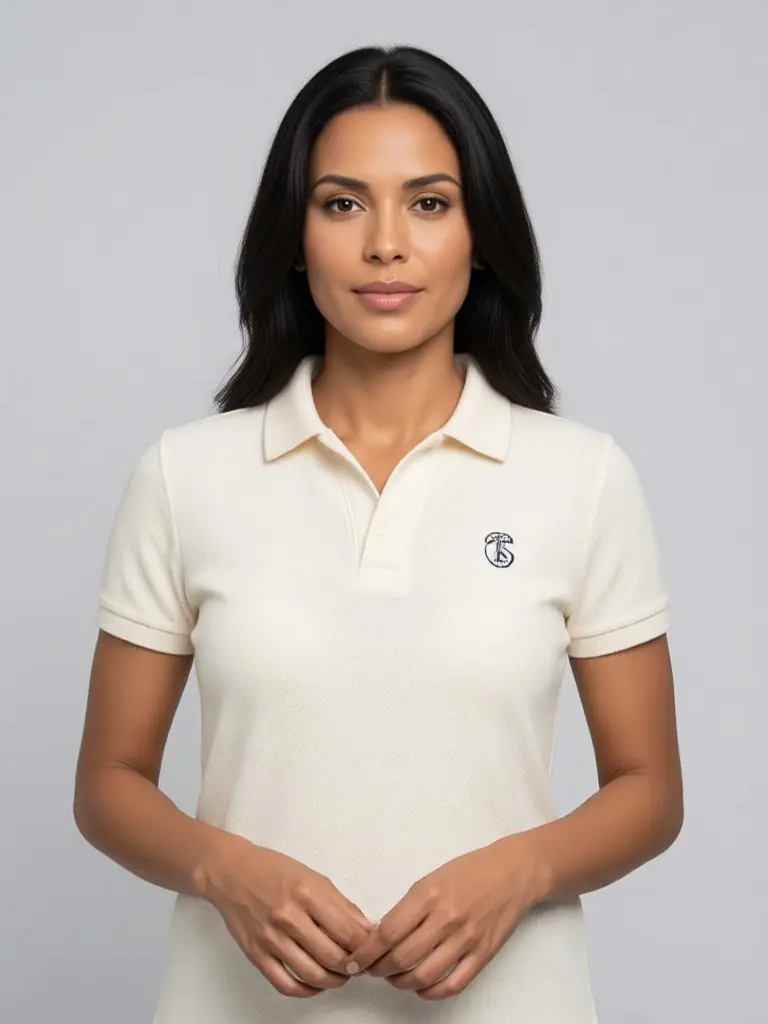
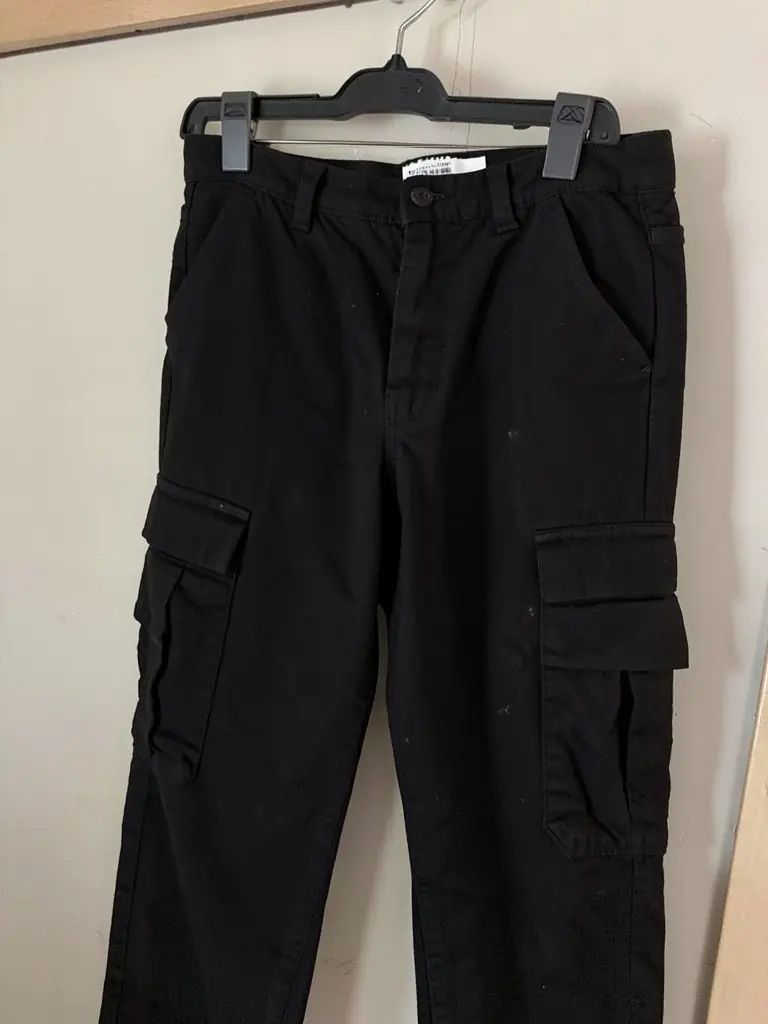
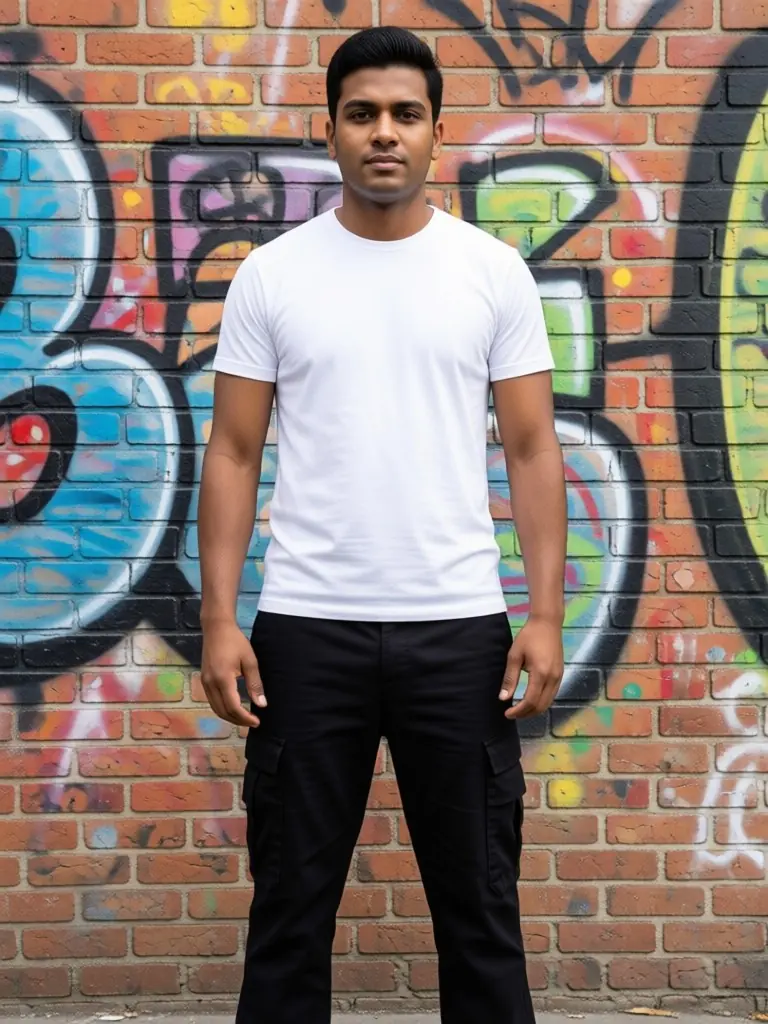
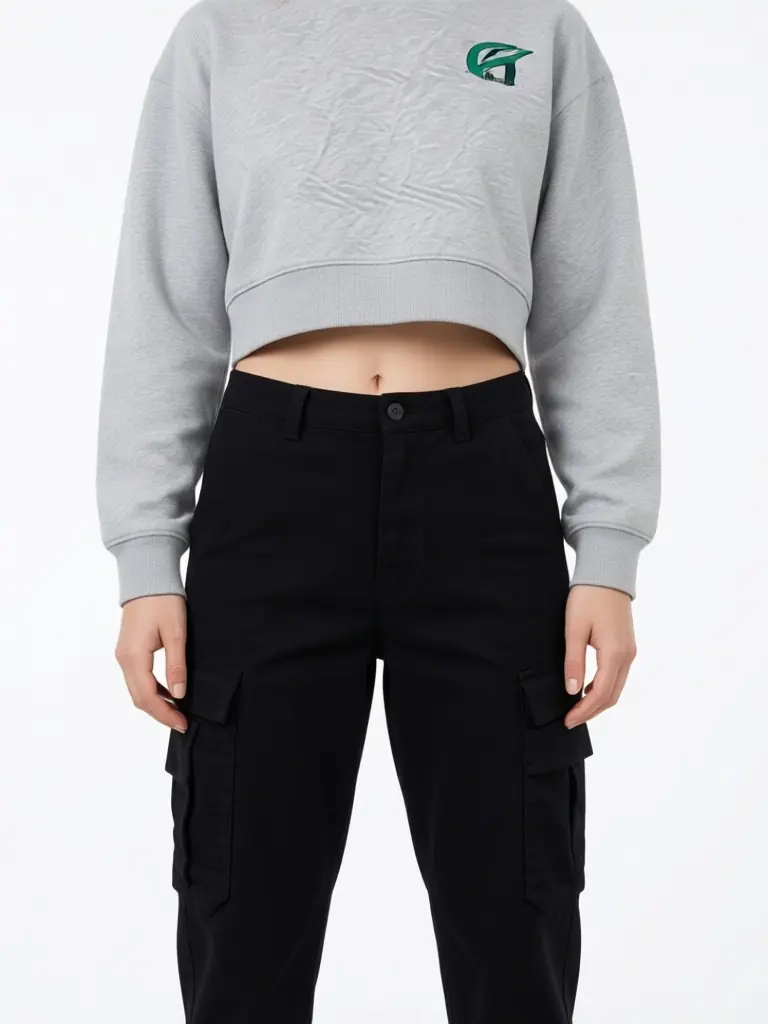
How It Works
Hang it and shoot it
A hanger on a door or a rail is enough. Keep zips, buttons and labels visible.
Describe the model
Write the adult model you want in the details: build, age, hair and styling.
Pick the setting
White studio for the product page, street or location for the lookbook and campaign.
Check and publish
Compare color and hardware with the real garment, then download.
Frequently Asked Questions
Every tool: AI models for your clothes
Show your pieces on models of every skin tone, body and style: men, women, streetwear, activewear, evening wear, wigs and jewelry.
- AI Black Fashion Model Generator
- AI Female Model for Clothing
- AI Male Model for Clothing
- AI African Model Generator
- AI Jamaican Model
- AI Black Model
- AI Man Generator
- AI Woman Generator
- AI Outfit Generator
- AI Streetwear Model
- AI Activewear Model
- AI Evening Gown Model
- AI Wig Model Generator
- AI Hair Accessories Model
- AI Jewelry Model