Describe specific model characteristics (appearance, body type, features)
Describe the scene or location
Describe the model's pose
Describe the lighting style
Describe facial expression
Overall photography style
Camera angle for the shot
Overall mood and atmosphere
Upload Product/Clothing Image
The options below are optional and already filled in.
Preview
Preview
Your image will appear here
Upload an image and click Generate to see your AI-enhanced preview
AI Models for Jewelry Brands
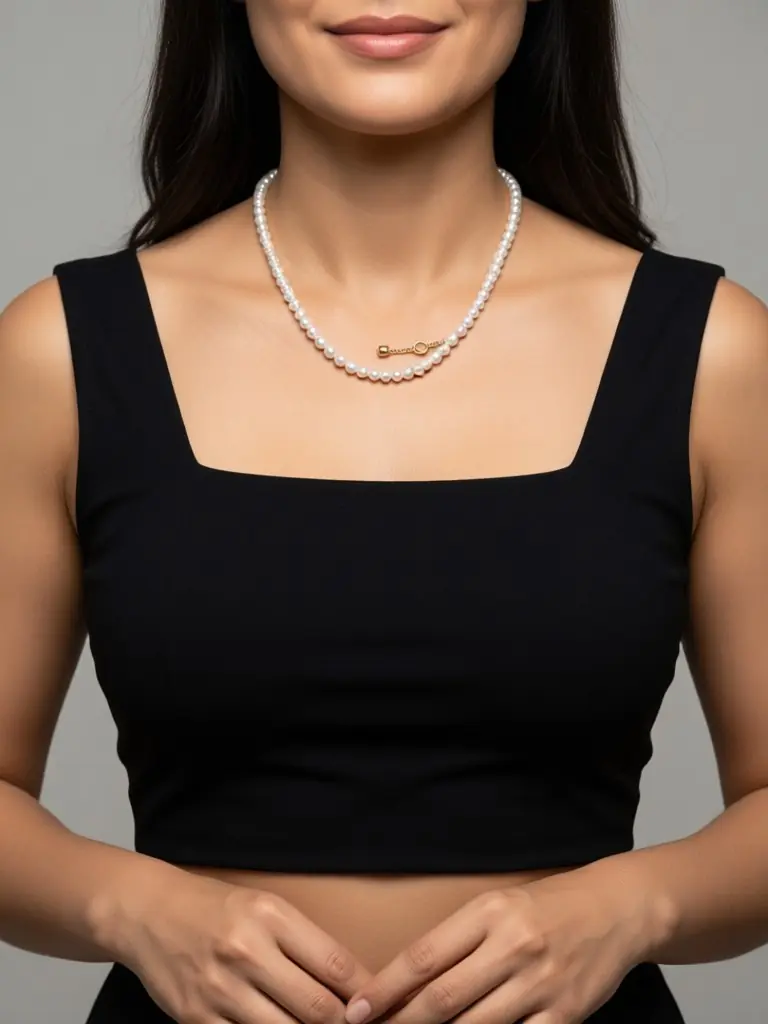
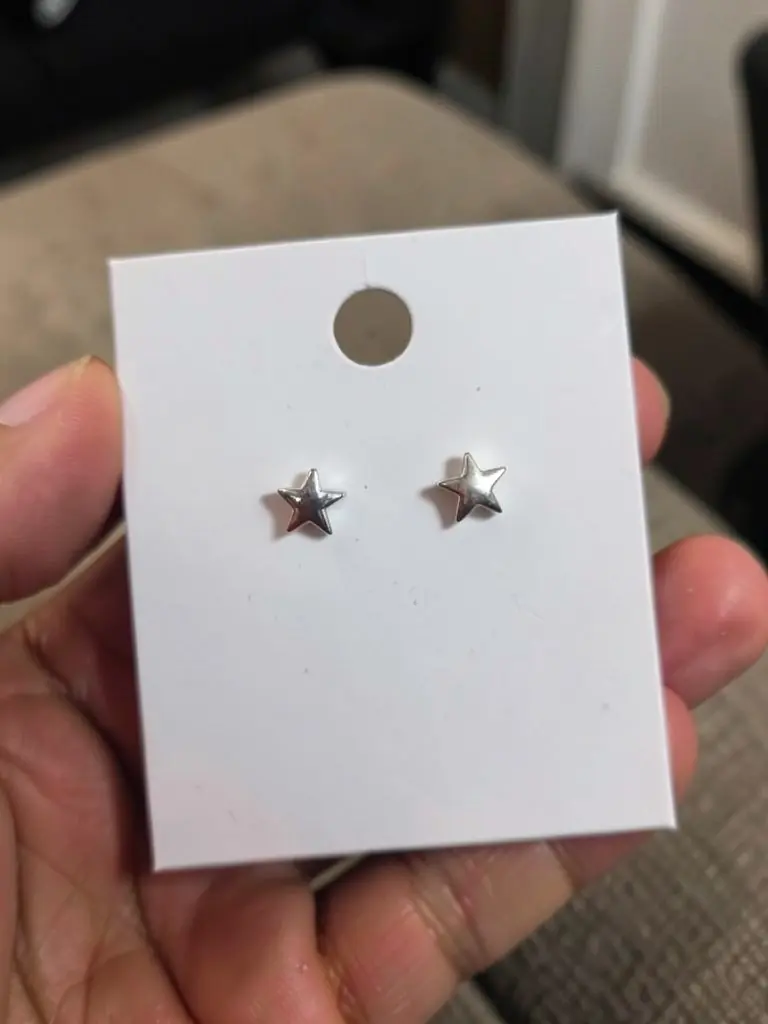
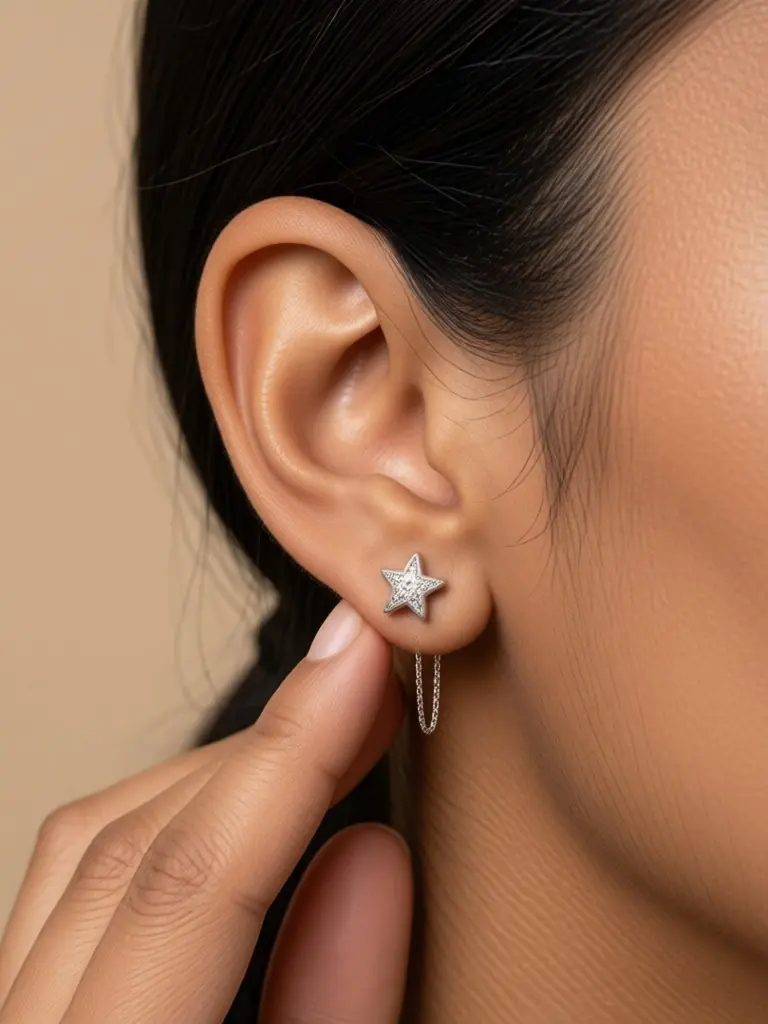
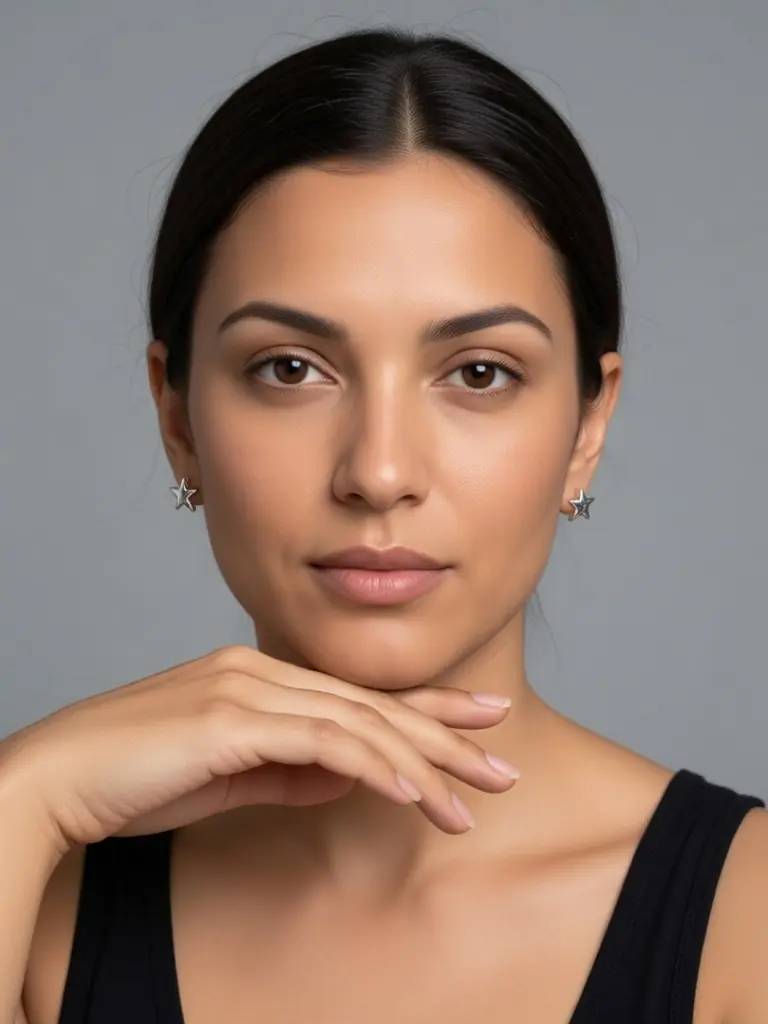
Turn a tabletop photo of a ring, necklace, cuff or earring into worn close-ups on realistic adult AI models.
Overview
Shoppers want to see how big a pendant sits on the collarbone, how a cuff wraps the wrist and how a stud looks from the side. That needs a hand, a neck or an ear in the shot, and booking a parts model for every new piece is slow. Upload one clear photo of the piece on a table, a tray or a stand, and the AI places it on an adult model: wrist, neckline, ear or hand. The metal tone, stones and size come from your photo. Show the same necklace on different skin tones and on men and women, so every customer can picture it on themselves.
- •First photo free with a free account
- •Wrist, neckline, ear and hand close-ups
- •Adult AI models of many skin tones, men and women
- •Your piece kept: metal tone, stones, chain and size
- •No parts-model bookings
Example Results
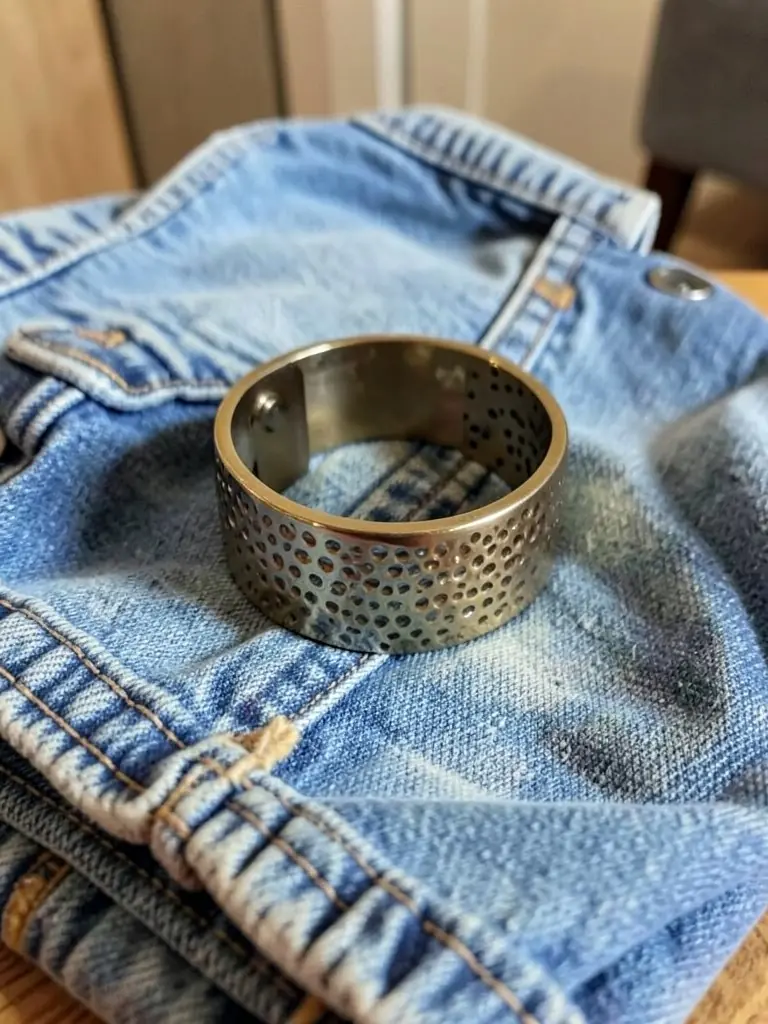
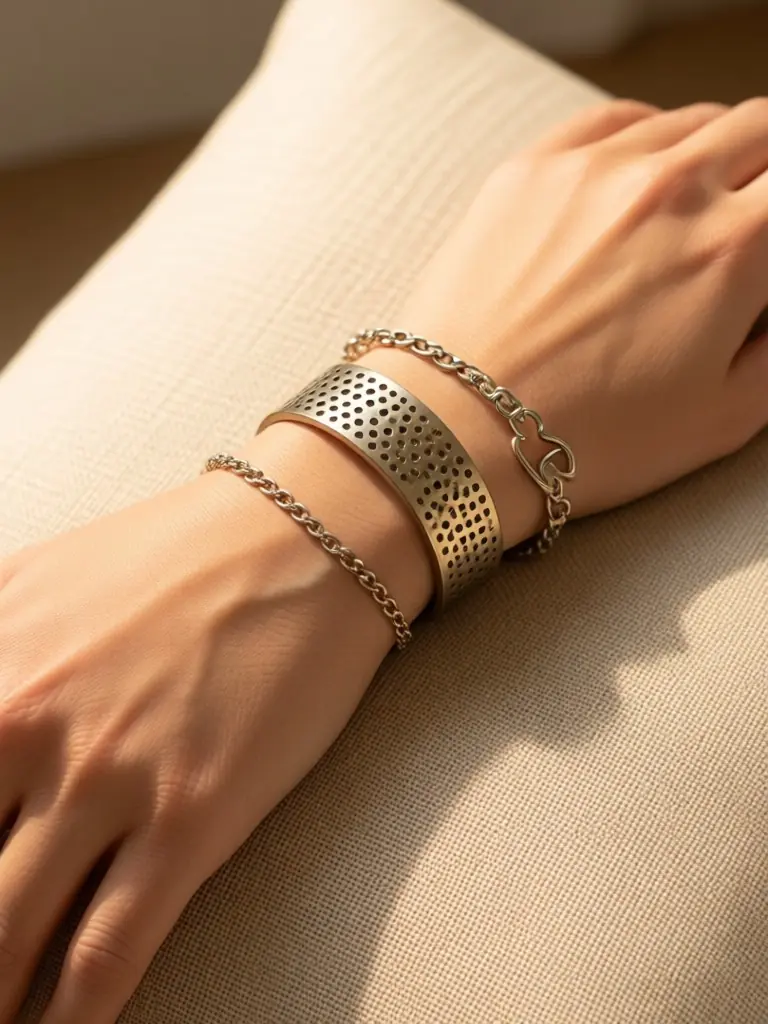
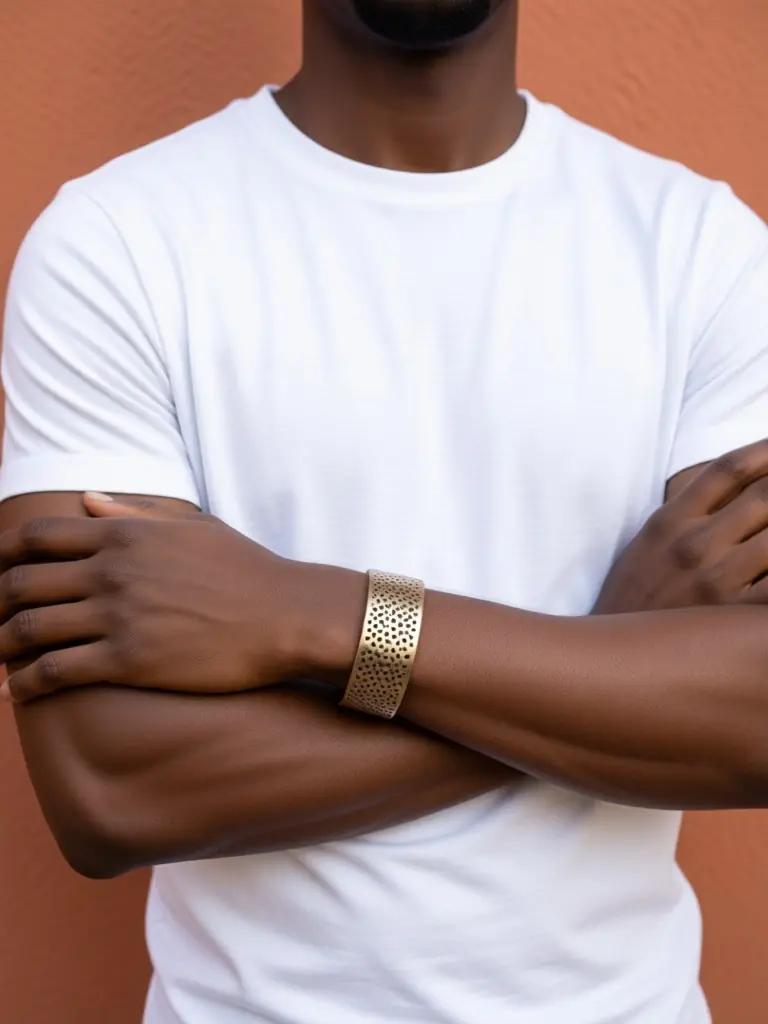
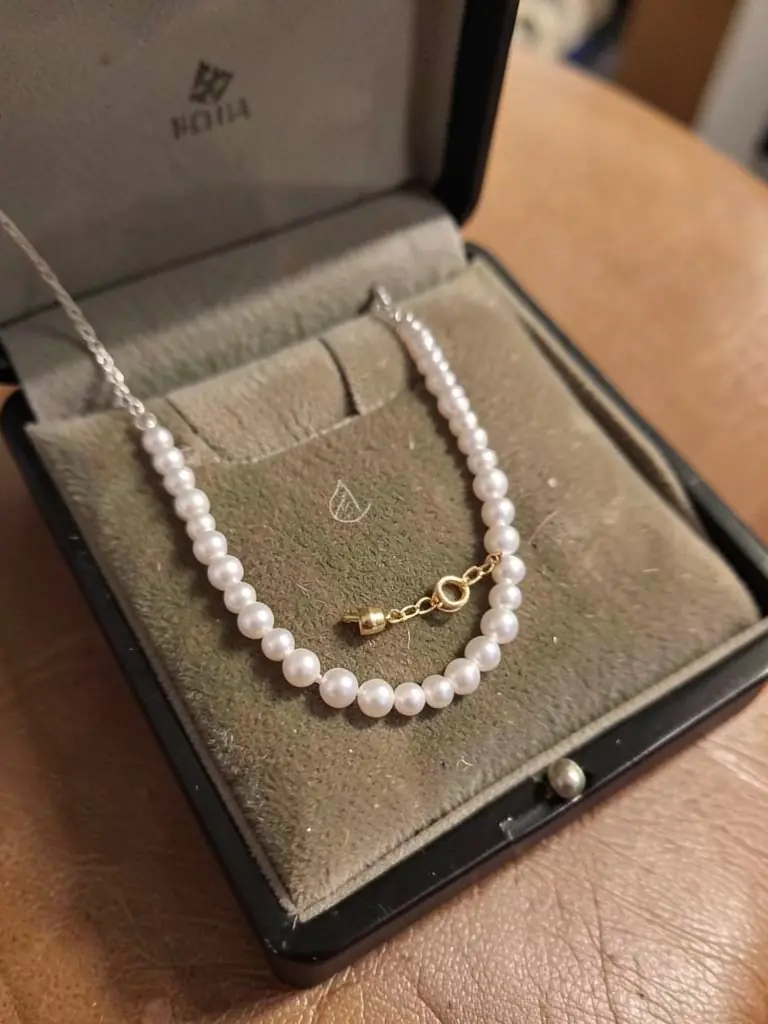

How It Works
Shoot the piece flat
On a table, tray or stand in daylight. Keep the clasp and stones in view.
Tell the AI where it is worn
In the model details, write wrist, neck, ear or finger, and the model you want.
Choose the crop
Macro for detail pages, portrait or lifestyle for social and ads.
Check the scale
Compare the size with the real piece on a ruler before you publish.
Frequently Asked Questions
Every tool: AI models for your clothes
Show your pieces on models of every skin tone, body and style: men, women, streetwear, activewear, evening wear, wigs and jewelry.
- AI Black Fashion Model Generator
- AI Female Model for Clothing
- AI Male Model for Clothing
- AI African Model Generator
- AI Jamaican Model
- AI Black Model
- AI Man Generator
- AI Woman Generator
- AI Outfit Generator
- AI Streetwear Model
- AI Activewear Model
- AI Evening Gown Model
- AI Wig Model Generator
- AI Hair Accessories Model
- AI Jewelry Model