Describe specific model characteristics (appearance, body type, features)
Describe the scene or location
Describe the model's pose
Describe the lighting style
Describe facial expression
Overall photography style
Camera angle for the shot
Overall mood and atmosphere
Upload Product/Clothing Image
The options below are optional and already filled in.
Preview
Preview
Your image will appear here
Upload an image and click Generate to see your AI-enhanced preview
AI Models for Menswear
Turn a phone photo of an overshirt, chinos or an oxford shirt into street, office and white product page shots on adult AI men.
Overview
Men shop by fit and by how a piece looks in real life: how the overshirt sits on the shoulders, how the chinos break at the ankle, whether the shirt tucks cleanly. A flat photo shows none of that. Upload one photo of the garment on a hanger, a chair or a bed, pick an adult model and a setting, and the AI dresses him in that exact piece. Make a clean white shot for the product page and a street or office shot for social from the same photo, and show it on men of different builds, ages and skin tones.
- •First photo free with a free account
- •Product page, street, office and lookbook shots
- •Adult AI men of many builds, ages and skin tones
- •Your garment kept: color, fabric, collar, buttons and cut
- •No model, photographer or studio bookings
Example Results
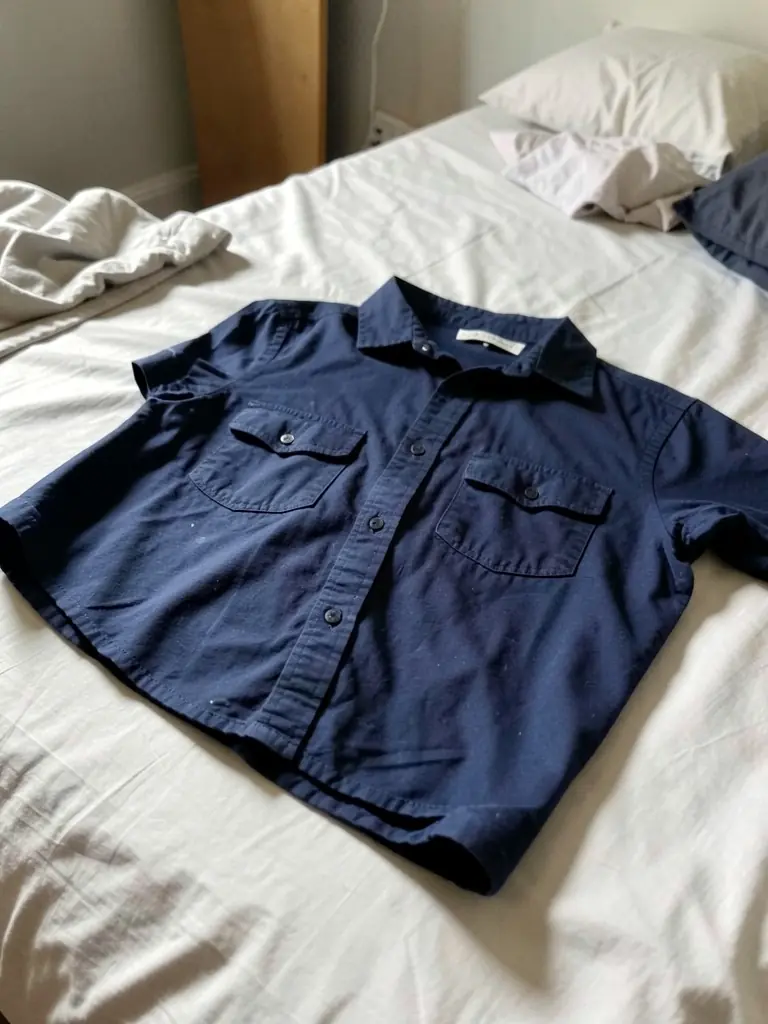
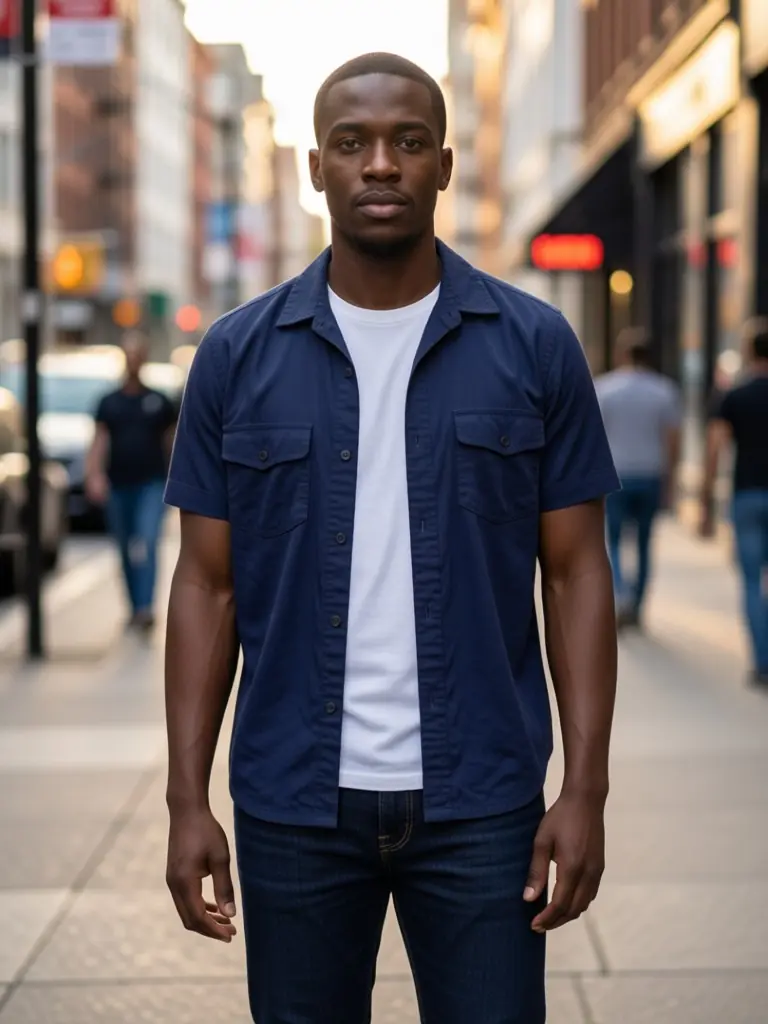
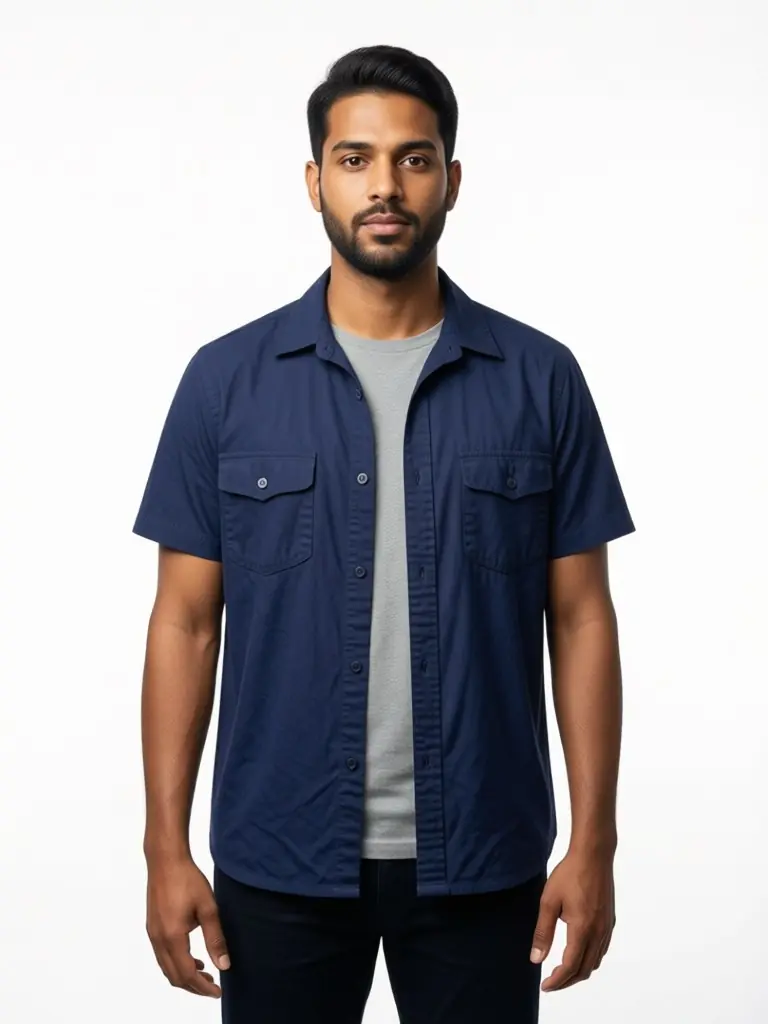
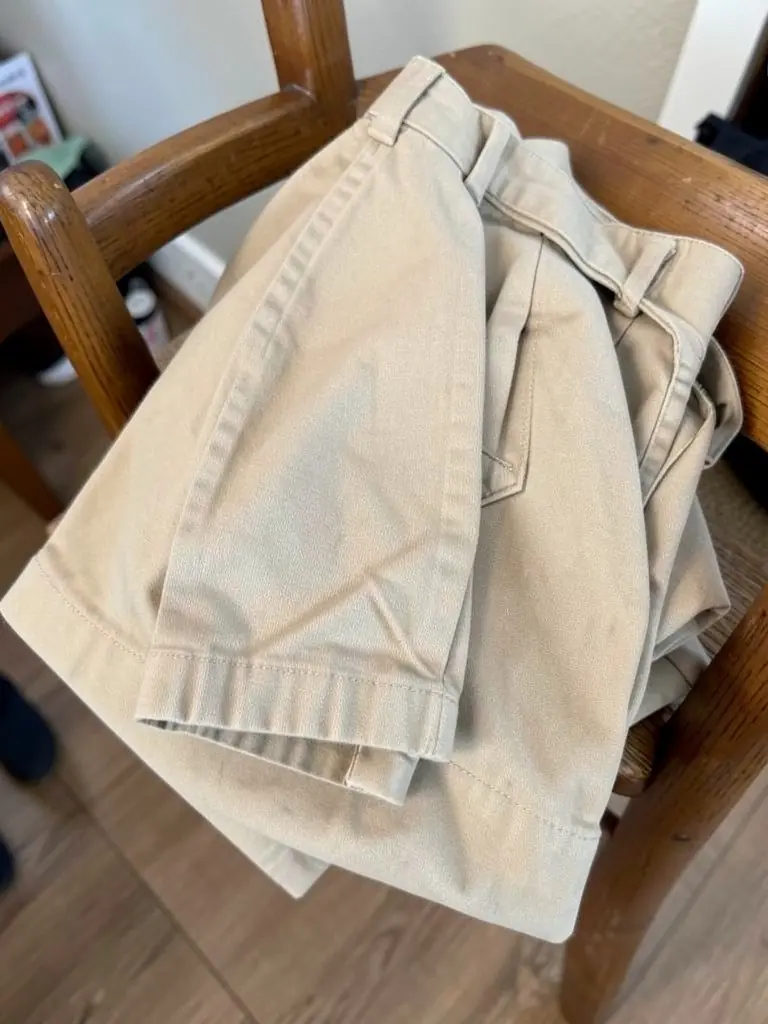
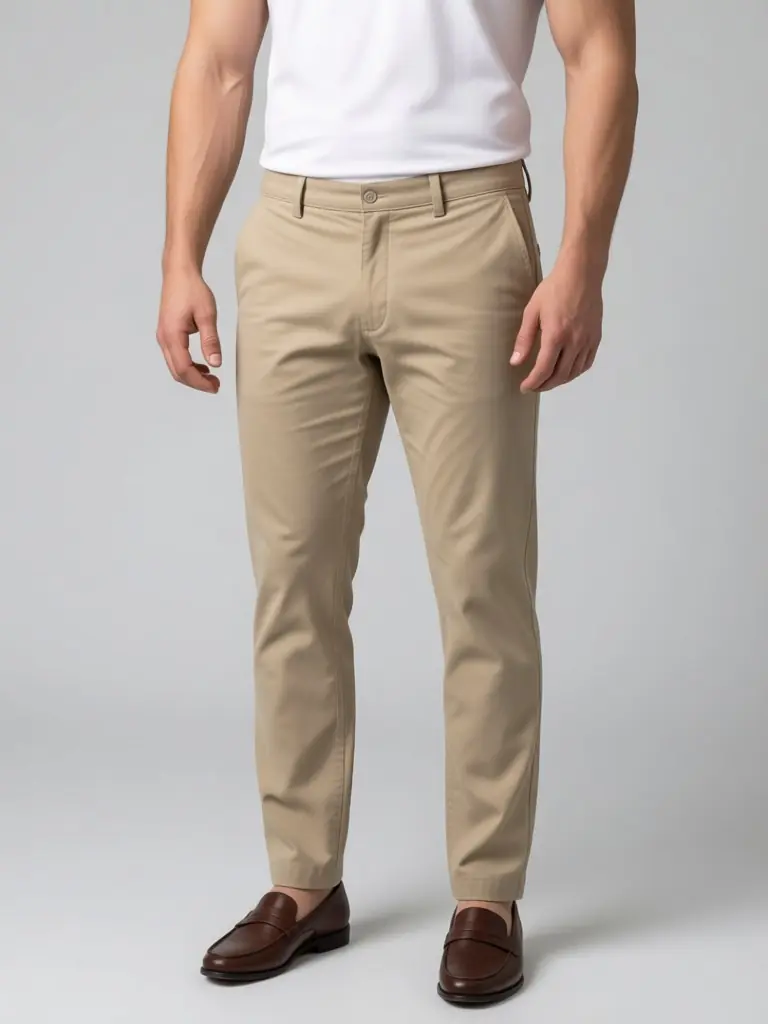
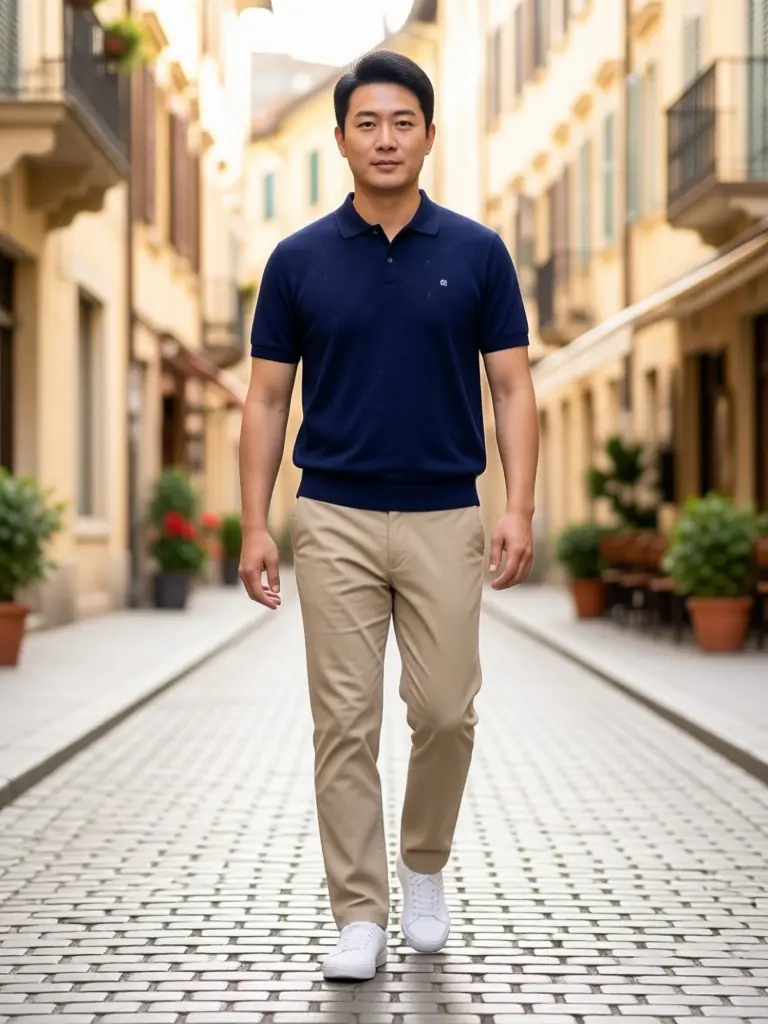
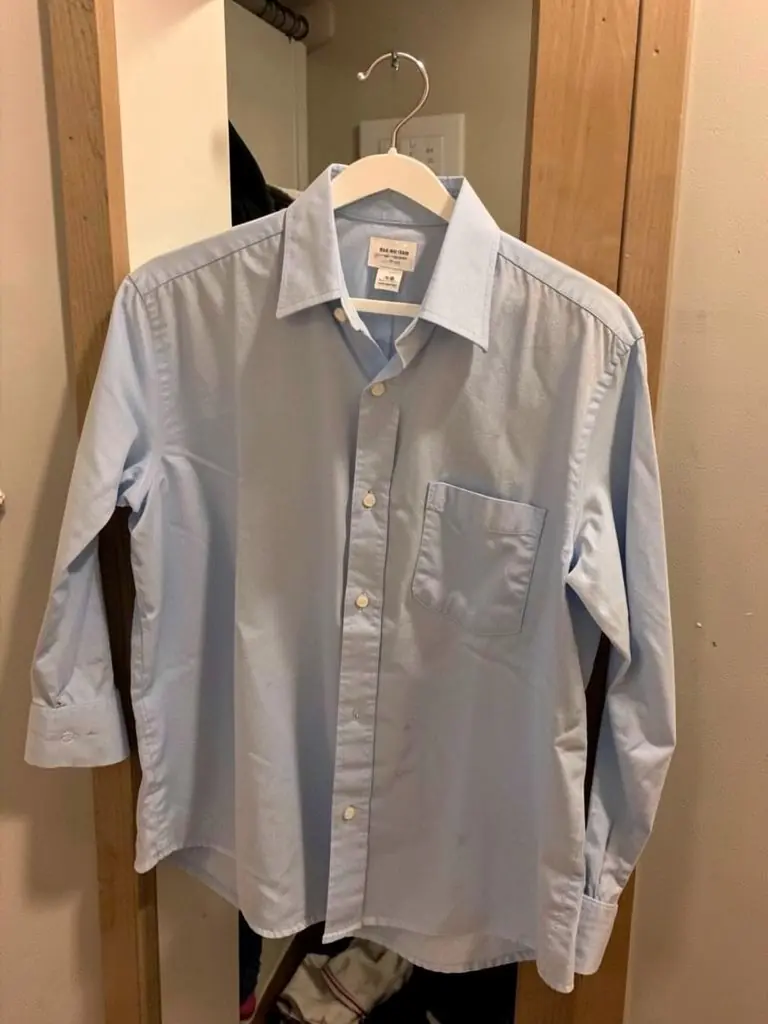

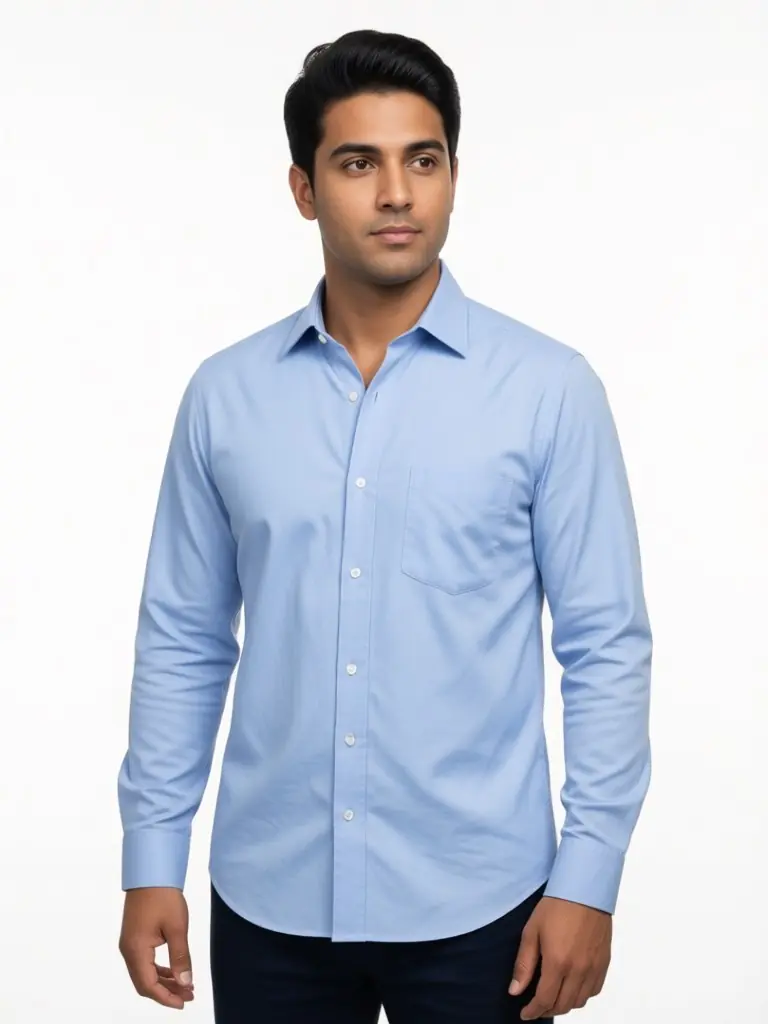
How It Works
Photograph the piece
On a hanger, a chair or folded on a bed. Keep collar, buttons and pockets in view.
Describe the man
Write build, age, hair and styling in the model details, such as "slim, early 30s, short beard".
Pick the setting
White backdrop for the product page; street, office or cafe for social and the lookbook.
Check the cut
Compare length, sleeve and collar with the real garment, then download.
Frequently Asked Questions
Every tool: AI models for your clothes
Show your pieces on models of every skin tone, body and style: men, women, streetwear, activewear, evening wear, wigs and jewelry.
- AI Black Fashion Model Generator
- AI Female Model for Clothing
- AI Male Model for Clothing
- AI African Model Generator
- AI Jamaican Model
- AI Black Model
- AI Man Generator
- AI Woman Generator
- AI Outfit Generator
- AI Streetwear Model
- AI Activewear Model
- AI Evening Gown Model
- AI Wig Model Generator
- AI Hair Accessories Model
- AI Jewelry Model