Clothing Mockup Generator
One design, six garments. Upload your artwork, pick a t-shirt, oversized tee, hoodie, sweatshirt, long sleeve or tank top and a color, and get a mockup worn by an AI-generated model or laid flat.
1Upload your design
Click or drop a JPG, PNG or WEBP (max 10 MB).
A PNG or JPG of your artwork on a plain background works best. Designs with drawn faces or characters may be rejected.
2Choose the mockup
Models are AI-generated adults, not real people.
View
Garment
Model
Skin tone
Garment color
Background
Your first image is free. Free accounts get 20 monthly credits (free images carry a small watermark).
Your mockup will appear here.
Example results
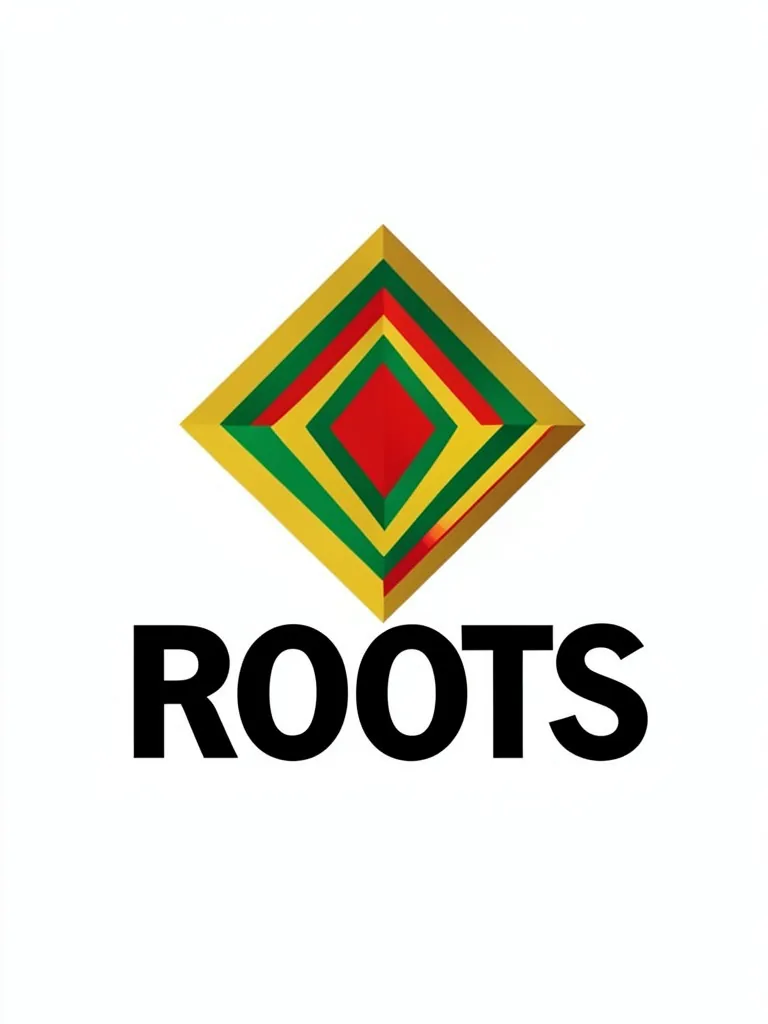
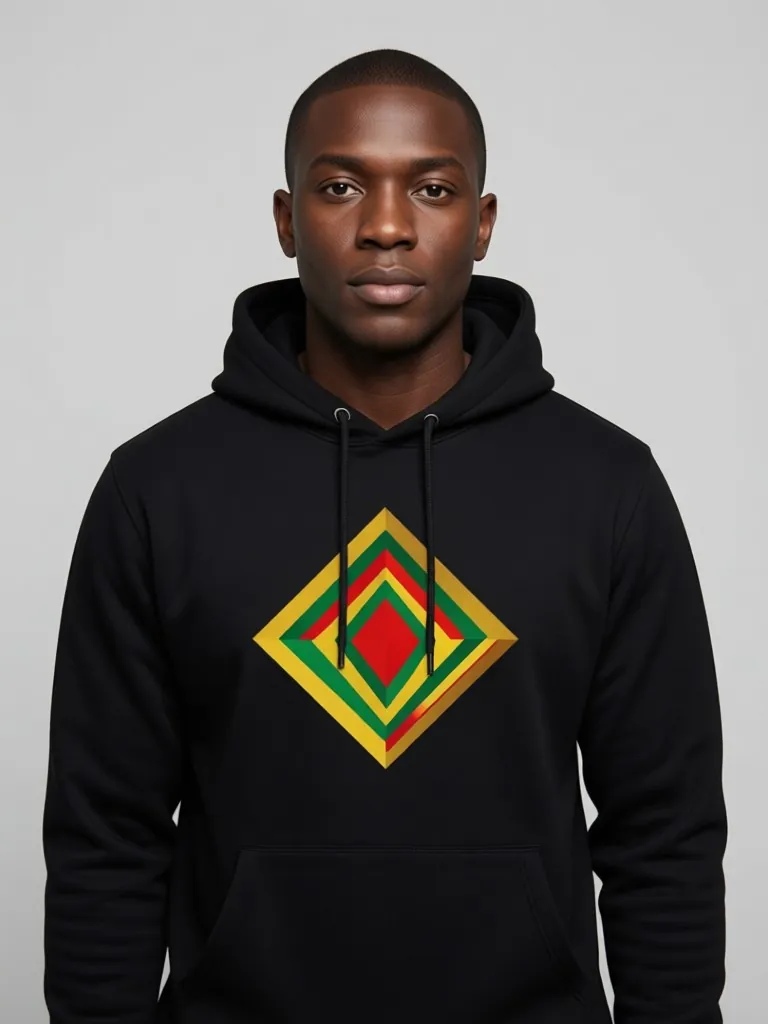
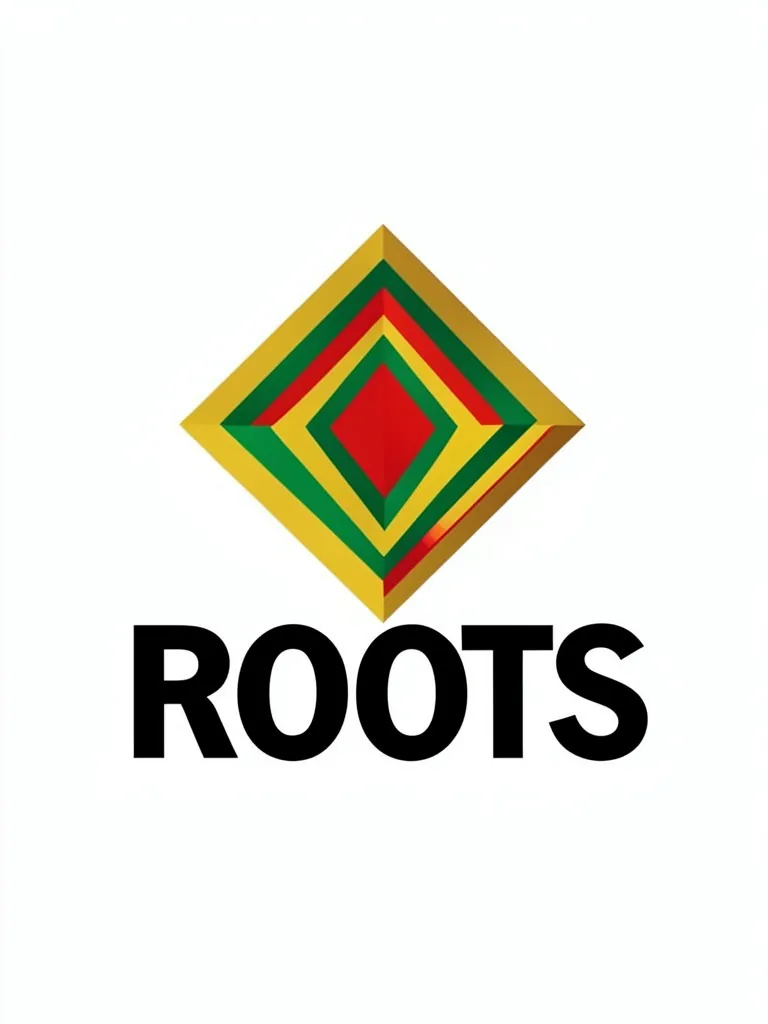
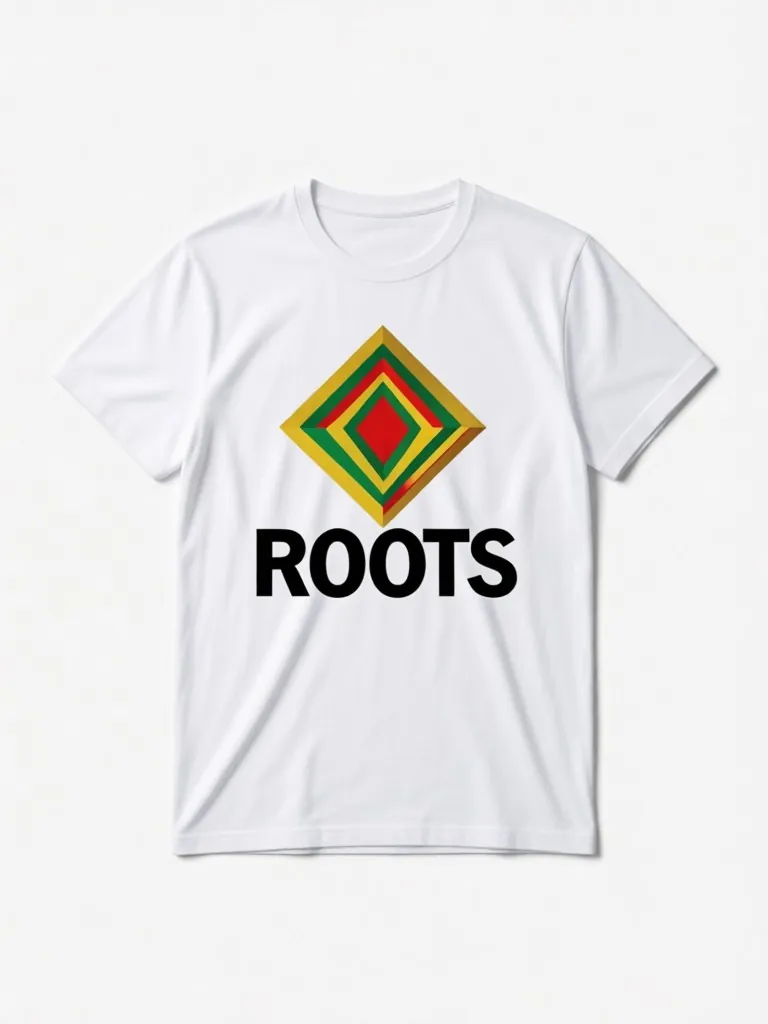
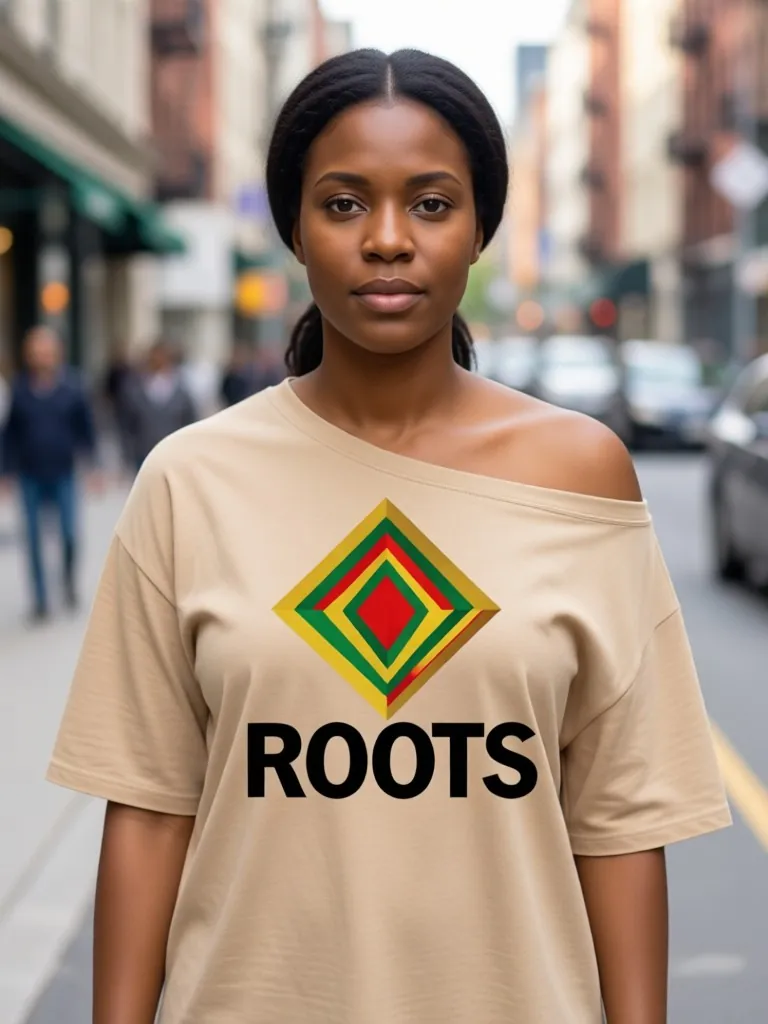
How the clothing mockup generator works
1. Upload the design
The artwork you print on the front: a graphic, a slogan or a pattern, on a plain background.2. Pick the garment
Six styles in white, black, heather grey, navy, sand or maroon, on a model or as a flat lay.3. Download and compare
Make the same design on several garments and colors and put them side by side.
One upload for your whole range
A small brand rarely sells one garment. The same design usually goes on a tee, a hoodie and a sweatshirt, and each one needs its own photo. Instead of hunting for a separate template for each style, upload the design once and switch the garment, the color and the model.
Models come in six skin tones and as women or men, so a collection page can show the range of people who buy from you. The flat lay gives a clean, consistent shot for marketplaces that prefer product-only images.
More tools for your product photos: Free hoodie mockup, Crewneck mockup, Front and back t-shirt mockup, Tank top mockup, Shorts mockup, Cap mockup, AI clothing product photography, All AIBlacks tools.
Clothing Mockup Generator questions
Is the model a real person?
No. Every model is AI-generated and every model is an adult. The tool never uses or copies a real person's face.
Can I upload any design?
Upload only artwork you made or have the rights to use. Do not upload other brands' logos, characters or copyrighted designs.
Which garments can I mock up?
A crew-neck t-shirt, an oversized drop-shoulder tee, a pullover hoodie, a crewneck sweatshirt, a long-sleeve t-shirt and a tank top. Caps, beanies, socks and aprons have their own mockup pages.
Is it really a free online mockup generator?
Your first mockup is free and needs no download or design software. A free account then gets monthly credits for more.
Where is the design placed?
Centered on the front chest. For a small left-chest logo, use the hoodie or crewneck mockup, which let you choose the placement.
How much does it cost?
Your first image is free. After that, a free account gets 20 monthly credits (free images carry a small watermark). Paid plans remove the watermark.
Every tool: Mockups for apparel and merch
Put your print or logo on blank tees, hoodies, hats, bags and tags before you order stock.
- Apparel Mockup
- T-Shirt Mockup Generator
- Front and Back T-Shirt Mockup
- Black T-Shirt Mockup
- White T-Shirt Mockup
- Tank Top Mockup
- Polo Shirt Mockup
- Jersey Mockup
- Crewneck Mockup
- Hoodie Mockup
- Black Hoodie Mockup
- Print on Demand Hoodie Mockup
- Sweater Mockup
- Jacket Mockup
- Sweatpants Mockup
- Shorts Mockup
- Cap Mockup
- Trucker Hat Mockup
- Bucket Hat Mockup
- Beanie Mockup
- Scarf Mockup
- Sock Mockup
- Apron Mockup
- Canvas Bag Mockup
- Shopping Bag Mockup
- Clothing Tag Mockup
- Embroidery Mockup
- Sticker Mockup