Hair Accessories on Black Models
Upload a product photo of your hair accessory and see it worn by an AI-generated adult Black woman, on the hair texture your customers have: locs, box braids, twists, natural 4C hair, curls or a silk press.
1Upload your hair accessory photo
Click or drop a JPG, PNG or WEBP (max 10 MB).
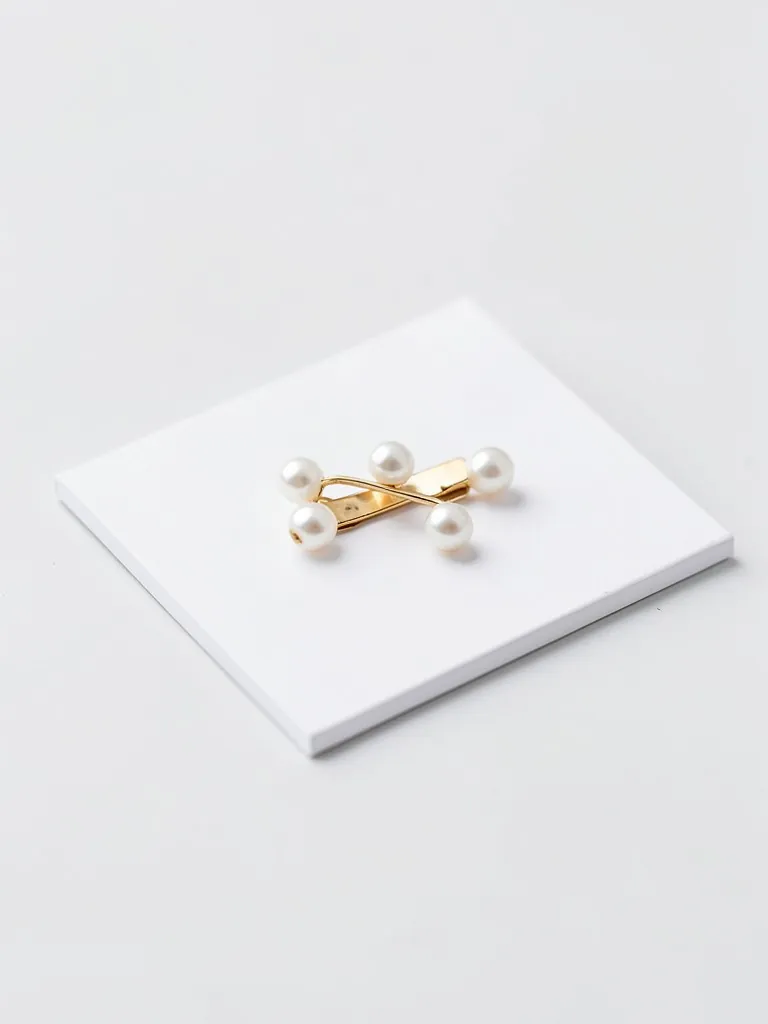
One accessory on a table, a card or a plain background. Not worn by a person.
2Choose the shot
Models are AI-generated adults, not real people.
Accessory
Hair
Skin tone
View
Background
Your first image is free. Free accounts get 20 monthly credits (free images carry a small watermark).
Your model photo will appear here.
Example results
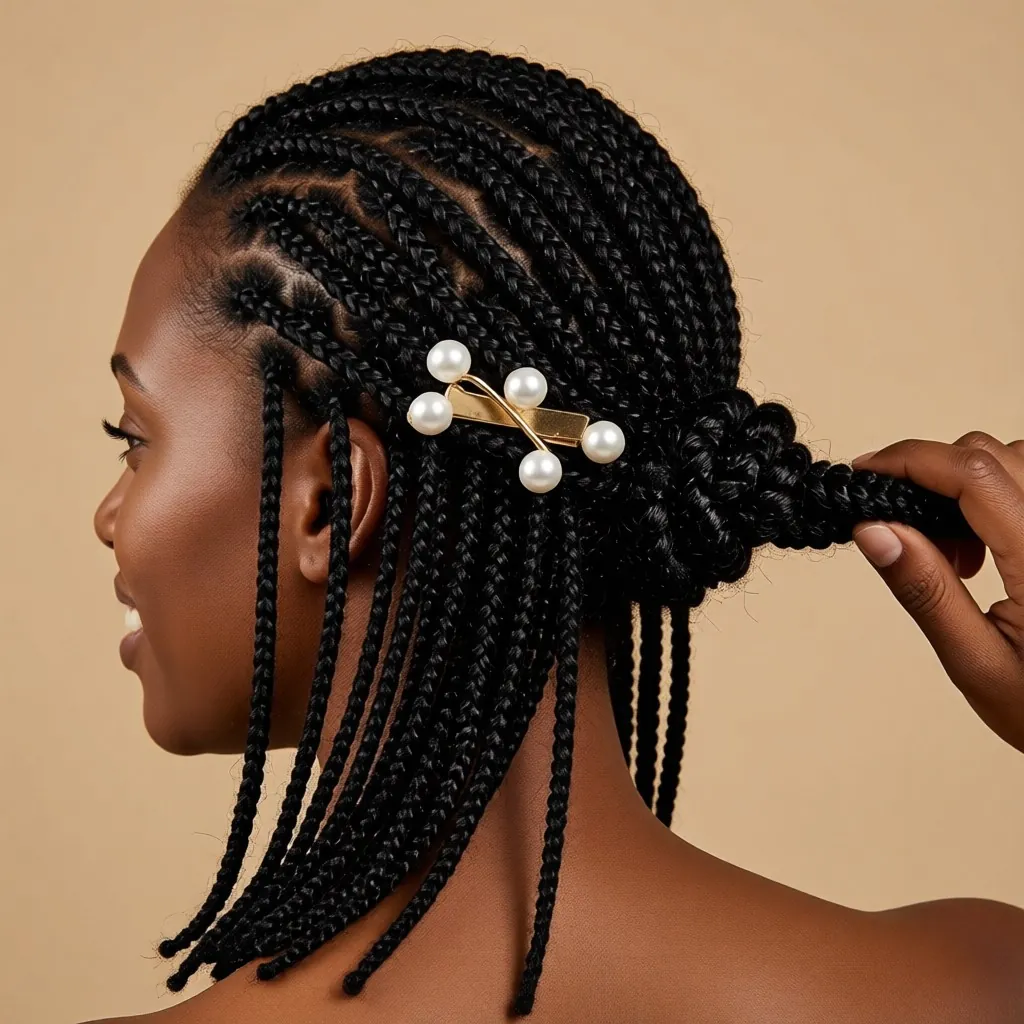
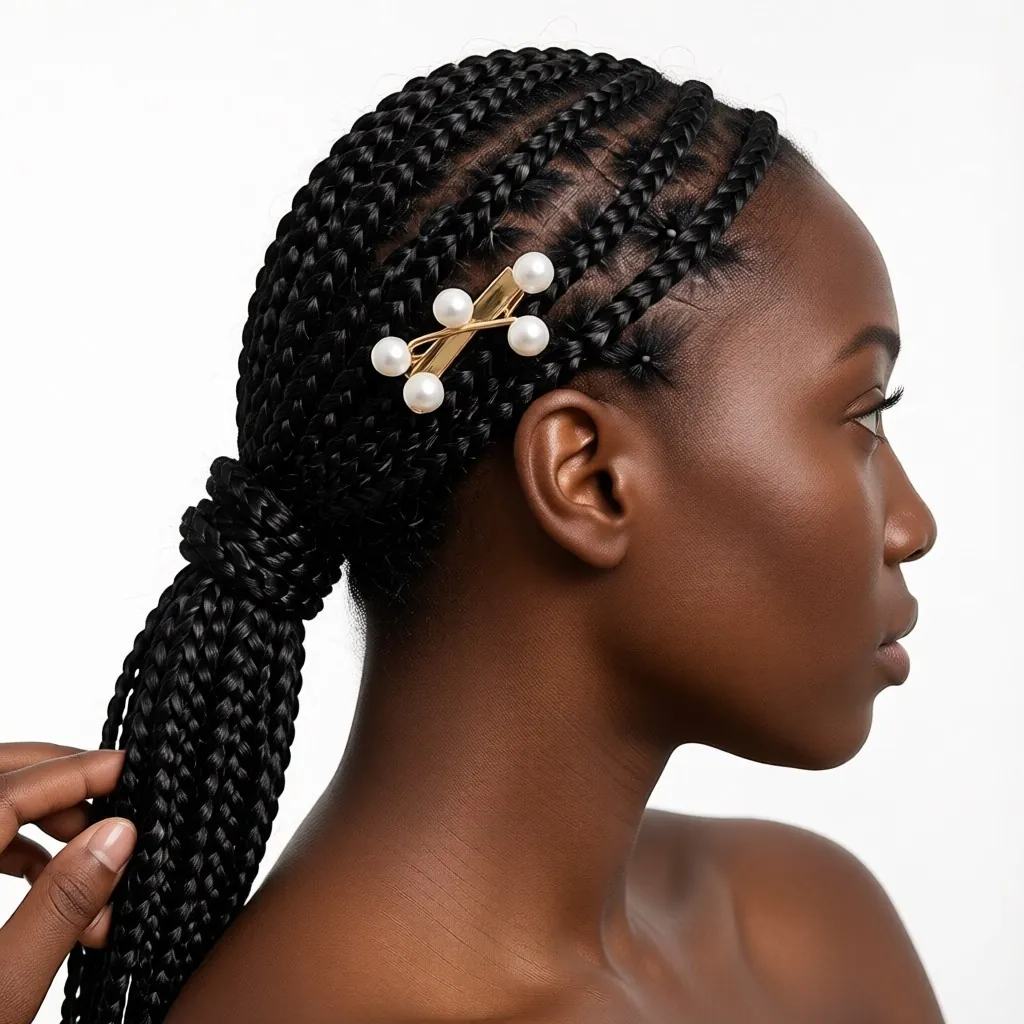
How hair accessories on Black models works
1. Upload the accessory
A claw clip, barrette, scrunchie, headband or head wrap photographed on its own.2. Pick the hair and view
Choose the accessory type, the hair texture and style, the skin tone, and a back, side or front close-up.3. Download the photo
Get a close-up product photo on a beige, white, blush or golden-hour backdrop.
Show how your clips and wraps sit on textured hair
Most hair accessory photos are shot on straight hair. A claw clip that holds fine hair may not close over thick locs, and a scrunchie looks different around a 4C puff than around a straight ponytail. Black shoppers want to see the piece on hair like theirs before they buy. This tool takes your product photo and shows the same accessory worn by an AI-generated adult Black woman on the hair texture you pick.
Use the back and side views for clips, the front view for headbands, and the head wrap option for scarves and wraps. Make the same piece on locs and on braids to show the range, and keep the same backdrop across a collection so your listings match.
More tools for your product photos: Black male model for clothing, AI Black female model for clothing, Outfit generator with Black models, Black streetwear model generator, Black activewear model generator, Evening gowns on Black models, Jewelry on Black models, All AIBlacks tools.
Hair accessories on Black models questions
Is the model a real person?
No. Every model is AI-generated and every model is an adult. The tool never uses or copies a real person's face.
Which accessories work?
Claw clips, snap clips, barrettes, scrunchies, hair ties, headbands, head wraps and scarves. Pick the type in the form so the AI puts it in the right place.
Which hair textures can I show?
Locs, box braids, natural 4C hair, two-strand twists, defined curls and a silk press, on five brown skin tones.
What photo should I upload?
The accessory on its own, sharp and evenly lit, on a table, a card or a plain background. Photos of the accessory being worn are rejected, because the tool does not edit photos of people.
Will the size look right?
The AI is told to keep the real size, but scale is the detail most worth checking. Compare the result with the real piece before you publish.
How much does it cost?
Your first image is free. After that, a free account gets 20 monthly credits (free images carry a small watermark). Paid plans remove the watermark.
Rings, chains and earrings are shown on AI models for jewelry, and timepieces on AI models for watches.
AI models for your clothes
Show your pieces on models of every skin tone, body and style: men, women, streetwear, activewear, evening wear, wigs and jewelry.
- AI Black Fashion Model Generator
- AI Female Model for Clothing
- AI Male Model for Clothing
- AI African Model Generator
- AI Jamaican Model
- AI Black Model
- AI Man Generator
- AI Woman Generator
- AI Outfit Generator
- AI Streetwear Model
- AI Activewear Model
- AI Evening Gown Model
- AI Wig Model Generator
- AI Jewelry Model