Black Male Model for Clothing
Upload a photo of your menswear and get it on an AI-generated adult Black man. Choose his age, build, skin tone, hairstyle and the backdrop, and get a catalog-ready photo for your store.
1Upload your clothing photo
Click or drop a JPG, PNG or WEBP (max 10 MB).
One garment, flat, on a hanger or on a mannequin, on a plain background. No people in the photo.
2Choose your model
Models are AI-generated adults, not real people.
Shot
Age
Build
Skin tone
Hair and beard
Background
Your first image is free. Free accounts get 20 monthly credits (free images carry a small watermark).
Your model photo will appear here.
Example results
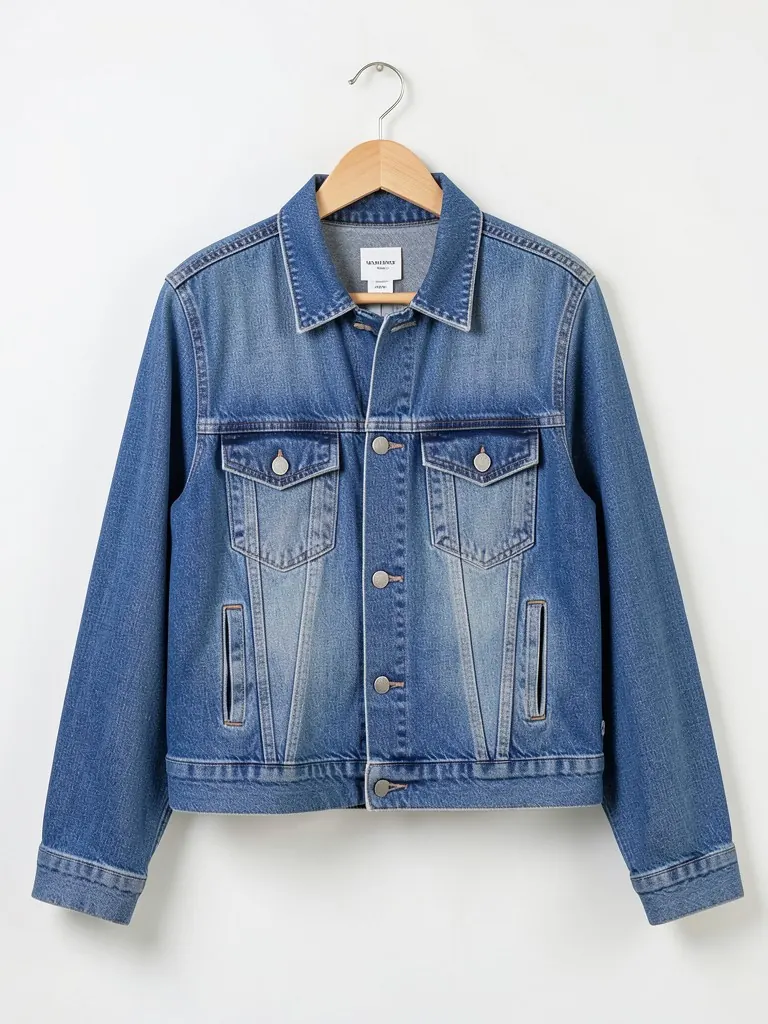
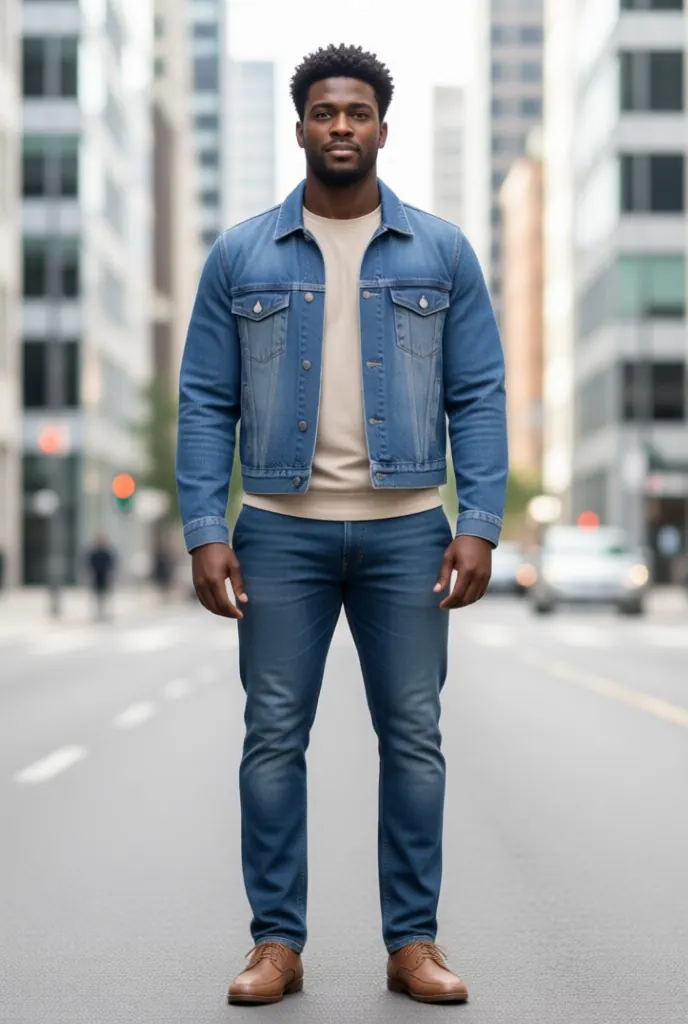
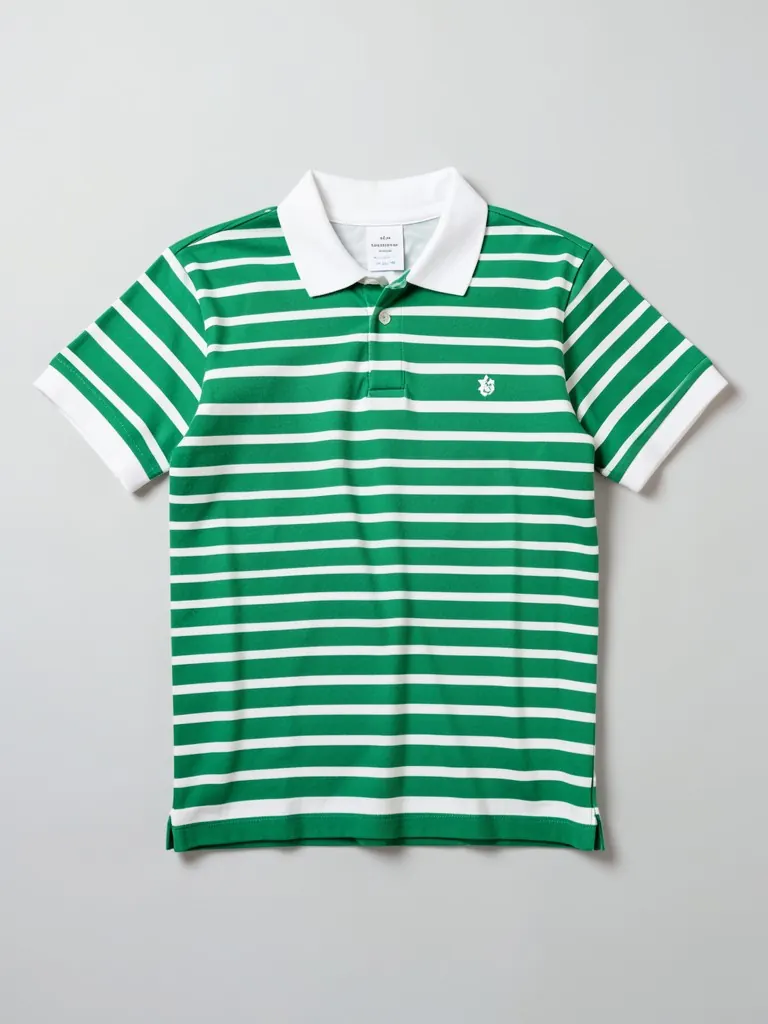
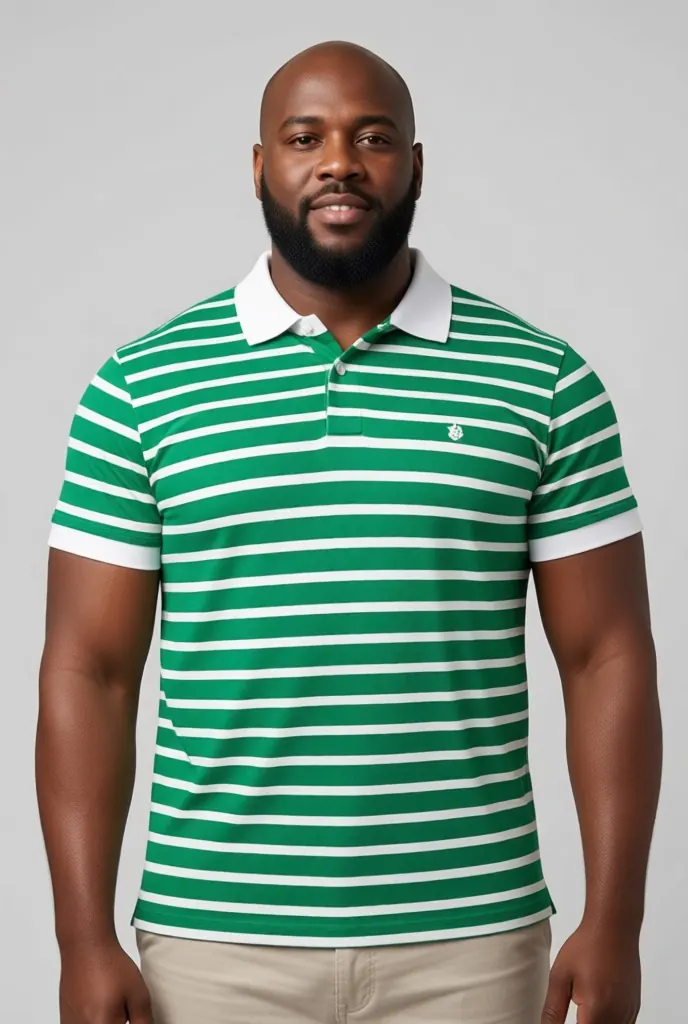
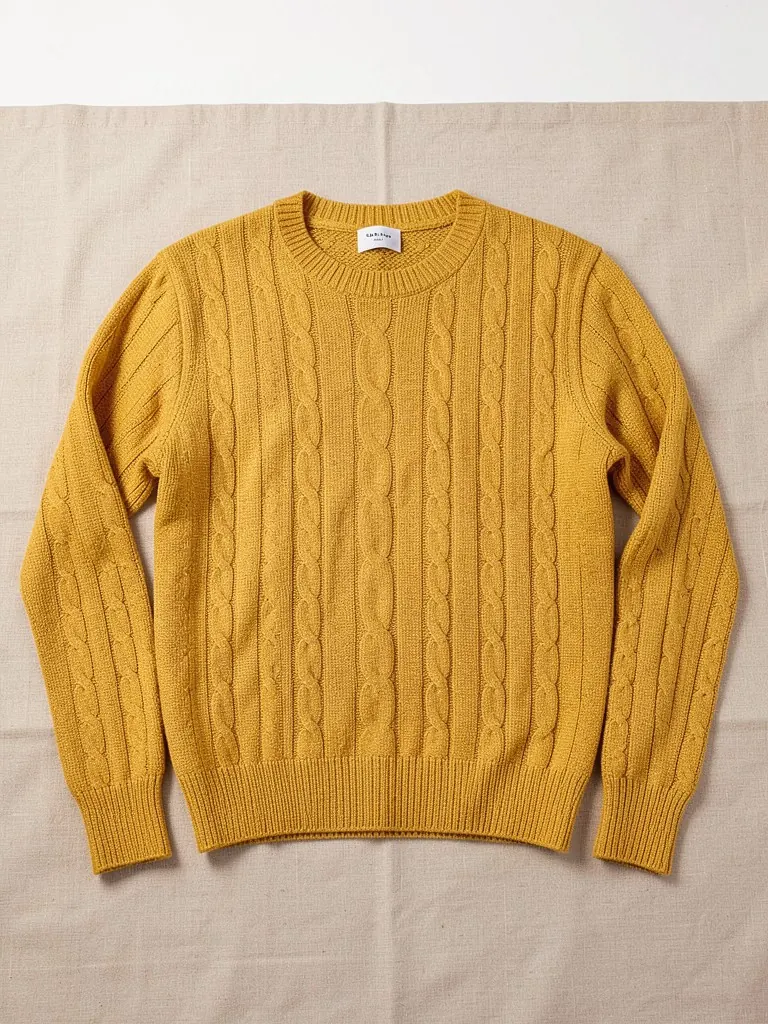
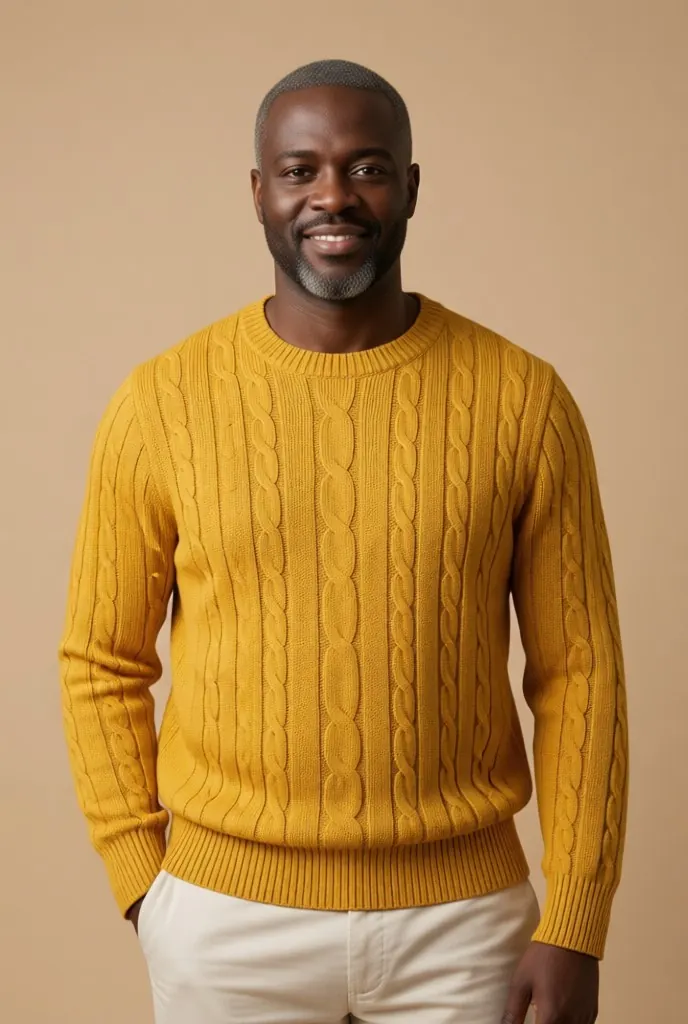
How the Black male model tool works
1. Upload the garment
A shirt, tee, hoodie, jacket, suit or trousers, flat, on a hanger or on a mannequin, on a plain background.2. Pick your model
Age from 20s to 50s+, build from slim to big and tall, five brown skin tones and six hair and beard styles.3. Download the photo
Get a full-length or waist-up catalog photo on a studio, street or golden-hour backdrop.
Show your menswear on Black men, without a photoshoot
Shoppers buy more when they can picture the clothes on someone who looks like them. Booking a model, a photographer and a studio for every new drop is slow and expensive, so many small menswear brands end up showing only flat lays. This tool takes the product photo you already have and shows the garment on an AI-generated adult Black man of the age, build and style you choose.
It works best for shirts, tees, polos, hoodies, jackets, suits, trousers and jeans photographed straight on with even light. Make one look for your main image, then change the hair, skin tone or build to show the same piece on different customers. Big and tall and 50s+ options help brands that dress men beyond the usual sample size.
More tools for your product photos: AI Black female model for clothing, AI African model generator, Jewelry on Black models, AI Black model generator, Virtual try-on for clothes, Ghost mannequin effect, All AIBlacks tools.
Black male model questions
Is the model a real person?
No. Every model is AI-generated and every model is an adult. The tool never uses or copies a real person's face.
What photo should I upload?
One garment, fully visible, flat, on a hanger or on a mannequin, on a plain background. Photos that show a person are rejected, so do not upload a photo of someone wearing it.
Which clothes work best?
Shirts, tees, polos, hoodies, sweaters, jackets, suits, trousers and jeans. Very fine prints, small text and sheer fabrics are the hardest to copy exactly.
Will the garment look exactly like my product?
The AI is told to keep the color, print, fabric, cut and logo identical, but small details can change. Compare the result with your real product and follow your marketplace's rules for AI images before you publish.
Can I show the same garment on different models?
Yes. Keep the same photo and change the age, build, skin tone or hairstyle, then generate again.
How much does it cost?
Your first image is free. After that, a free account gets 20 monthly credits (free images carry a small watermark). Paid plans remove the watermark.
More looks for men are on the AI models for menswear page. Chains and rings on a man are shown on AI models for jewelry.
AI models for your clothes
Show your pieces on models of every skin tone, body and style: men, women, streetwear, activewear, evening wear, wigs and jewelry.
- AI Black Fashion Model Generator
- AI Female Model for Clothing
- AI African Model Generator
- AI Jamaican Model
- AI Black Model
- AI Man Generator
- AI Woman Generator
- AI Outfit Generator
- AI Streetwear Model
- AI Activewear Model
- AI Evening Gown Model
- AI Wig Model Generator
- AI Hair Accessories Model
- AI Jewelry Model