Cap Mockup Generator
Upload a logo or graphic and see it on the front of a six-panel baseball cap. Choose a printed or embroidered finish and the cap color, then show it worn by an AI-generated model or on its own.
1Upload your logo or design
Click or drop a JPG, PNG or WEBP (max 10 MB).
A PNG or JPG of your artwork on a plain background works best. Designs with drawn faces or characters may be rejected.
2Choose the mockup
Models are AI-generated adults, not real people.
View
Model
Skin tone
Cap color
Finish
Background
Your first image is free. Free accounts get 20 monthly credits (free images carry a small watermark).
Your mockup will appear here.
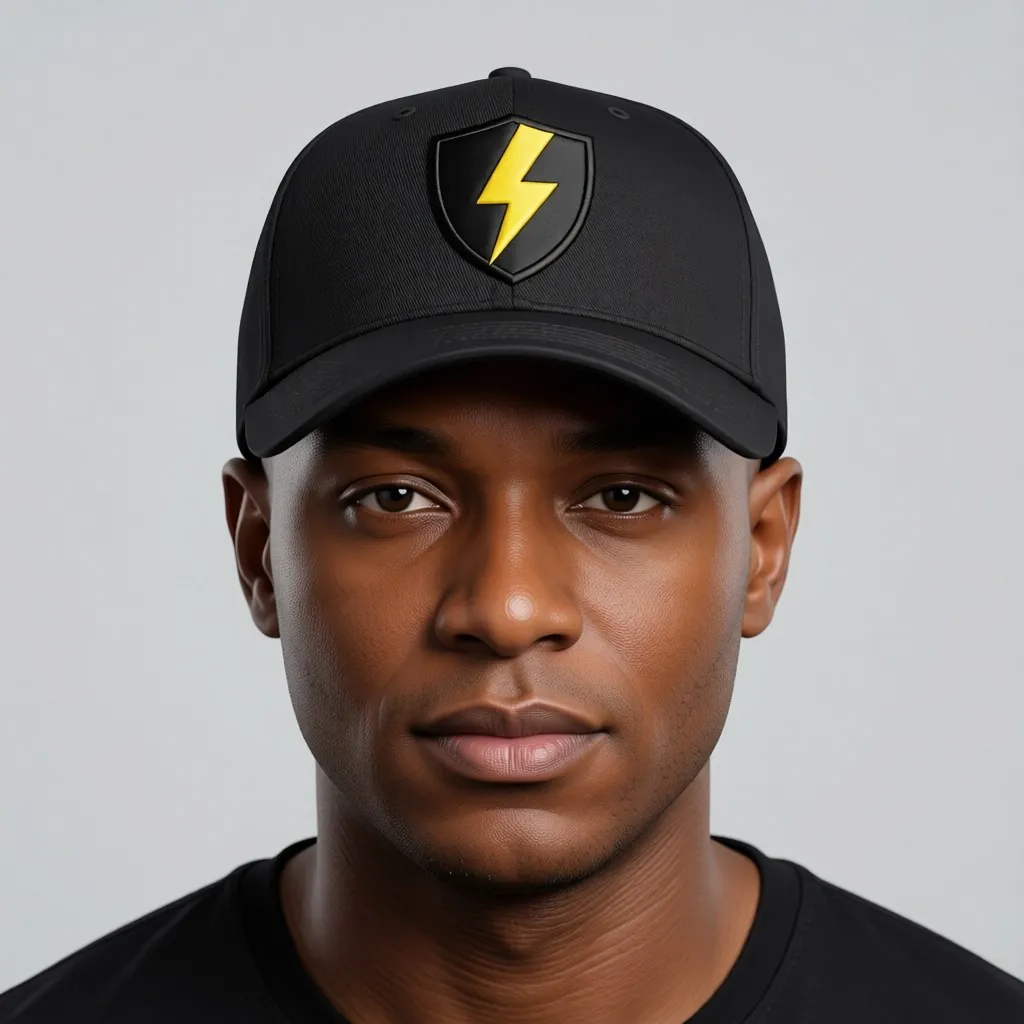
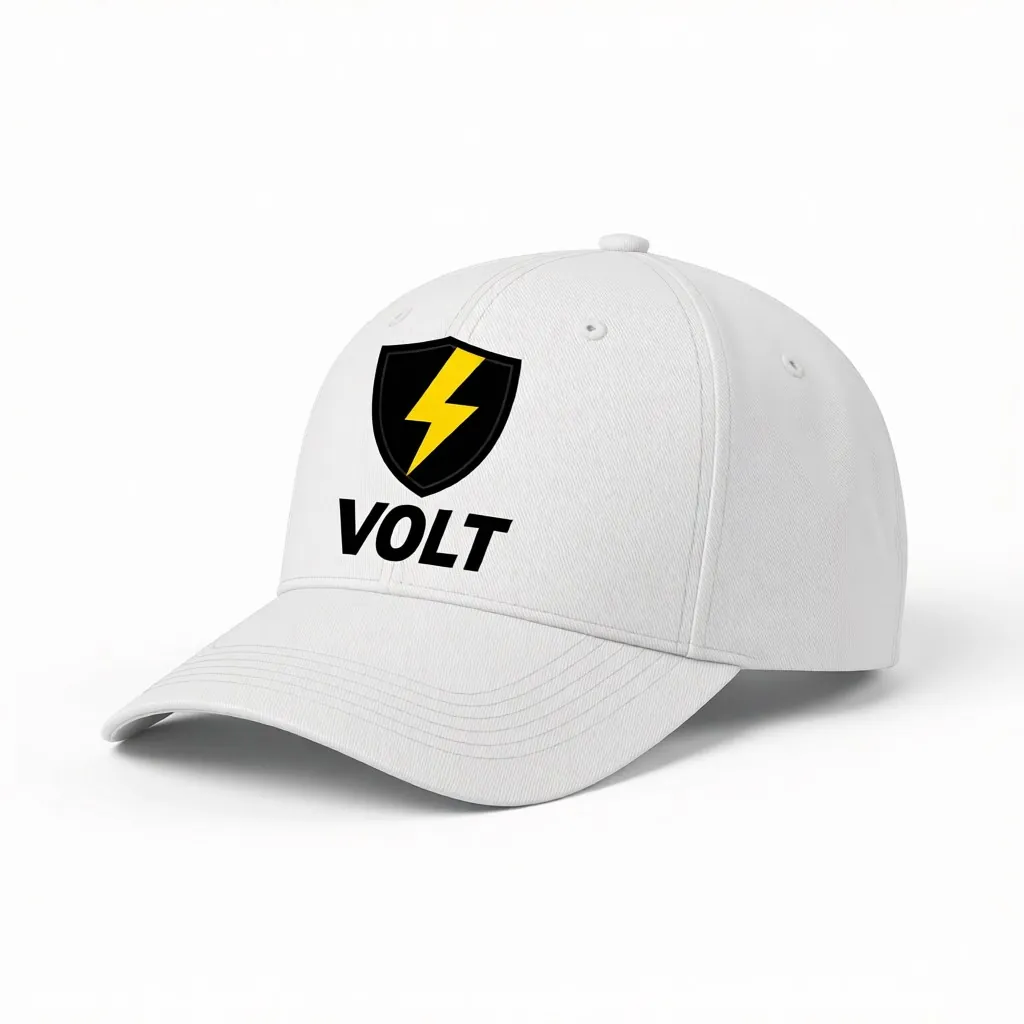
Example results
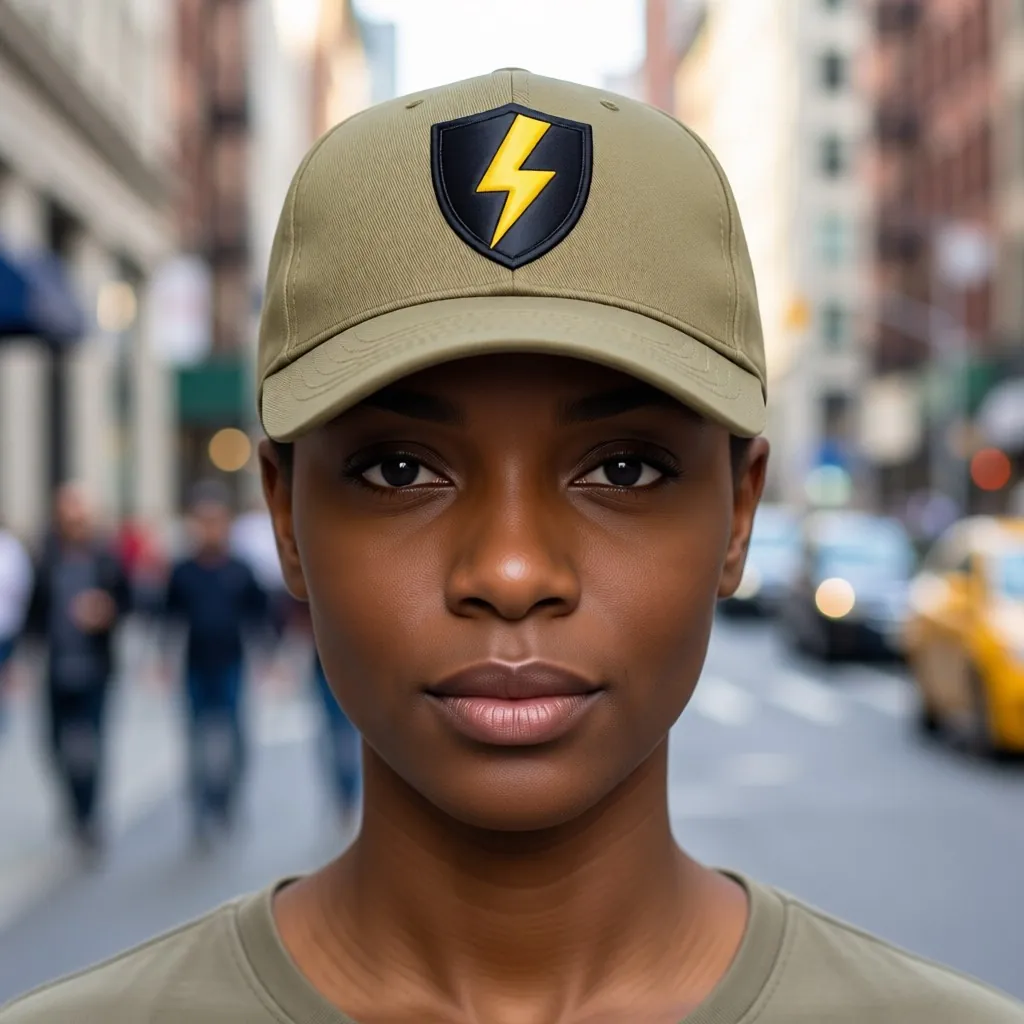
How the cap mockup generator works
1. Upload the logo
A clean logo, monogram or short text graphic on a plain or transparent background.2. Style the cap
Pick black, white, navy, khaki, red or olive, and a flat print or raised embroidery.3. Choose the shot and download
A model shot in six skin tones, or a three-quarter product shot, on white, grey or a city street.
Show a dad hat or baseball cap before you order a batch
Caps are one of the cheapest pieces of merch to add, and one of the hardest to photograph well: a curved front panel, a brim that throws shadow and stitching that has to look raised. This tool puts your logo on a six-panel cap for you, as a print or as satin-stitch embroidery, so you can see if the size and color work before you pay for a minimum order.
Use the product shot for the cap's listing image and the model shots for social posts and the size and fit section. Try your logo on two or three cap colors to see which one your customers pick, then order stock only of that one.
More tools for your product photos: Trucker hat mockup, Bucket hat mockup, Beanie mockup, Embroidery mockup, Clothing tag mockup, Silk scarf mockup, AI clothing product photography, All AIBlacks tools.
Cap Mockup Generator questions
Is the model a real person?
No. Every model is AI-generated and every model is an adult. The tool never uses or copies a real person's face.
Can I upload any design?
Upload only artwork you made or have the rights to use. Do not upload other brands' logos, characters or copyrighted designs.
Can I see my logo embroidered?
Yes. Pick Embroidered and the logo is drawn as raised satin thread stitching. Fine lines and very small text may be simplified, as they would be in a real embroidery file.
Does it work for dad hats and baseball hats?
Yes. The cap is a six-panel structured baseball cap with a curved brim, the shape most dad hats and team caps use. For a mesh-back cap, use the trucker hat mockup.
Will my logo look exactly the same?
The AI is told to keep the shapes and colors identical, but it redraws the logo onto the cap. Check the result against your file before you publish it.
How much does it cost?
Your first image is free. After that, a free account gets 20 monthly credits (free images carry a small watermark). Paid plans remove the watermark.
Mockups for apparel and merch
Put your print or logo on blank tees, hoodies, hats, bags and tags before you order stock.
- Apparel Mockup
- T-Shirt Mockup Generator
- Front and Back T-Shirt Mockup
- Black T-Shirt Mockup
- White T-Shirt Mockup
- Tank Top Mockup
- Polo Shirt Mockup
- Jersey Mockup
- Crewneck Mockup
- Hoodie Mockup
- Black Hoodie Mockup
- Print on Demand Hoodie Mockup
- Sweater Mockup
- Jacket Mockup
- Sweatpants Mockup
- Shorts Mockup
- Trucker Hat Mockup
- Bucket Hat Mockup
- Beanie Mockup
- Scarf Mockup
- Sock Mockup
- Apron Mockup
- Canvas Bag Mockup
- Shopping Bag Mockup
- Clothing Tag Mockup
- Embroidery Mockup
- Sticker Mockup