White T-Shirt Mockup Generator
Upload a design and see it on a bright white tee in one click. Choose a regular, oversized, cropped boxy, ringer or long-sleeve shirt, a large front print, a small left-chest logo or an edge-to-edge design, and show it on an AI model or as a flat lay.
1Upload your t-shirt design
Click or drop a JPG, PNG or WEBP (max 10 MB).
A PNG or JPG of your artwork on a plain background works best. Designs with drawn faces or characters may be rejected.
2Choose the mockup
Models are AI-generated adults, not real people.
View
Fit
Print placement
Model
Skin tone
Background
Your first image is free. Free accounts get 20 monthly credits (free images carry a small watermark).
Your mockup will appear here.
Example results
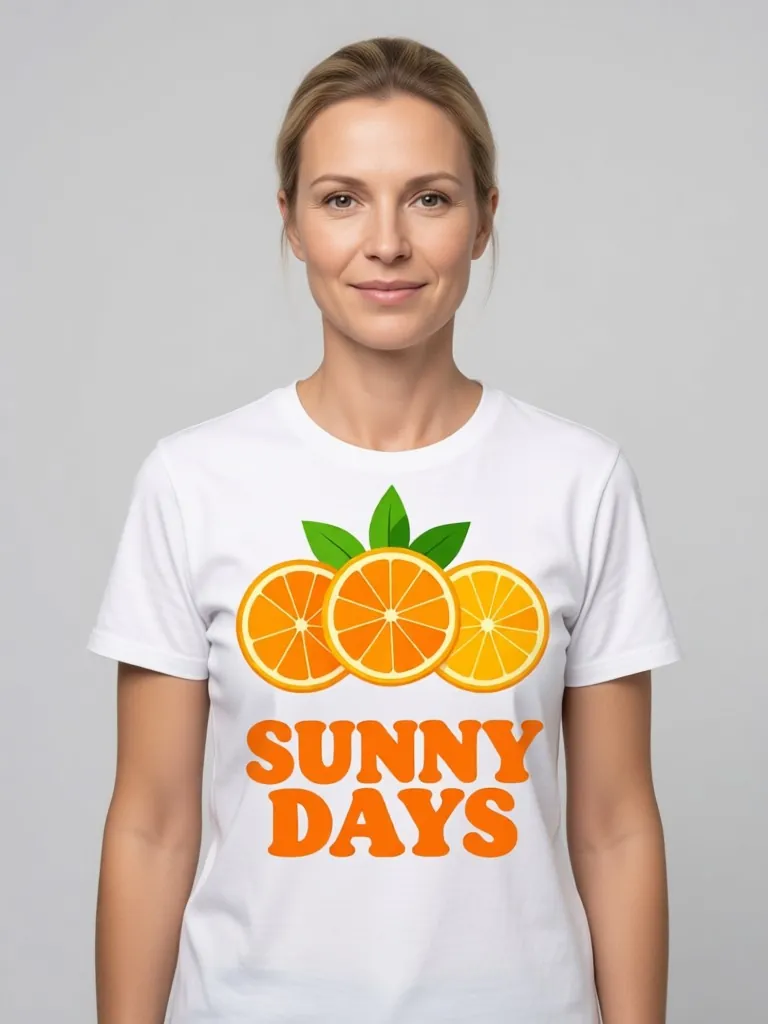
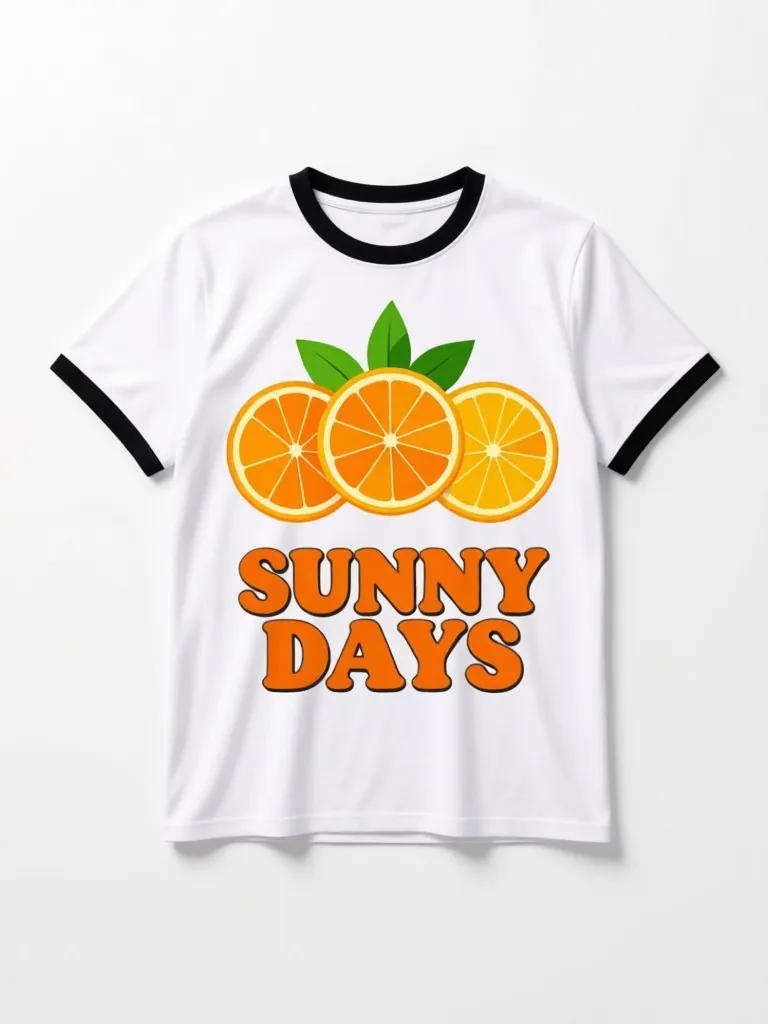
How the white t-shirt mockup generator works
1. Upload your design
Any PNG or JPG. Very pale colors and white parts of the design will not show on a white shirt.2. Choose the tee
Pick the fit, the print size and placement, the model and the background.3. Download and list
Use it for your store, a print on demand listing or a quick post to see which design people like.
White tees show every color of your design
A white shirt shows full-color artwork the way it was drawn, which makes it the default first listing photo for most print on demand shops. A grey or street background keeps the white shirt from blending into a white page.
Ringer and cropped boxy tees are popular in vintage and Y2K-style stores. Showing your design on the cut you actually sell makes your listing match what the buyer receives.
More tools for your product photos: Black hoodie mockup, Baby tee mockup, Canvas bag mockup, Sticker mockup, Shopping bag mockup, Apparel mockup, AI clothing product photography, All AIBlacks tools.
White T-Shirt Mockup Generator questions
Is the model a real person?
No. Every model is AI-generated and every model is an adult. The tool never uses or copies a real person's face.
Can I upload any design?
Upload only artwork you made or have the rights to use. Do not upload other brands' logos, characters or copyrighted designs.
Why can't I see part of my design?
White or very pale parts of a design disappear on a white shirt. Add a darker outline or pick a grey background so the shirt edge stands out.
What is a ringer tee?
A t-shirt with a contrasting band on the collar and sleeve cuffs. Here the trim is black.
Can I make an all-over front print?
Yes. Pick edge to edge to run the design across most of the front.
How much does it cost?
Your first image is free. After that, a free account gets 20 monthly credits (free images carry a small watermark). Paid plans remove the watermark.
Mockups for apparel and merch
Put your print or logo on blank tees, hoodies, hats, bags and tags before you order stock.
- Apparel Mockup
- T-Shirt Mockup Generator
- Front and Back T-Shirt Mockup
- Black T-Shirt Mockup
- Tank Top Mockup
- Polo Shirt Mockup
- Jersey Mockup
- Crewneck Mockup
- Hoodie Mockup
- Black Hoodie Mockup
- Print on Demand Hoodie Mockup
- Sweater Mockup
- Jacket Mockup
- Sweatpants Mockup
- Shorts Mockup
- Cap Mockup
- Trucker Hat Mockup
- Bucket Hat Mockup
- Beanie Mockup
- Scarf Mockup
- Sock Mockup
- Apron Mockup
- Canvas Bag Mockup
- Shopping Bag Mockup
- Clothing Tag Mockup
- Embroidery Mockup
- Sticker Mockup