Polo Shirt Mockup Generator
Upload a logo and see it on a polo shirt, embroidered or printed, on the left chest or the sleeve. Choose a classic piqué polo, a long-sleeve polo or a performance golf polo, then show it worn by an AI-generated model or as a flat lay.
1Upload your logo or design
Click or drop a JPG, PNG or WEBP (max 10 MB).
A PNG or JPG of your artwork on a plain background works best. Designs with drawn faces or characters may be rejected.
2Choose the mockup
Models are AI-generated adults, not real people.
View
Polo style
Placement
Finish
Polo color
Model
Skin tone
Background
Your first image is free. Free accounts get 20 monthly credits (free images carry a small watermark).
Your mockup will appear here.
Example results
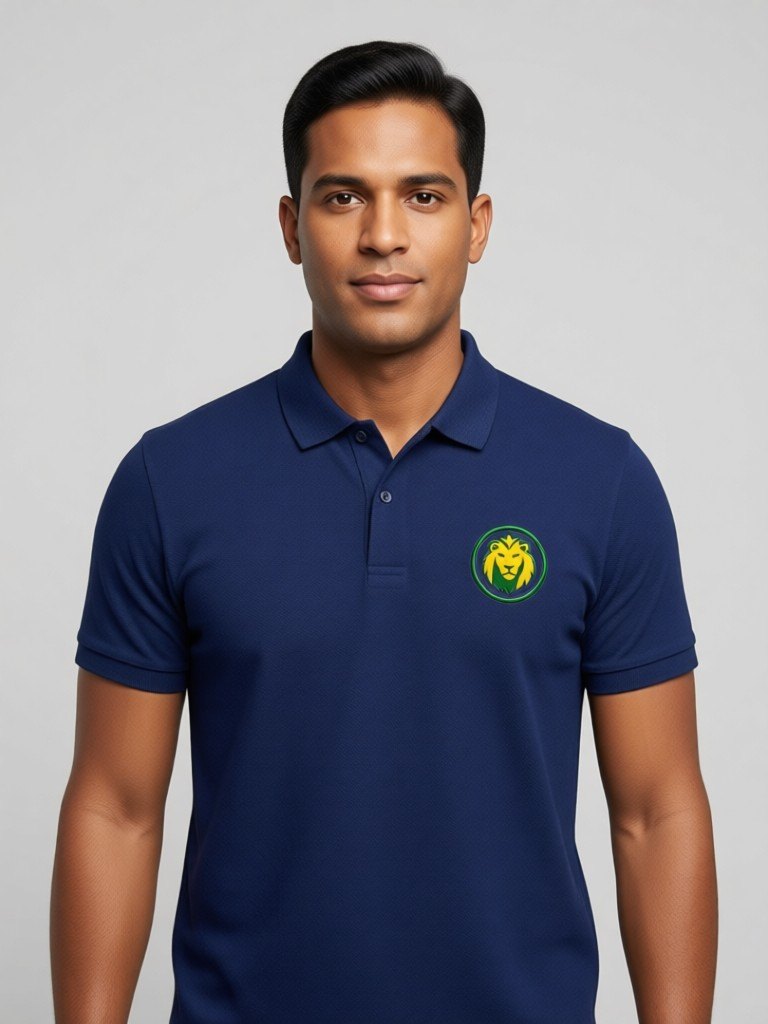
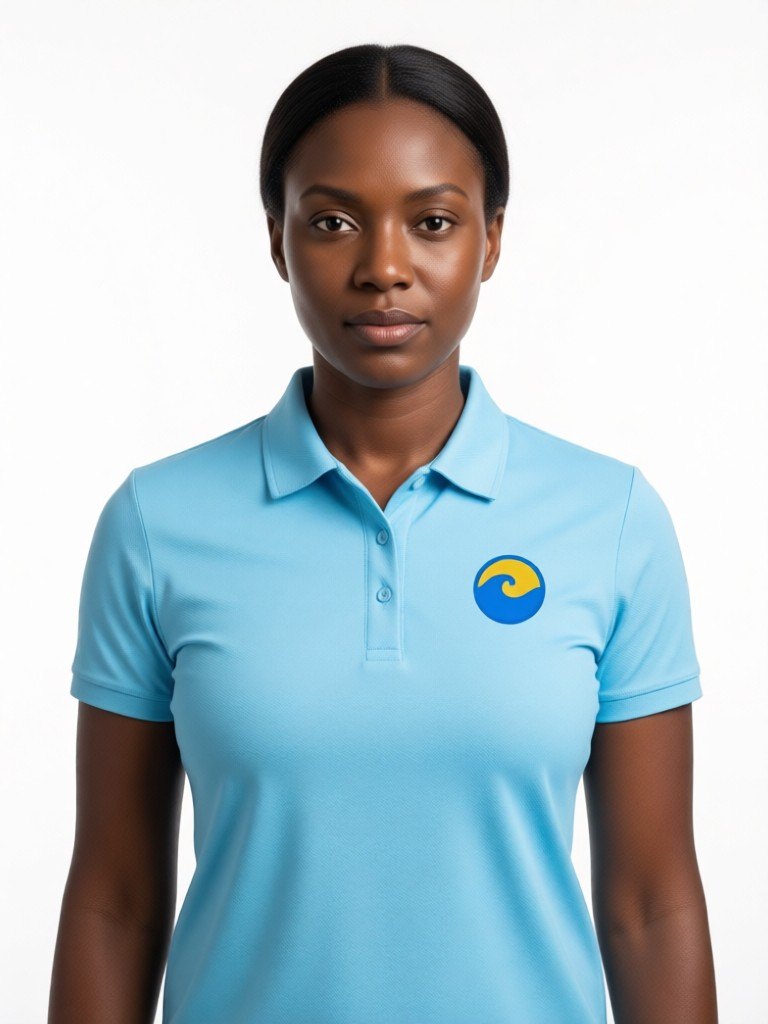
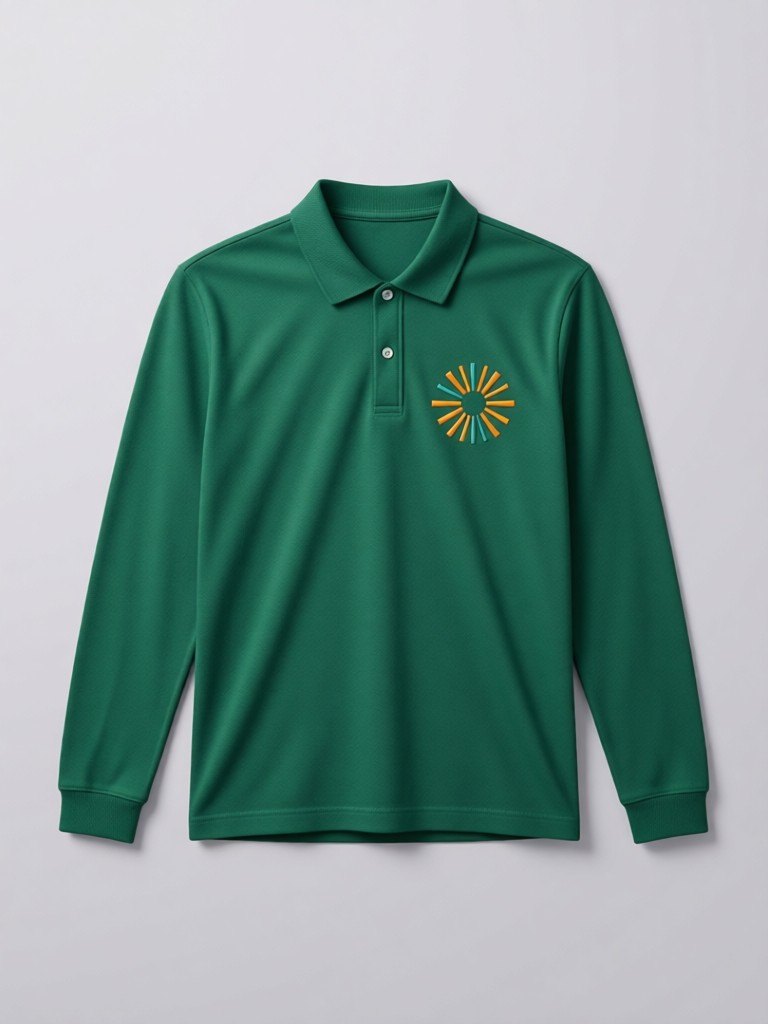
How the polo shirt mockup generator works
1. Upload the logo
A clean business logo or monogram on a plain background. One or two colors read best at left chest size.2. Style the polo
Choose classic, long sleeve or performance golf, in white, black, navy, forest green, sky blue or red, then left chest or sleeve, embroidered or printed.3. Choose the shot and download
An AI model in six skin tones, or a flat lay with the collar laid flat, on white, light grey or a city street backdrop.
Staff polos, golf shirts and branded workwear
A polo is the default uniform for restaurants, garages, clinics, schools, golf clubs and small service companies, which makes it one of the most common things a small business orders with its logo on. It is also an order where mistakes are expensive: embroidery is charged by stitch count and by the color of the garment, and a logo that looked fine on a business card can look crowded or unreadable at about eight centimeters wide on a chest.
Run your logo through the embroidered finish first. It draws your artwork as raised satin thread stitching, so you can see right away whether fine lines would blur and whether the mark holds its shape on the fold of a collar. Then try printed, which is the better choice for gradients and many colors. The performance golf style shows a smooth moisture-wicking fabric instead of piqué cotton, which is useful if you are pitching a golf day, a charity run or a company outing.
Choose the left chest for the classic corporate look or the sleeve for a quieter second mark. Showing the shirt worn by an AI model, instead of a logo pasted on a rectangle, also helps when you need sign-off from a manager or a client who cannot picture the finished shirt.
The mockup is a visual aid. Your embroiderer will digitize the real logo and set thread colors, so treat the image as a preview and send them your original artwork.
More tools for your product photos: Embroidery mockup, Black t-shirt mockup, White t-shirt mockup, Clothing tag mockup, Cap mockup, AI clothing product photography, All AIBlacks tools.
Polo Shirt Mockup Generator questions
Is the model a real person?
No. Every model is AI-generated and every model is an adult. The tool never uses or copies a real person's face.
Can I upload any design?
Upload only artwork you made or have the rights to use. Do not upload other brands' logos, characters or copyrighted designs.
What does the embroidered finish look like?
Your logo is drawn as raised satin thread stitching. Fine lines and very small text may be simplified, as they would be once a real embroidery file is made.
Can I put a logo on a white polo?
Yes. White, black, navy, forest green, sky blue and red are available. Try a few colors to see which one makes your logo stand out best.
Which polo styles are included?
Classic short-sleeve piqué, long-sleeve cotton and short-sleeve performance golf. All are plain, with no brand marks other than yours.
Is this good for staff uniforms?
Yes, as a preview to get a decision from a manager or client. Order from your supplier using your own production files, not this image.
Will my design look exactly the same?
The AI is told to keep the shapes and colors identical, but it redraws the artwork onto the garment. Check the result against your original file before you publish it.
Can I see the back of the polo?
No. The tool creates one front-facing picture per run, with the logo on the left chest or the sleeve.
How much does it cost?
Your first image is free. After that, a free account gets 20 monthly credits (free images carry a small watermark). Paid plans remove the watermark.
Menswear sellers can also read how AI models show shirts and polos on a model.
Mockups for apparel and merch
Put your print or logo on blank tees, hoodies, hats, bags and tags before you order stock.
- Apparel Mockup
- T-Shirt Mockup Generator
- Front and Back T-Shirt Mockup
- Black T-Shirt Mockup
- White T-Shirt Mockup
- Tank Top Mockup
- Jersey Mockup
- Crewneck Mockup
- Hoodie Mockup
- Black Hoodie Mockup
- Print on Demand Hoodie Mockup
- Sweater Mockup
- Jacket Mockup
- Sweatpants Mockup
- Shorts Mockup
- Cap Mockup
- Trucker Hat Mockup
- Bucket Hat Mockup
- Beanie Mockup
- Scarf Mockup
- Sock Mockup
- Apron Mockup
- Canvas Bag Mockup
- Shopping Bag Mockup
- Clothing Tag Mockup
- Embroidery Mockup
- Sticker Mockup