Jacket Mockup Generator
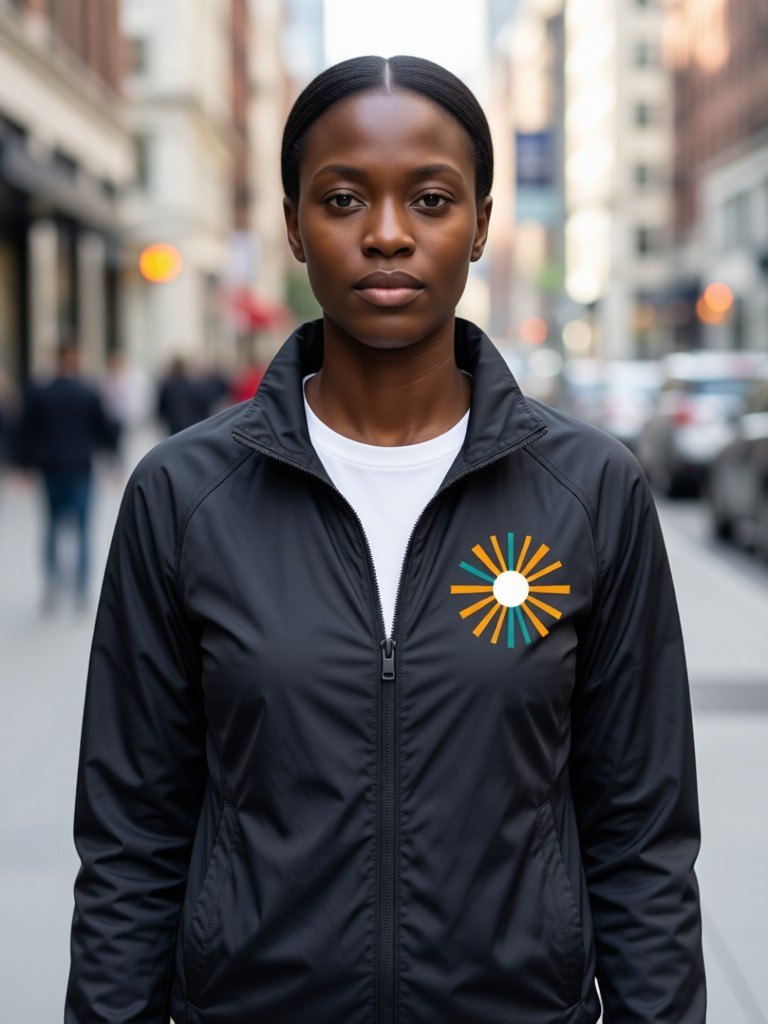
Upload a logo or graphic and see it on a bomber, varsity jacket, denim trucker or windbreaker. Choose a sewn patch or a flat print, pick the jacket color and placement, then show it worn by an AI-generated model or laid out as a flat lay.
1Upload your logo or design
Click or drop a JPG, PNG or WEBP (max 10 MB).
A PNG or JPG of your artwork on a plain background works best. Designs with drawn faces or characters may be rejected.
2Choose the mockup
Models are AI-generated adults, not real people.
View
Jacket style
Placement
Finish
Jacket color
Model
Skin tone
Background
Your first image is free. Free accounts get 20 monthly credits (free images carry a small watermark).
Your mockup will appear here.
Example results
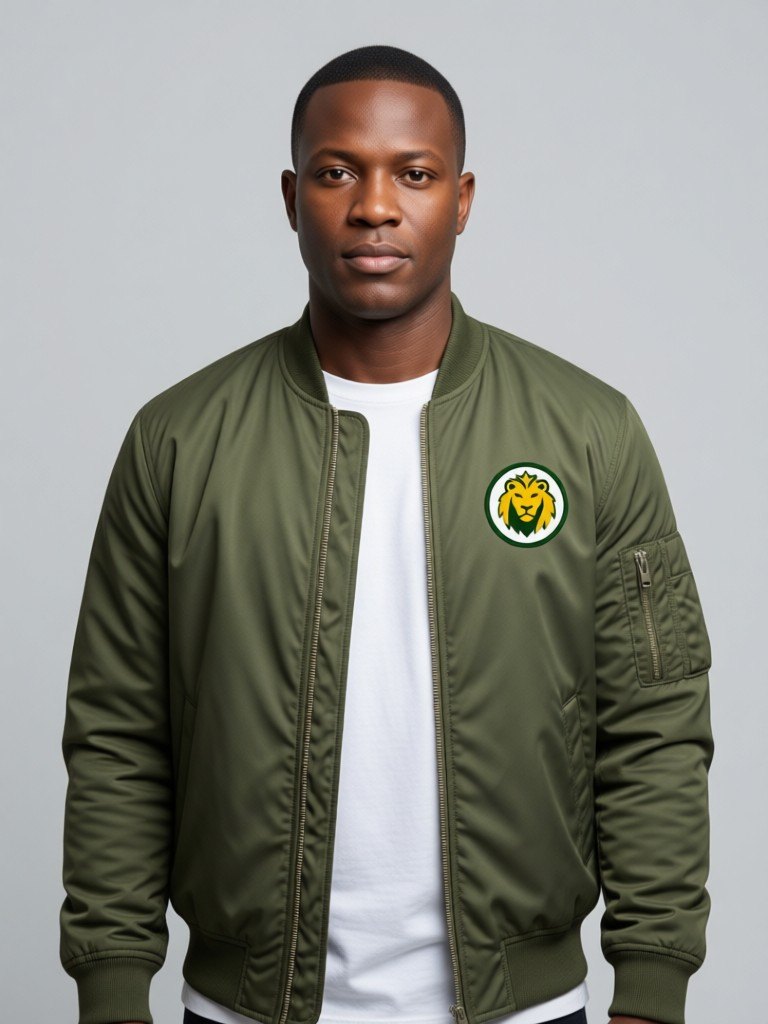
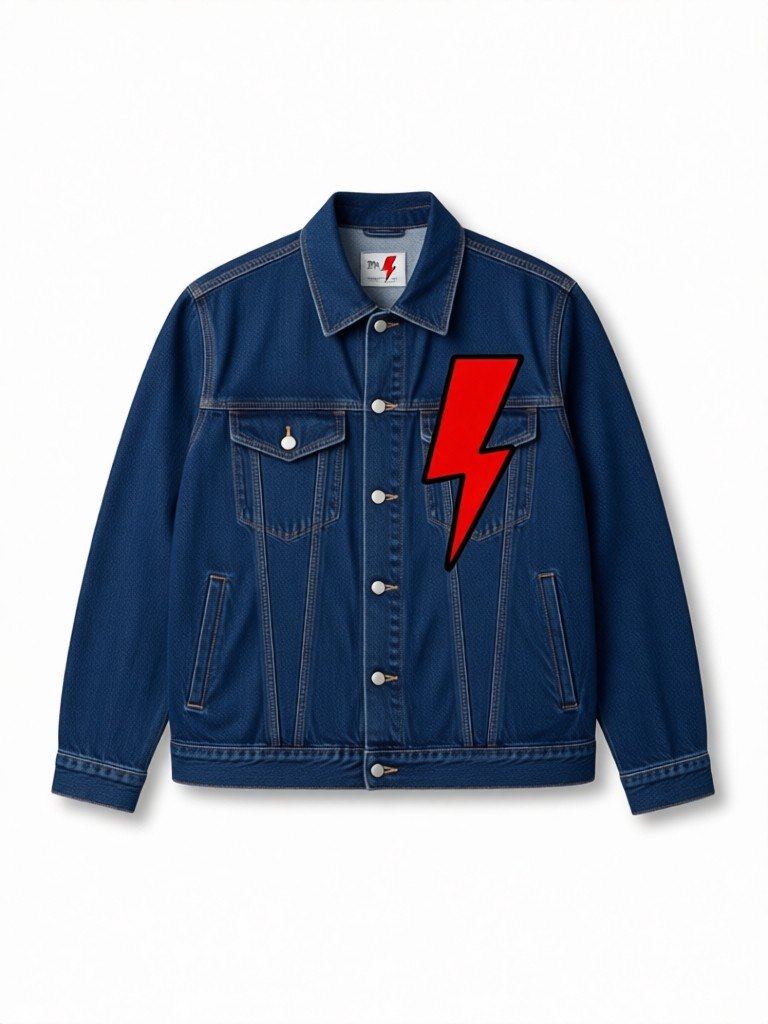

How the jacket mockup generator works
1. Upload the logo
A clean logo, badge or graphic on a plain or transparent background. Keep it simple: bold shapes survive better than hairline detail.2. Choose the jacket
Pick a bomber, varsity, denim trucker or windbreaker in black, navy, olive, burgundy, khaki or cream, then a left chest, center chest or sleeve placement and a patch or print finish.3. Pick the shot and download
Show it on an AI model in six skin tones, or as a flat lay, on white, light grey or a city street backdrop.
Test your jacket design before you order a run
Jackets are the most expensive piece of merch most small brands will ever sample. A single embroidered bomber can cost several times what a t-shirt does to produce, and a minimum order is rarely small. Looking at the design on a jacket first, before you pay for a sample, lets you catch the obvious problems early: a badge that is too big for the chest, a logo that disappears on dark olive, or a sleeve placement that looks like an afterthought.
The patch finish shows your artwork as a stitched, slightly raised badge, which is how most varsity and bomber jackets carry a club, team or brand mark. The print finish shows it flat on the fabric, which suits windbreakers and denim where a patch would look heavy. Placement matters as much as finish: a small left chest mark reads as a quiet brand, a large center chest mark reads as a statement piece, and a sleeve mark works for a limited drop or a collaboration.
Use the model shots on your product page, in a pre-order post or in a pitch to a manufacturer, and use the flat lay as the clean listing image. Because each model is AI-generated, you can show the same jacket on a man or a woman across six skin tones without booking a shoot for each. Try your logo on two or three jacket colors and ask your audience which one they would buy before you commit to stock.
Be honest with customers about what the image is. A mockup shows the intended design, not a finished jacket, so label pre-order images as a preview and replace them with real photos once your samples arrive.
More tools for your product photos: Black hoodie mockup, Sweater mockup, Crewneck mockup, Embroidery mockup, Clothing tag mockup, AI clothing product photography, All AIBlacks tools.
Jacket Mockup Generator questions
Is the model a real person?
No. Every model is AI-generated and every model is an adult. The tool never uses or copies a real person's face.
Can I upload any design?
Upload only artwork you made or have the rights to use. Do not upload other brands' logos, characters or copyrighted designs.
Which jacket styles can I choose?
Bomber, varsity, denim trucker and windbreaker. Each is drawn as a plain, unbranded jacket so the only artwork on it is yours.
What is the difference between patch and print?
Patch draws your artwork as a sewn, slightly raised badge. Print draws it flat on the fabric. Patches suit varsity and bomber jackets; prints suit windbreakers and denim.
Can I put the logo on the back of the jacket?
Not yet. You can choose the left chest, the center chest or the sleeve. Back prints are not offered, so photograph or design those separately.
Does it work for team jackets and uniforms?
Yes, for the design preview. Upload your club or company mark, pick the placement and see how it reads at jacket scale. Order from your manufacturer using your own production files, not this image.
Will my design look exactly the same?
The AI is told to keep the shapes and colors identical, but it redraws the artwork onto the garment. Check the result against your original file before you publish it.
Can I use the images in my online store?
Yes, as a preview of your own design, and as long as you follow your marketplace's rules for AI-generated images. Say clearly that it is a mockup until you have real product photos.
How much does it cost?
Your first image is free. After that, a free account gets 20 monthly credits (free images carry a small watermark). Paid plans remove the watermark.
Coats and puffers on a model are shown on AI models for outerwear.
Mockups for apparel and merch
Put your print or logo on blank tees, hoodies, hats, bags and tags before you order stock.
- Apparel Mockup
- T-Shirt Mockup Generator
- Front and Back T-Shirt Mockup
- Black T-Shirt Mockup
- White T-Shirt Mockup
- Tank Top Mockup
- Polo Shirt Mockup
- Jersey Mockup
- Crewneck Mockup
- Hoodie Mockup
- Black Hoodie Mockup
- Print on Demand Hoodie Mockup
- Sweater Mockup
- Sweatpants Mockup
- Shorts Mockup
- Cap Mockup
- Trucker Hat Mockup
- Bucket Hat Mockup
- Beanie Mockup
- Scarf Mockup
- Sock Mockup
- Apron Mockup
- Canvas Bag Mockup
- Shopping Bag Mockup
- Clothing Tag Mockup
- Embroidery Mockup
- Sticker Mockup