Sticker Mockup Generator
Upload your design and see it as a real sticker. Pick die-cut, kiss-cut, holographic, clear or a sticker sheet, then put it on a laptop, a steel water bottle, a kraft shipping box or a poly mailer, or hold it in a hand.
1Upload your sticker design
Click or drop a JPG, PNG or WEBP (max 10 MB).
A PNG or JPG of your artwork on a plain background works best. Designs with drawn faces or characters may be rejected.
2Choose the mockup
No people are shown, only an AI-generated adult hand if you pick In a hand.
Sticker type
Where it is stuck
Your first image is free. Free accounts get 20 monthly credits (free images carry a small watermark).
Your mockup will appear here.
Example results
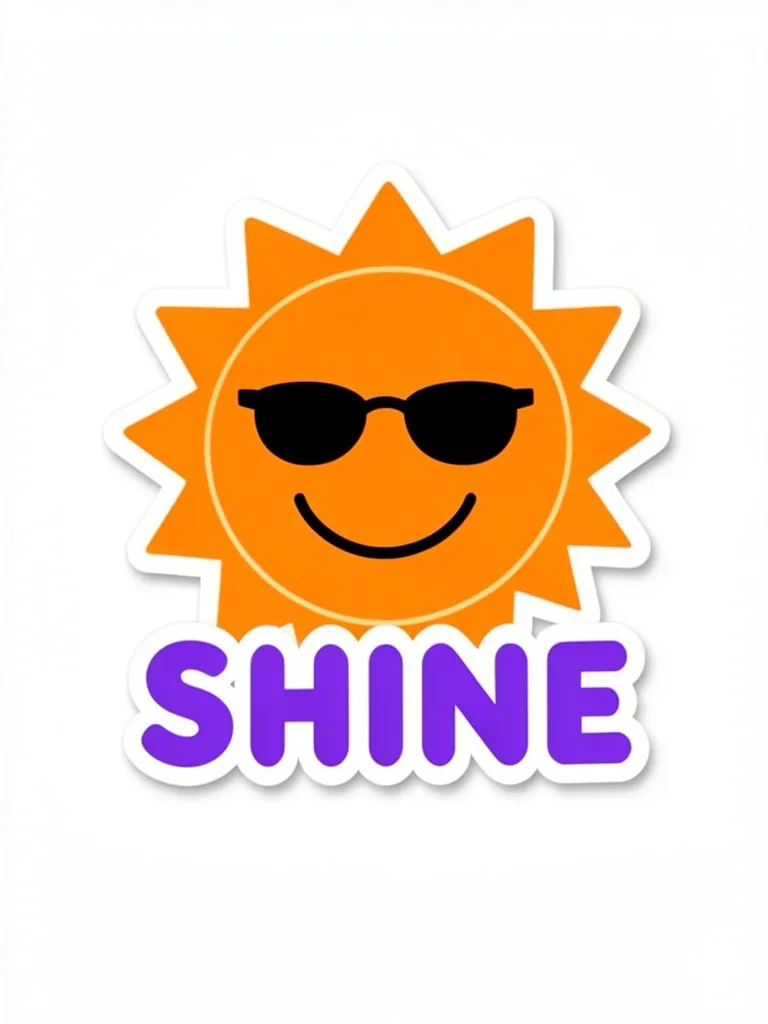
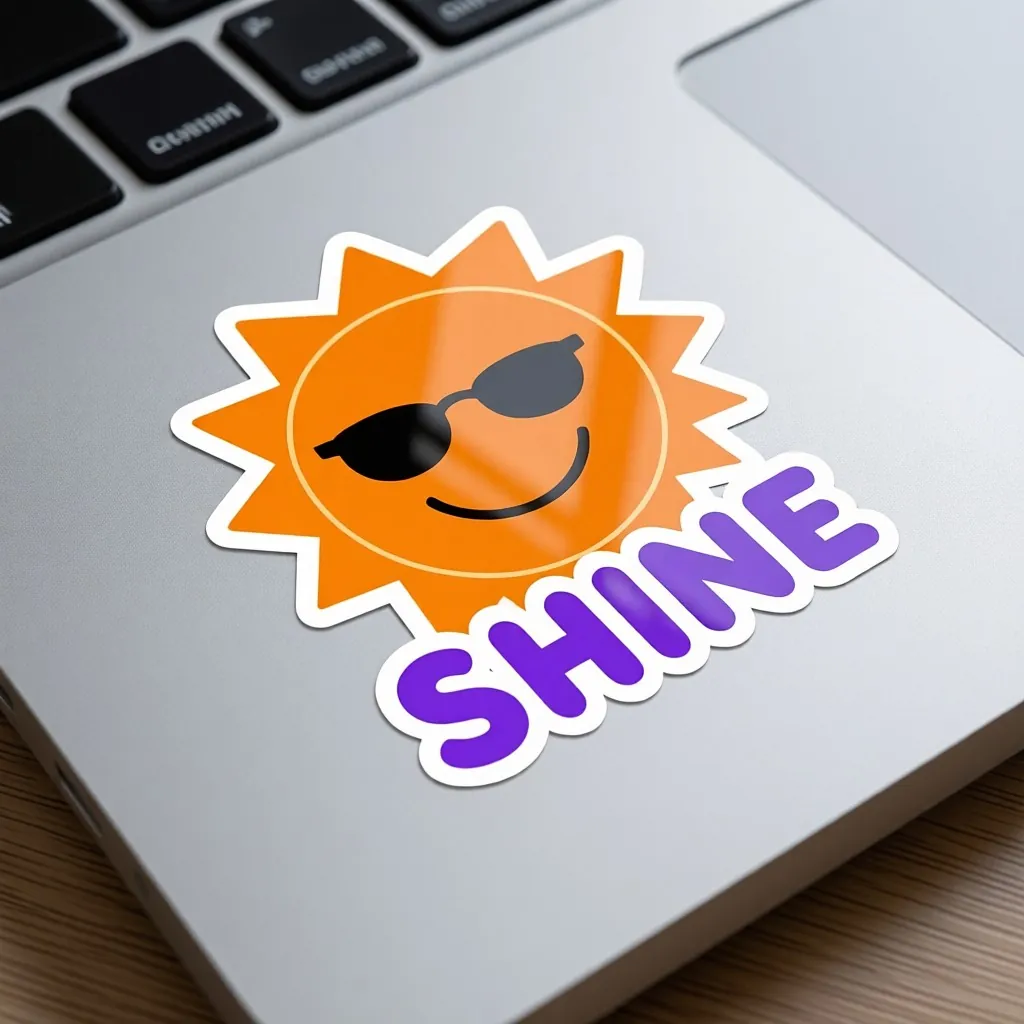
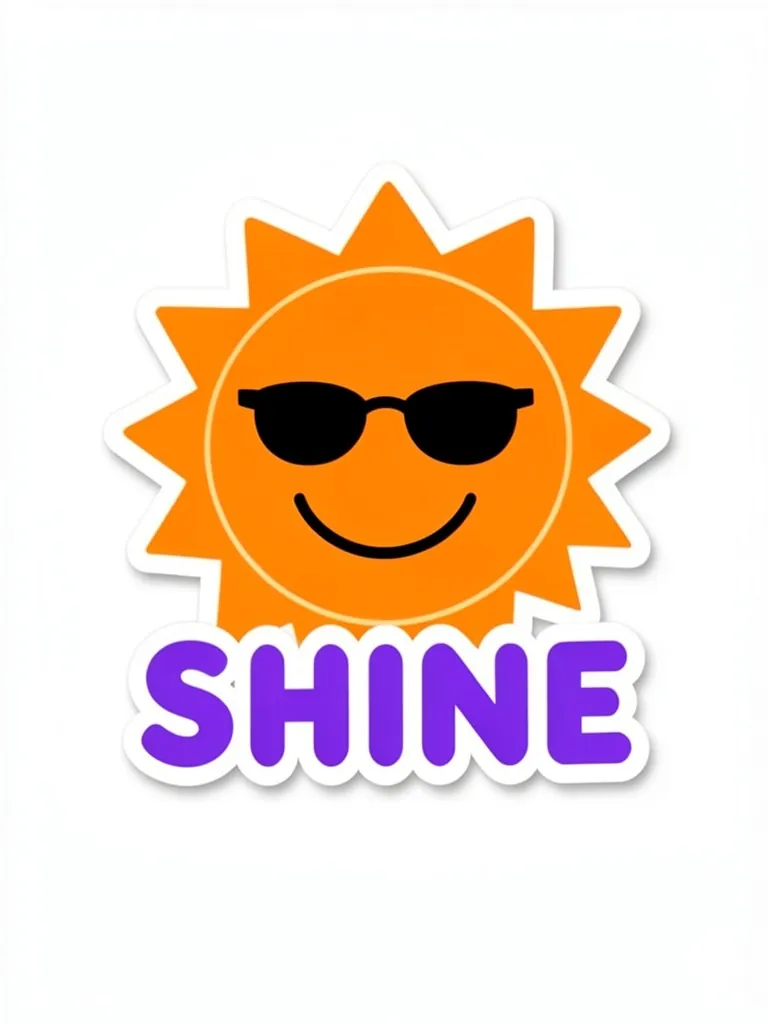
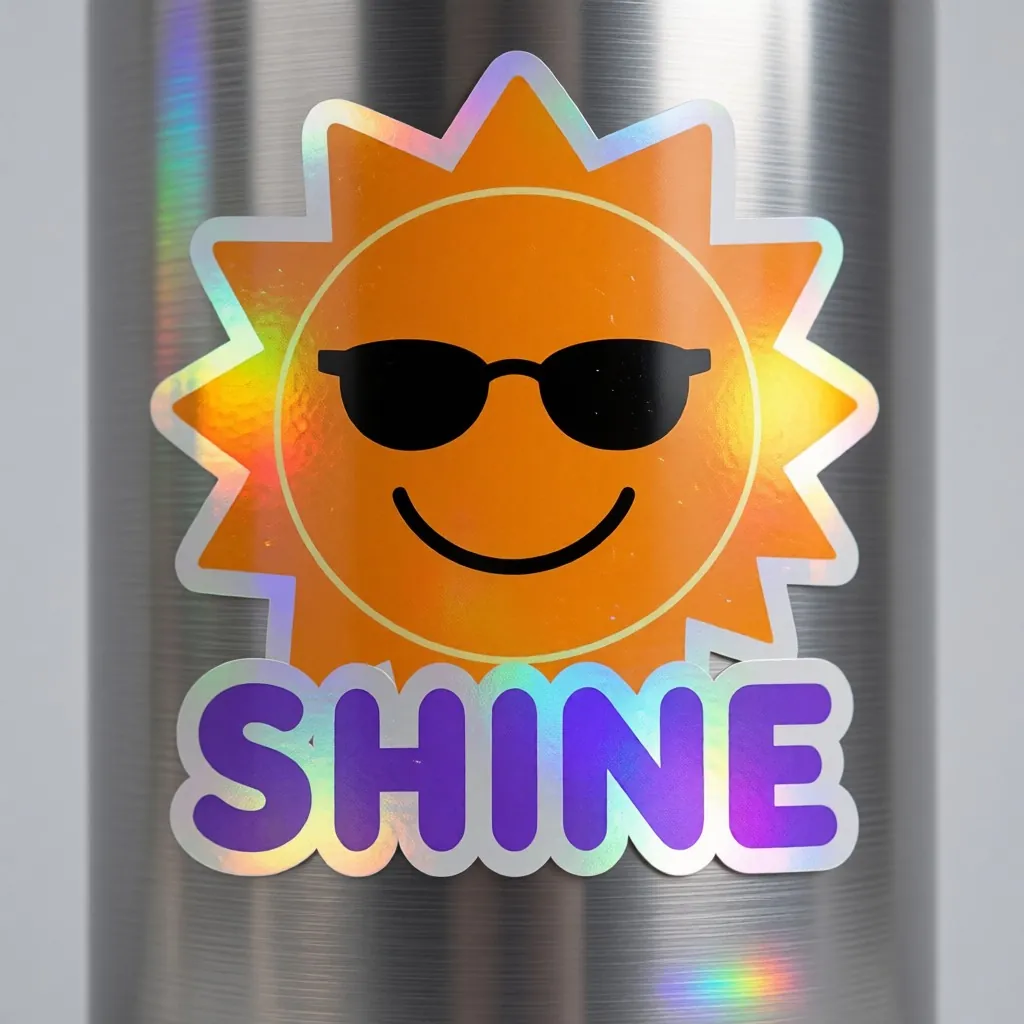
How the sticker mockup generator works
1. Upload your design
A PNG with a transparent background gives the cleanest die-cut outline.2. Choose the sticker
Pick the sticker type and where it is shown.3. Download the mockup
Use it as a listing photo, a packaging preview or a free add-on preview for your clothing orders.
Stickers sell on their own and boost clothing orders
Sticker shops on Etsy and Redbubble need a clean photo for every design. Clothing brands also add a free logo sticker to each order; a mockup on a mailer or box shows customers what arrives.
Holographic and clear stickers are hard to photograph well at home. The mockup shows the shimmer or the clear edge without printing a sample first.
More tools for your product photos: Shopping bag mockup, Apparel mockup, Print on demand hoodie mockup, Sweater mockup, Black t-shirt mockup, White t-shirt mockup, AI clothing product photography, All AIBlacks tools.
Sticker Mockup Generator questions
Can I upload any design?
Upload only artwork you made or have the rights to use. Do not upload other brands' logos, characters or copyrighted designs.
What is the difference between die-cut and kiss-cut?
A die-cut sticker is cut through the backing to the shape of the design. A kiss-cut sticker is cut only through the vinyl, so it stays on a larger backing sheet.
Can I show my logo sticker on a shipping box?
Yes. Pick kraft box or poly mailer as the surface.
Are real people shown?
No. The in-a-hand option shows only an AI-generated adult hand, with no face.
How much does it cost?
Your first image is free. After that, a free account gets 20 monthly credits (free images carry a small watermark). Paid plans remove the watermark.