Clothes Color Changer: Recolor a Garment Photo
Upload a product photo of one garment and see it in another color. Recolor the whole garment, or change only the main fabric and keep buttons, zippers, trims and prints as they are. Pick from 16 colors and compare shades before you order stock.
1Upload your garment photo
Click or drop a JPG, PNG or WEBP (max 10 MB).
One garment, fully visible, on a plain background. No people, hands or body parts in the photo.
2Choose the new color
Pick whether to recolor everything or only the main fabric.
What to recolor
New color
Your first image is free. Free accounts get 20 monthly credits (free images carry a small watermark).
Your recolored photo will appear here.
Example results
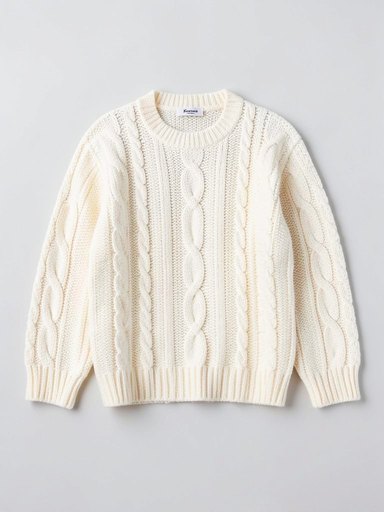
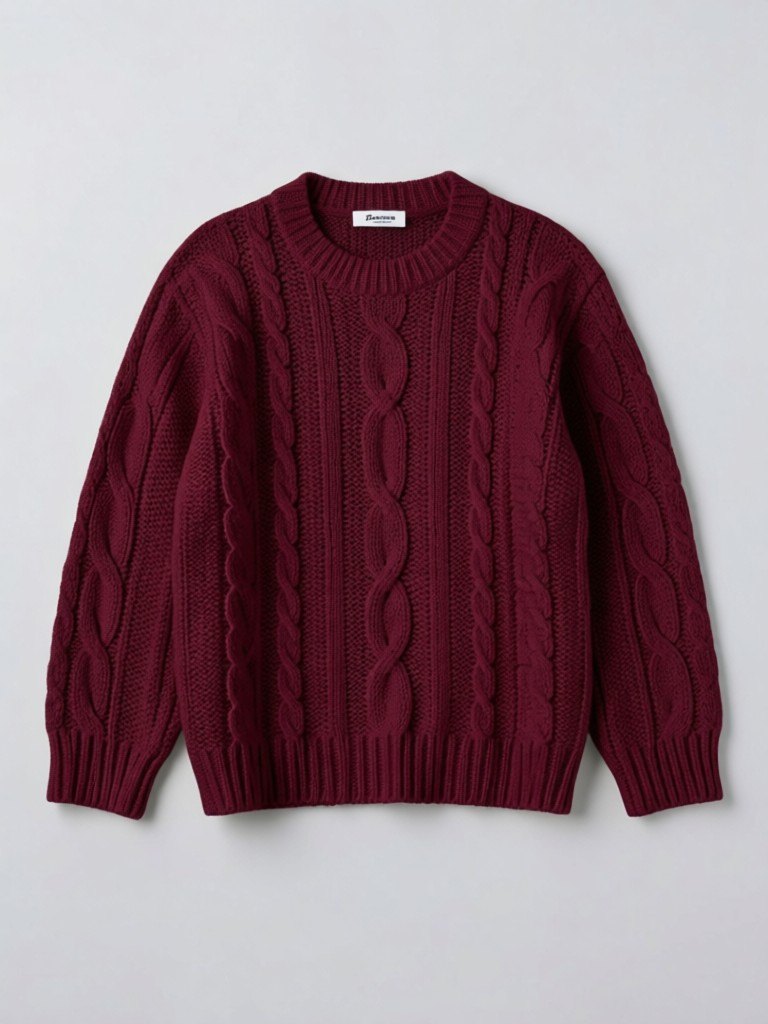
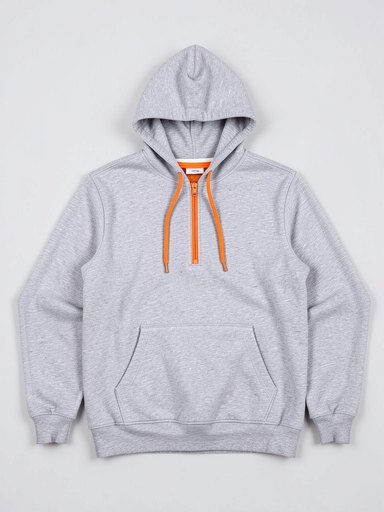
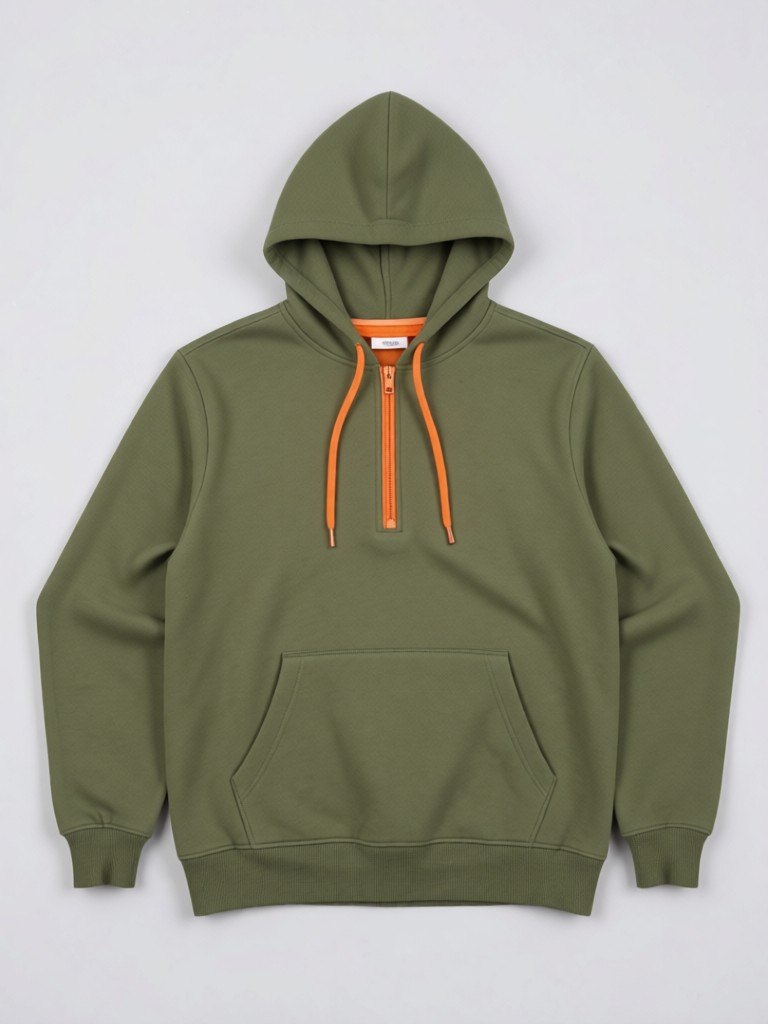
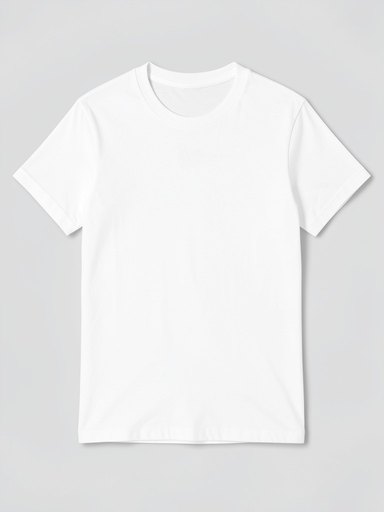
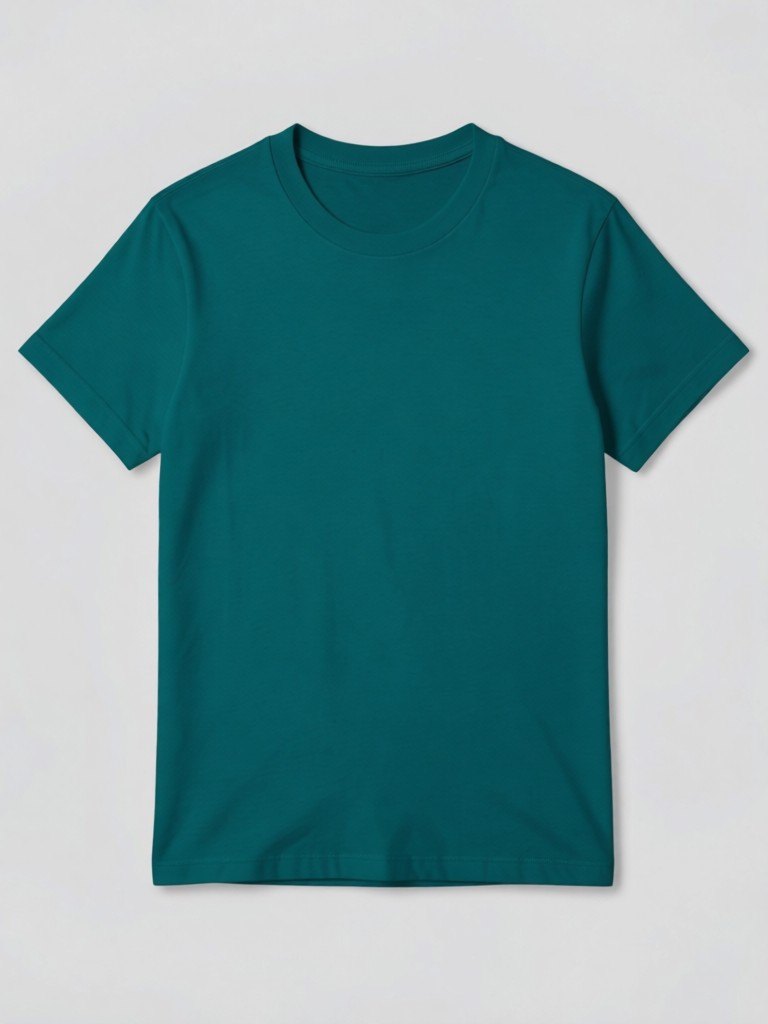
How the clothes color changer works
1. Upload the garment photo
A single garment photographed on a plain background in even light. Flat lay, hanger or mannequin all work, with no person in the photo.2. Pick the color and scope
Choose one of 16 colors, and whether the whole garment changes or only the main fabric while trims and details keep their original colors.3. Compare and download
Download the recolored photo, then run it again with other shades to compare them side by side.
Test colors before you buy stock in them
Choosing colorways is one of the riskiest decisions a small clothing brand makes. Each color means a separate minimum order, a separate photo shoot and a separate chunk of unsold stock if it flops. A photo recolor lets you ask the audience first. Take one photo of your best-selling piece, generate it in burgundy, olive, teal and mustard, post the options and see which one people comment on or save before you place the order.
The two modes cover the common cases. Whole garment changes everything that is fabric, which suits plain tees, knitwear, dresses and trousers. Keep trims and details changes only the main fabric and leaves buttons, zipper pulls, drawstrings, labels, stitching and prints in their original colors, which is better for a hoodie with contrast drawstrings or a jacket with a printed back.
It also saves time for sellers who stock one design in many colors. Instead of photographing every variant, you can show the extra colors on your product page as a preview, as long as you say clearly that the images are digital recolors and the real cloth may differ slightly. If a customer will receive a specific dye lot, send them a swatch or a real photo too.
Dark fabrics and patterns are the hardest to recolor, because folds, texture and prints carry a lot of the look. If you shoot the garment in even light, with the folds visible and the whole garment in frame, the recolor keeps the shape, shading and shadows and changes only the shade.
More tools for your product photos: Ghost mannequin effect, Black t-shirt mockup, White t-shirt mockup, AI clothing product photography, E-commerce product photography, Clothing mockup, All AIBlacks tools.
Clothes color changer questions
Does it work on photos of people?
No. The tool accepts product photos only. Photos that show a person or body parts are rejected.
What is the difference between whole garment and keep trims?
Whole garment recolors all of the fabric. Keep trims and details recolors only the main fabric and leaves buttons, zippers, drawstrings, labels, stitching and prints in their original colors.
How many colors can I choose?
Sixteen: black, white, red, burgundy, pink, orange, mustard, forest green, olive, teal, royal blue, navy, purple, chocolate, beige and grey.
Will the recolor match my real dye?
No image can promise that. Screens and AI images differ from real cloth, so order a swatch before you commit to a shade.
Does it change the shape or the background?
It is told to keep the shape, cut, folds, texture, shadows, background and framing identical, and to change only the color. Always check the result.
Will the garment look exactly like my product?
The AI is told to keep color, pattern and cut identical, but small details such as seams, labels and fine prints can change. Compare the result with your real product and follow your marketplace's rules for AI images before you publish.
Can I use the recolors on my store?
As previews of colors you can really supply, yes, and as long as you follow your marketplace's rules for AI-edited images. Do not sell a color you do not stock.
Can it recolor shoes, bags or jewelry?
It is built for clothing. Other products may work, but the results are less reliable.
How much does it cost?
Your first image is free. After that, a free account gets 20 monthly credits (free images carry a small watermark). Paid plans remove the watermark.
Product photos from a phone picture
Turn a hanger, flat lay or mannequin shot into a clean store photo, an on-model photo or a lookbook image.
AI Clothing Product Photography
- AI Ecommerce Product Photography
- Virtual Try-On for Clothes
- Flat Lay to Model
- Mannequin to Model
- Ghost Mannequin Effect
- AI Lookbook Generator