Flat Lay to Model: Turn a Clothing Photo into a Model Shot
Upload a flat lay photo of one garment and the AI shows it worn by an AI-generated adult model. You choose full body or waist up, a pose, the model's gender, age group and skin tone, and a studio or city street backdrop.
1Upload your flat lay photo
Click or drop a JPG, PNG or WEBP (max 10 MB).
One garment, laid flat and shot from above on a plain background. No people, hands or body parts in the photo.
2Choose the model shot
Models are AI-generated adults, not real people.
Framing
Pose
Model
Age group
Skin tone
Background
Your first image is free. Free accounts get 20 monthly credits (free images carry a small watermark).
Your model photo will appear here.
Example results
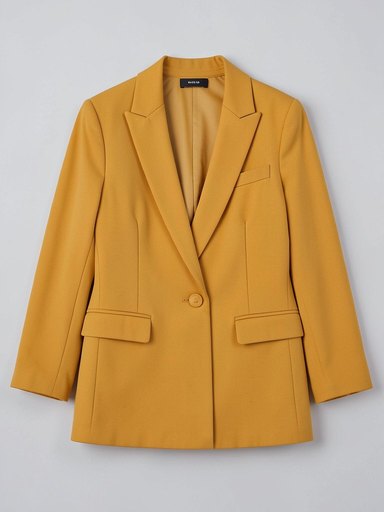
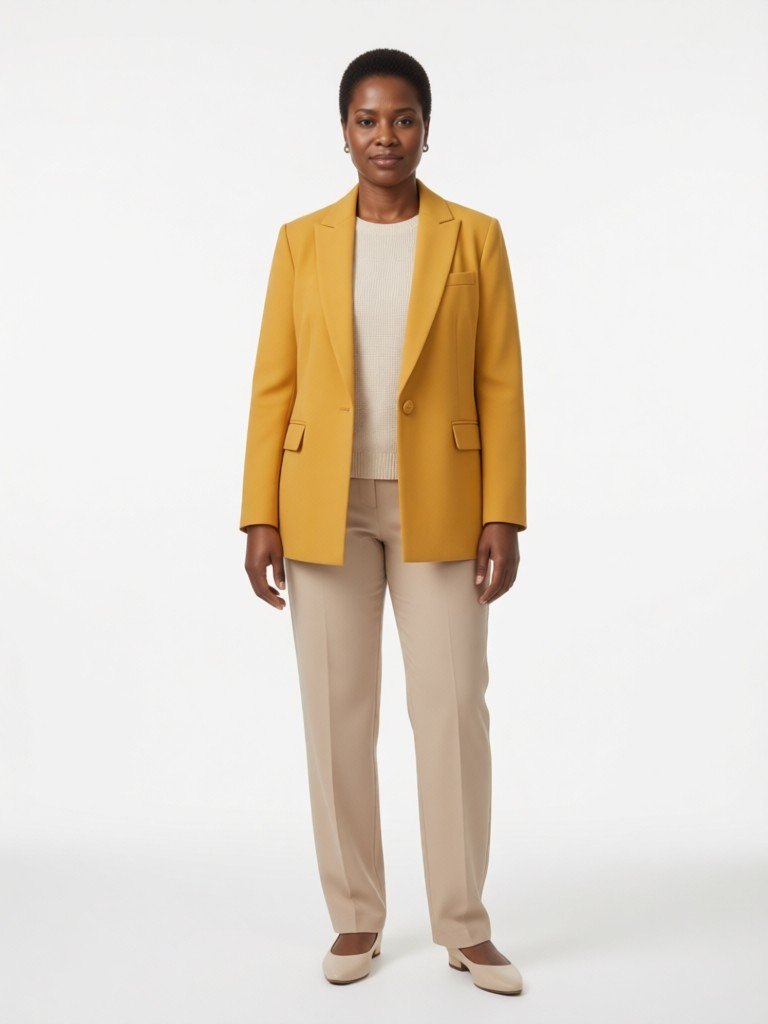
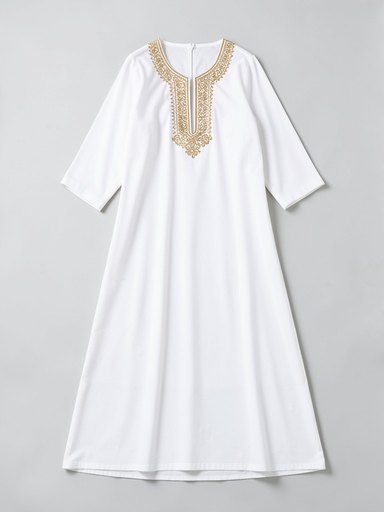
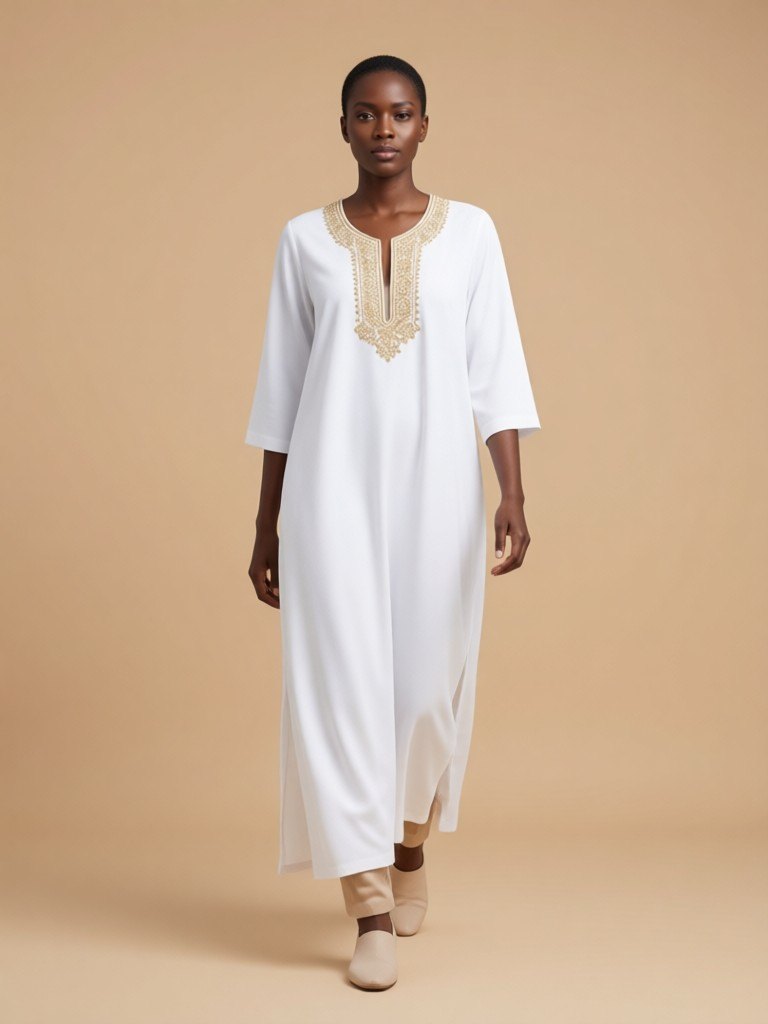
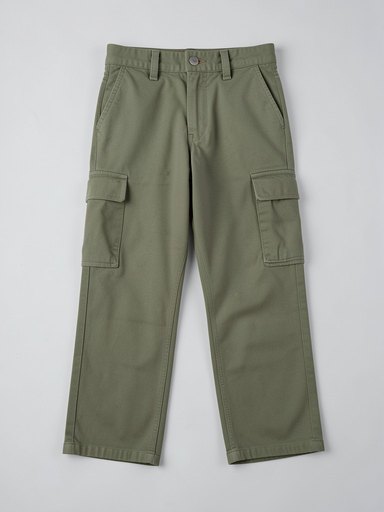
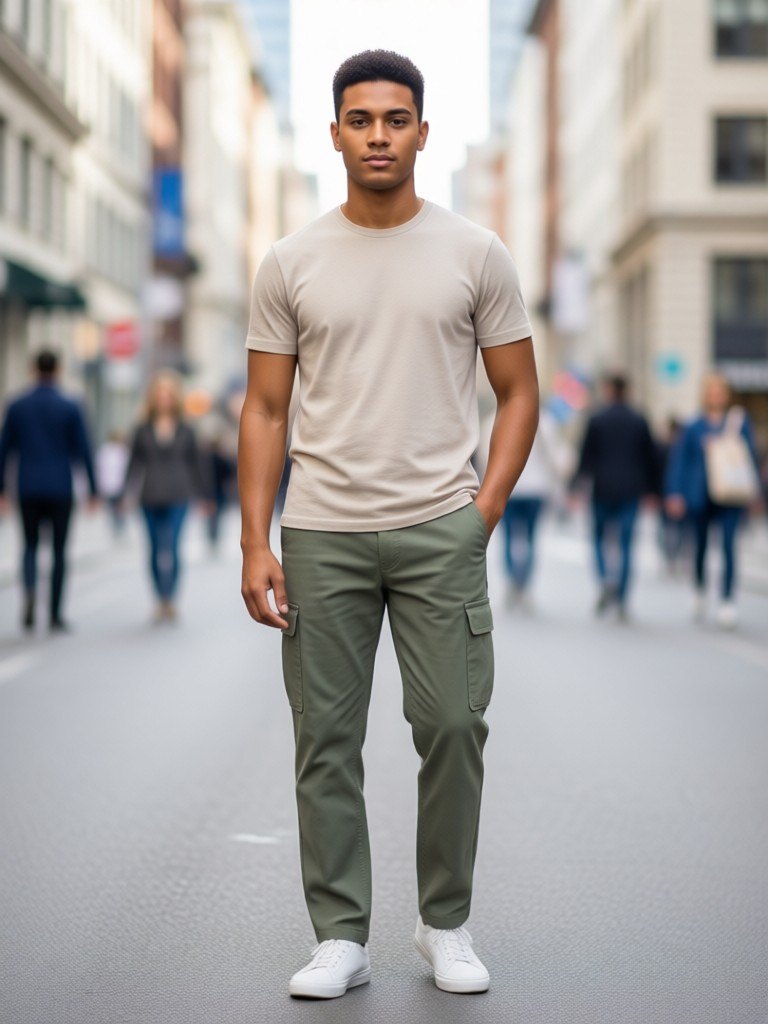
How flat lay to model works
1. Upload the flat lay
Lay one garment flat, shoot it from above in even light on a plain surface, and upload the photo.2. Choose the model
Full body or waist up; standing, hand in pocket or walking; women or men in their 20s, 30s, 40s or 50s; and one of six skin tones.3. Pick the backdrop and download
White, light grey or warm beige studio, or a softly blurred city street, then save the photo for your listing.
From a flat lay on your bed to a model shot on your listing
Most small clothing sellers start the same way: the garment is laid out on a bed, a table or the floor, and a photo is taken from above. It is fast and it is honest about color and cut, but shoppers do not buy flat lays as eagerly as they buy clothes they can see worn. A model shot shows drape, length and how the garment sits on a body, and it is the picture that stops a thumb on a feed. This tool turns the flat lay you already have into that picture.
You decide who wears it. Showing the same piece on women and men, in their 20s, 30s, 40s or 50s, across six skin tones, is a quick way to see how different customers might imagine themselves in it, and to make a product page that looks like it was made for more than one kind of buyer. The full body framing shows the whole length of dresses, trousers and coats. Waist up suits tops, knitwear and jackets, where the neckline and sleeves matter.
For the best result, make the flat lay clean. Smooth the fabric, keep the garment fully in frame, avoid heavy shadows and keep other items out of the shot. Patterned and colored pieces convert more reliably than all-black items, where folds disappear in the dark. If the garment has a tiny print or text, check the model photo closely, because the AI redraws the garment rather than copying pixels.
Use the result as an additional listing image and a social post, and keep your original flat lay as the main source of truth for color and size. If a customer will receive exactly what you photographed, tell them clearly that model images are AI-generated previews.
More tools for your product photos: Virtual try-on for clothes, AI Black female model for clothing, Ghost mannequin effect, AI Black model generator, AI lookbook generator, AI clothing product photography, All AIBlacks tools.
Flat lay to model questions
Is the model a real person?
No. Every model is AI-generated and every model is an adult. The tool never uses or copies a real person's face.
What kind of photo works best?
One garment, fully visible, laid flat and shot straight down in even light on a plain surface. Folded stacks, several items or photos taken at an angle give weaker results.
Can I upload a photo of a person wearing the garment?
No. This tool is for product photos only. Photos that show a real person or body parts are not supported and are rejected.
Which garments does it work for?
Tops, dresses, trousers, skirts, jackets and knitwear. Shoes, bags and jewelry are different products, so use a product photography tool for them.
Will the garment look exactly like my product?
The AI is told to keep color, pattern and cut identical, but small details such as seams, labels and fine prints can change. Compare the result with your real product and follow your marketplace's rules for AI images before you publish.
Can I choose the model's age?
Yes, 20s, 30s, 40s or 50s. All models are adults. There is no option for children or teenagers.
What does the model wear with the garment?
Simple neutral clothes that do not compete with it. The prompt tells the AI to style your piece as the focus.
How is this different from virtual try-on?
Virtual try-on puts your garment onto a person from a photo you upload. Here you do not upload a person: the AI creates the model for you, and you choose their pose, age group and skin tone.
How much does it cost?
Your first image is free. After that, a free account gets 20 monthly credits (free images carry a small watermark). Paid plans remove the watermark.