Mannequin to Model: Replace the Mannequin with an AI Model
Upload a photo of your garment on a mannequin or dress form. The AI replaces the mannequin with an AI-generated adult model wearing the same garment. Choose full body or waist up, a pose, age group, skin tone and a studio backdrop.
1Upload your mannequin photo
Click or drop a JPG, PNG or WEBP (max 10 MB).
One garment on a headless mannequin or dress form against a plain background. Photos with a face, a real person or body parts are rejected.
2Choose the model shot
Models are AI-generated adults, not real people.
Framing
Pose
Model
Age group
Skin tone
Background
Your first image is free. Free accounts get 20 monthly credits (free images carry a small watermark).
Your model photo will appear here.
Example results
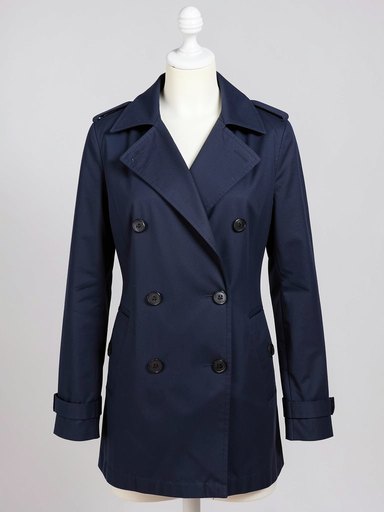
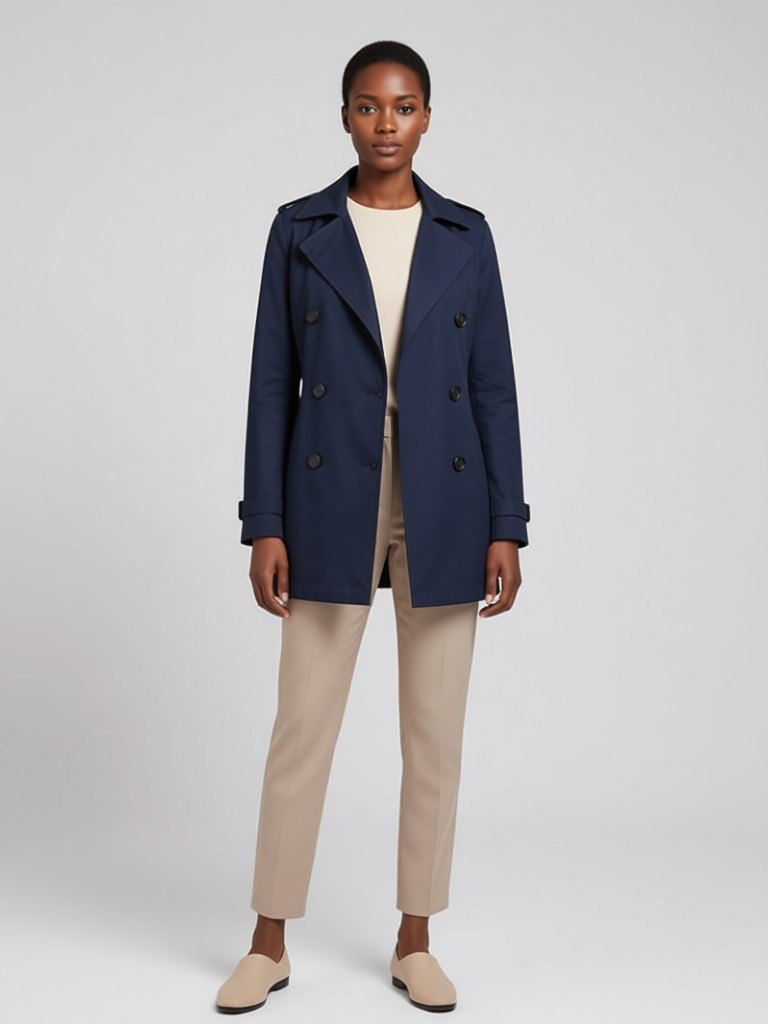
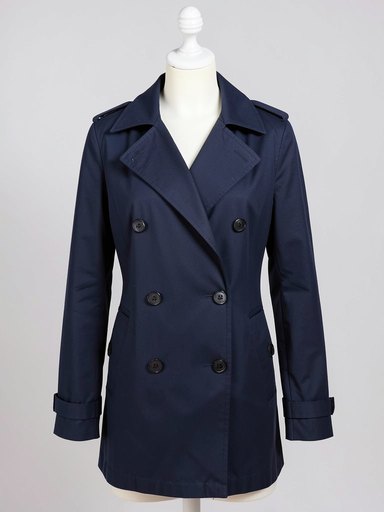
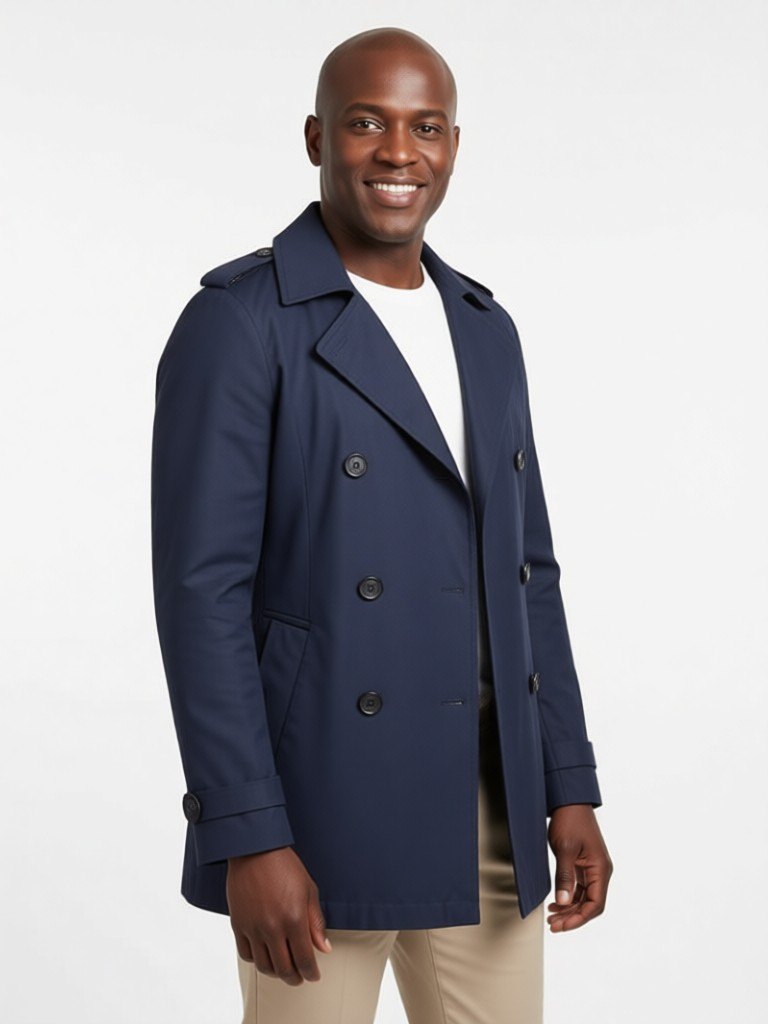
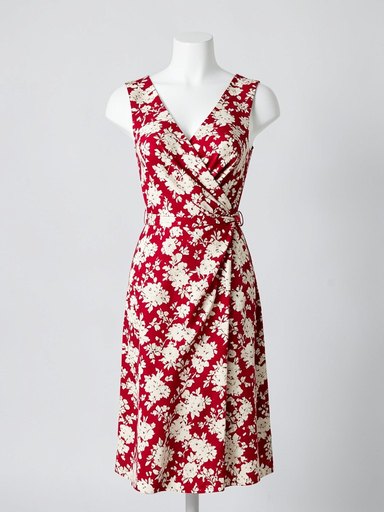
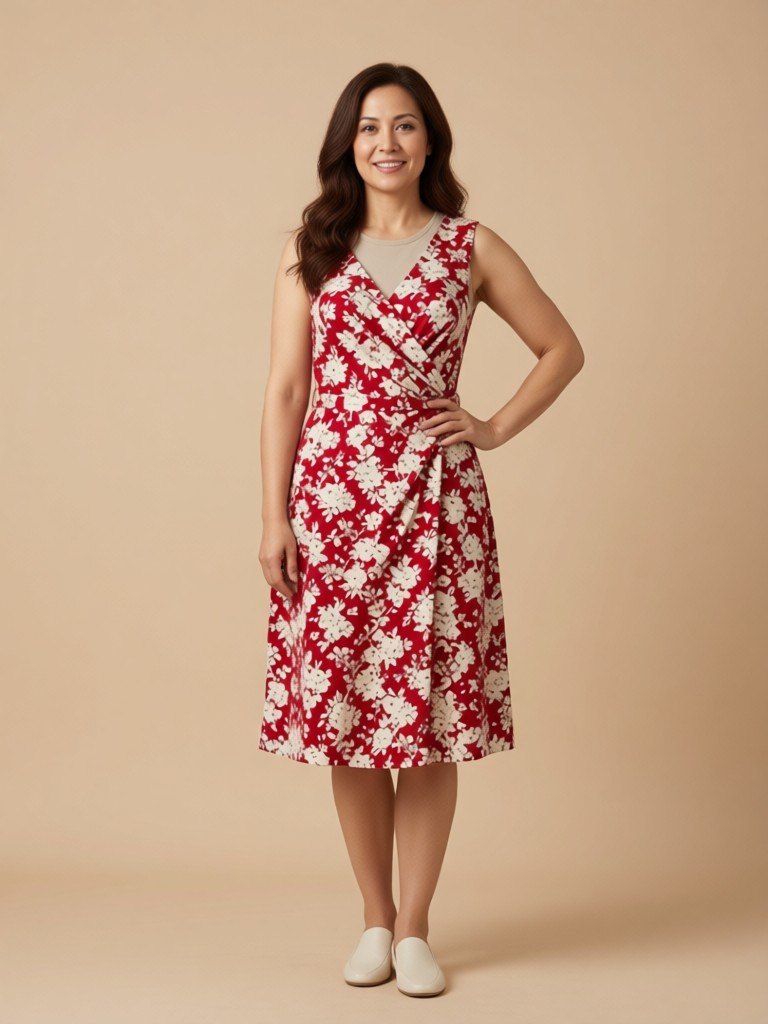
How mannequin to model works
1. Upload the mannequin photo
Photograph the garment on a headless mannequin or dress form, facing front, in even light on a plain background.2. Choose the model
Full body or waist up; standing, three-quarter turn or hand on hip; women or men in their 20s to 50s; and one of six skin tones.3. Pick the backdrop and download
White, light grey or warm beige studio, or a softly blurred city street, then save the photo.
Show the garment on a body instead of a plastic torso
Boutiques, tailors and designers often photograph new pieces on a mannequin, because it is quick, it holds the shape of the garment and it needs no model booking. The photos are useful but flat: a plastic torso gives customers little sense of how the cloth moves or how it looks on a real person. This tool keeps the garment from your mannequin photo and puts it on an AI-generated adult model, so the listing image shows a person instead of a stand.
The mannequin is removed completely, along with the dress form's stand, and the garment is fitted to the new body. You choose the framing, the pose and the background. Full body is best for dresses, coats and trousers that need to show length. Waist up is best for shirts, blazers, knitwear and anything where the neckline and shoulders sell the piece. A three-quarter turn adds a little movement and helps show how a coat or a dress hangs from the side.
Because the model is generated, you can show the same garment on women and men across six skin tones, and in their 20s, 30s, 40s or 50s, without booking a shoot for each look. That is especially useful for makers who sell to customers all over the world and want their product pages to feel inclusive.
A few tips for the source photo: shoot straight on, avoid cropping the hem or sleeves, remove price tags and pins, and keep the background plain. Headless mannequins and torso dress forms work best, and mannequins with painted faces may be rejected by the person check. Keep your mannequin photo as the reference for color, and label model images as AI-generated previews where required.
More tools for your product photos: Ghost mannequin effect, Black male model for clothing, Virtual try-on for clothes, AI Black fashion model generator, E-commerce product photography, All AIBlacks tools.
Mannequin to model questions
Is the model a real person?
No. Every model is AI-generated and every model is an adult. The tool never uses or copies a real person's face.
What kind of mannequin photo works?
A garment on a headless mannequin or dress form, facing front, with the whole garment visible against a plain background. A mannequin with a face may be rejected by the check that blocks photos of people.
Can I upload a photo of a person wearing the garment?
No. This tool is for product photos only. Photos that show a real person or body parts are not supported and are rejected.
Does it keep the garment's color and cut?
The AI is told to keep the color, pattern, fabric and cut identical. Details such as buttons, labels and small prints can still change, so compare the result with your real product.
What happens to the mannequin?
It is replaced completely by the new AI-generated model, including its stand.
Can I choose different models for the same garment?
Yes. Run the same photo again and change the gender, age group, skin tone or pose. Each run creates a new image.
What is the difference from the ghost mannequin effect?
Ghost mannequin removes the mannequin and leaves the garment floating in a worn shape. Mannequin to model puts the garment on an AI-generated person.
Which garments work best?
Dresses, coats, tops, jackets and trousers shown clearly on a torso or full-body mannequin. Accessories are not supported.
How much does it cost?
Your first image is free. After that, a free account gets 20 monthly credits (free images carry a small watermark). Paid plans remove the watermark.
Product photos from a phone picture
Turn a hanger, flat lay or mannequin shot into a clean store photo, an on-model photo or a lookbook image.
AI Clothing Product Photography
- AI Ecommerce Product Photography
- Virtual Try-On for Clothes
- Flat Lay to Model
- Ghost Mannequin Effect
- AI Lookbook Generator
- Clothes Color Changer