AI Ecommerce Product Photography
Take one phone photo of a garment, pair of shoes, bag, piece of jewelry or any product, and get a clean ecommerce photo: a white marketplace main image, a grey packshot, a flat lay on linen, a marble shot or a light wood lifestyle shot. No studio, no photographer.
1Upload your product photo
Click or drop a JPG, PNG or WEBP (max 10 MB).
One product, fully visible, on any background. A casual phone photo is fine.
2Choose the shot
Product-only photos: no model, no mannequin.
Product
Photo style
Your first image is free. Free accounts get 20 monthly credits (free images carry a small watermark).
Your product photo will appear here.
Example results
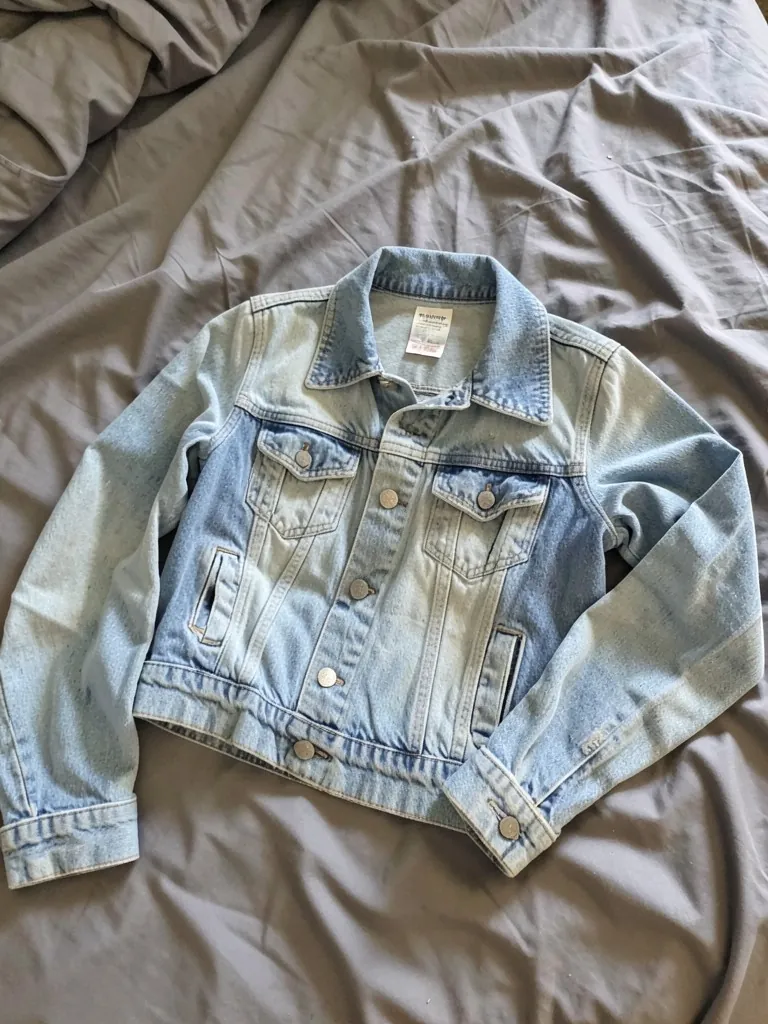
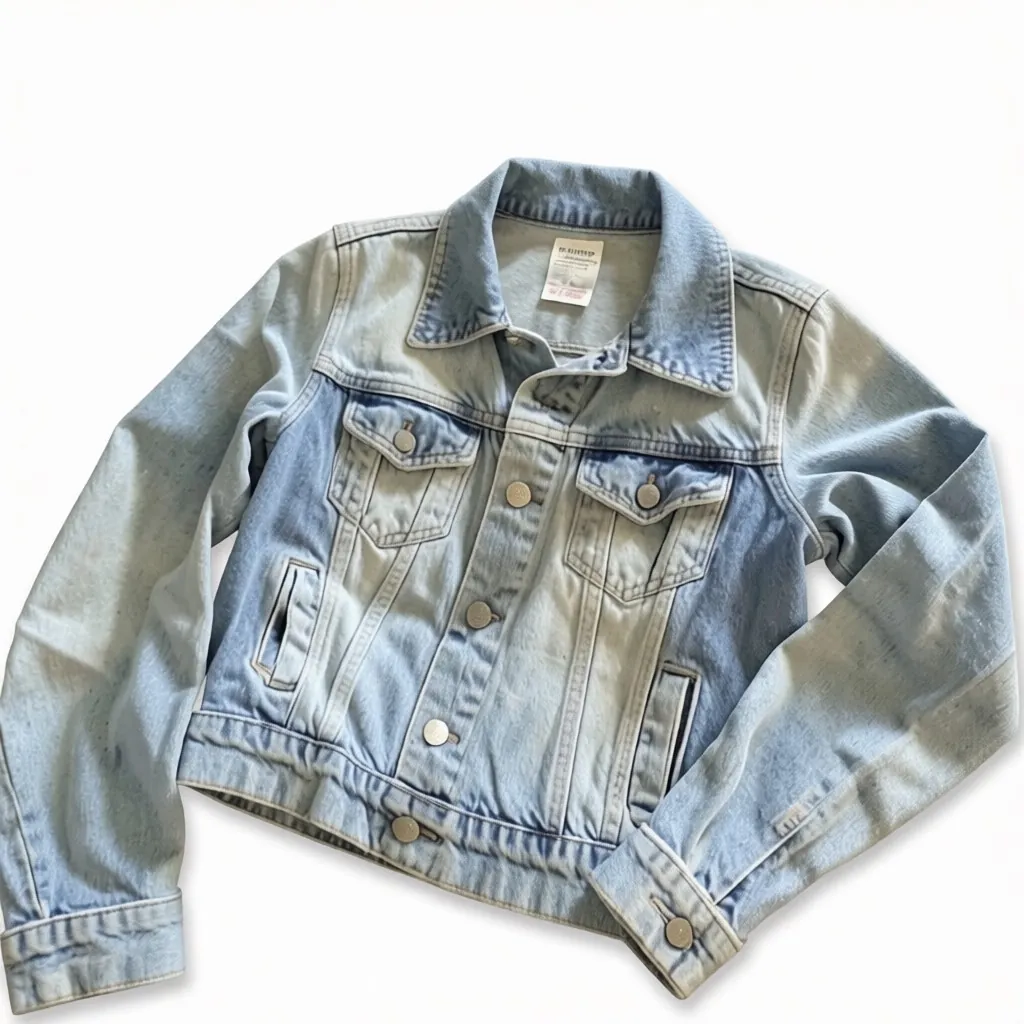
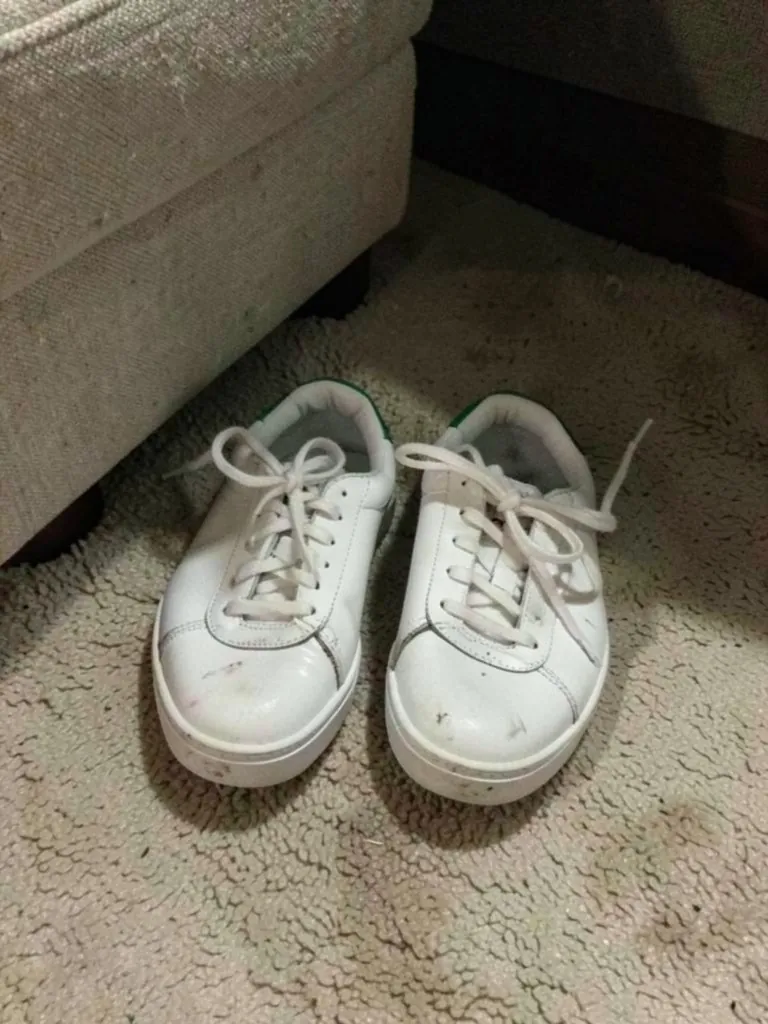
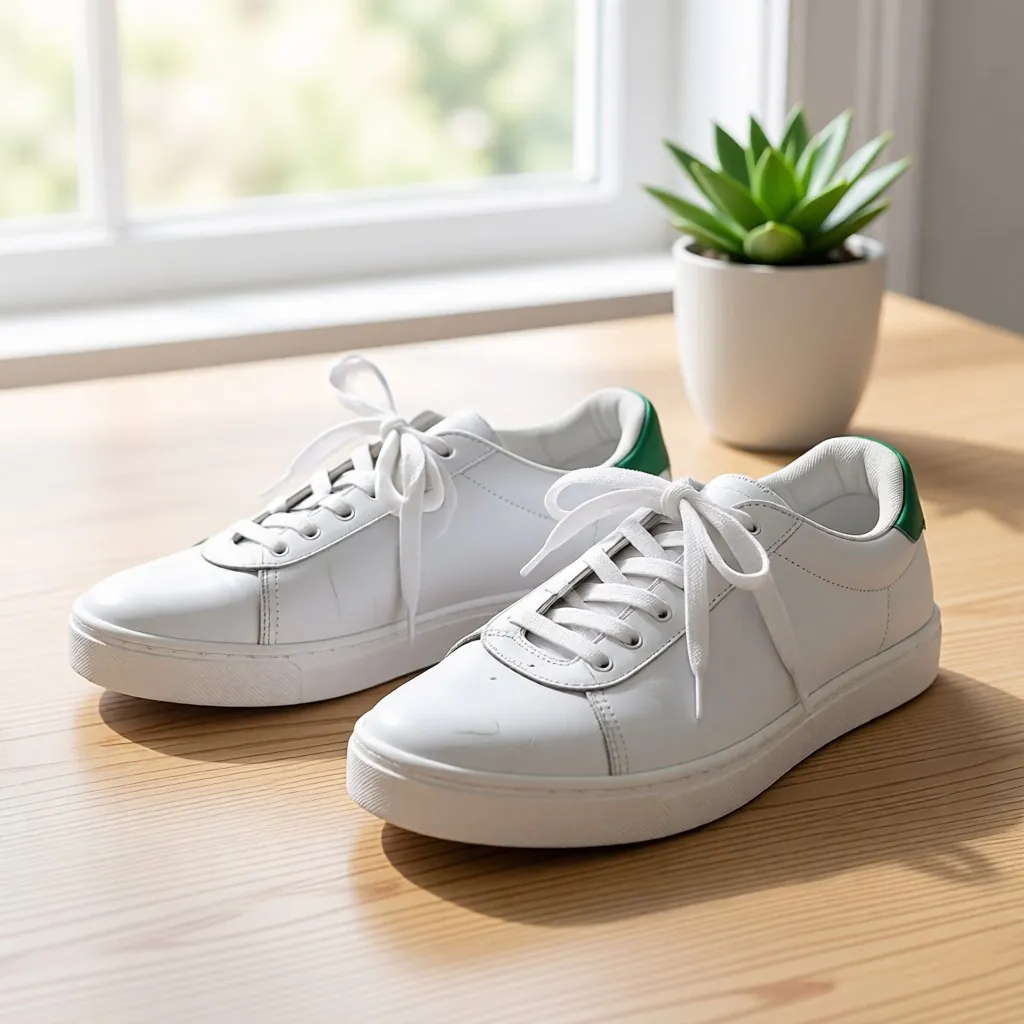
How the ai ecommerce product photography works
1. Upload a product photo
One product, fully in frame, in good light. A casual phone photo is fine.2. Pick the shot
Choose what the product is and the photo style you need.3. Download and list
Use it as your main image on Amazon, Etsy, eBay, Shopify or Instagram.
Studio-style product photos without the studio
Marketplaces want a clean main image, usually on white, and shoppers decide from the photos. A product studio is out of reach for most small sellers, and phone photos with a messy background lose sales.
The tool removes the background, hands and clutter and redraws the product in a clean scene. The AI redraws the product, so compare color, print and details with the real item before you publish.
More tools for your product photos: Black t-shirt mockup, White t-shirt mockup, Apparel mockup, AI clothing product photography, All AIBlacks tools.
AI Ecommerce Product Photography questions
Does it work for things other than clothes?
Yes. Pick garment, shoes, bag, jewelry, accessory or other product.
Can I upload a photo of someone wearing the product?
No. Upload a photo of the product on its own. The tool does not edit photos of people.
Is the white image ready for Amazon?
It gives a pure white background with the product centered. Check your marketplace's current image rules, like minimum size and how much of the frame the product fills.
Will the product look exactly the same?
The AI keeps the shape, color and print, but it redraws the photo. Compare small details, logos and text with the real product before you list it.
How much does it cost?
Your first image is free. After that, a free account gets 20 monthly credits (free images carry a small watermark). Paid plans remove the watermark.
Store owners who want photos fast can start from the AI models for Shopify stores guide. Footwear and bag listings have their own pages: AI models for shoes and AI models for handbags. Watch sellers can see wrist and lifestyle examples on AI models for watches. Etsy shops, dropshippers and jewelry sellers have their own guides: AI models for Etsy sellers, AI models for dropshipping and AI models for jewelry.
Product photos from a phone picture
Turn a hanger, flat lay or mannequin shot into a clean store photo, an on-model photo or a lookbook image.
AI Clothing Product Photography
- Virtual Try-On for Clothes
- Flat Lay to Model
- Mannequin to Model
- Ghost Mannequin Effect
- AI Lookbook Generator
- Clothes Color Changer